Click to go to Top of Document
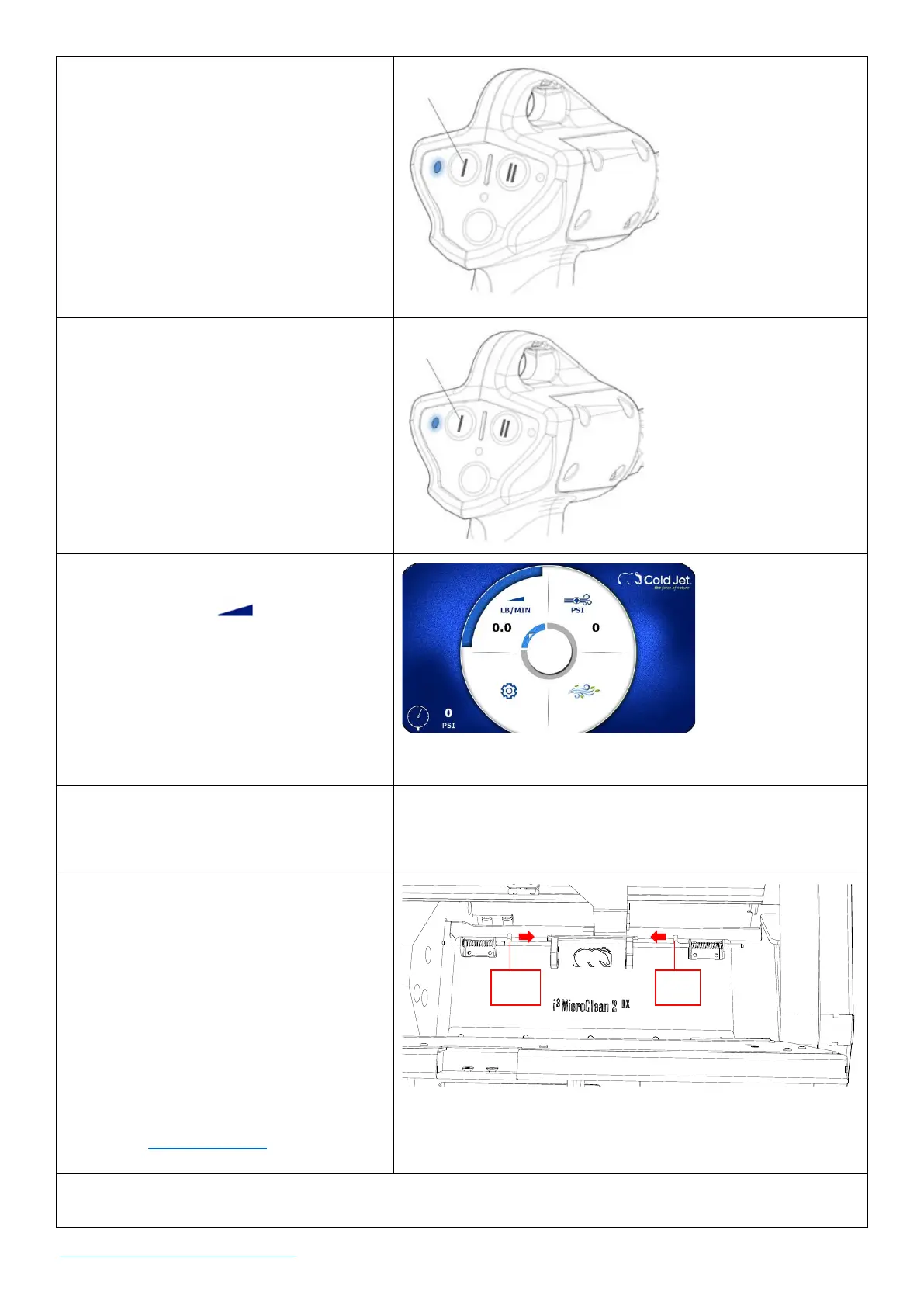
2. Press the Air-Only button (I) once on
the applicator. The blue LED indicator
light will come on.
3. Pull the applicator trigger for (2)
minutes to purge the system.
4. Push the Air-Only button once to
deactivate applicator.
5. Use the rotary encoder dial, navigate
to the feed rate icon and press
the dial once to activate. The button
will be green and active.
6. Adjust the feed rate to its lowest
setting and press the dial once.
7. Open the trough lid on the front of
the machine.
8. Pull the pins at either end of the inner
cover towards each other to open the
cover.
9. Check the inside for the presence of
any foreign material or condensate.
Should it be necessary to remove
objects or clean the hopper, follow
proper Lockout Tagout procedures.
10. Load the machine with a 5x5 or 6x6 in block of dry ice or dry ice pellets as needed.



 To Next Page