UNPACKING
THE
COMMODORE
128
PERSONAL
COMPUTER
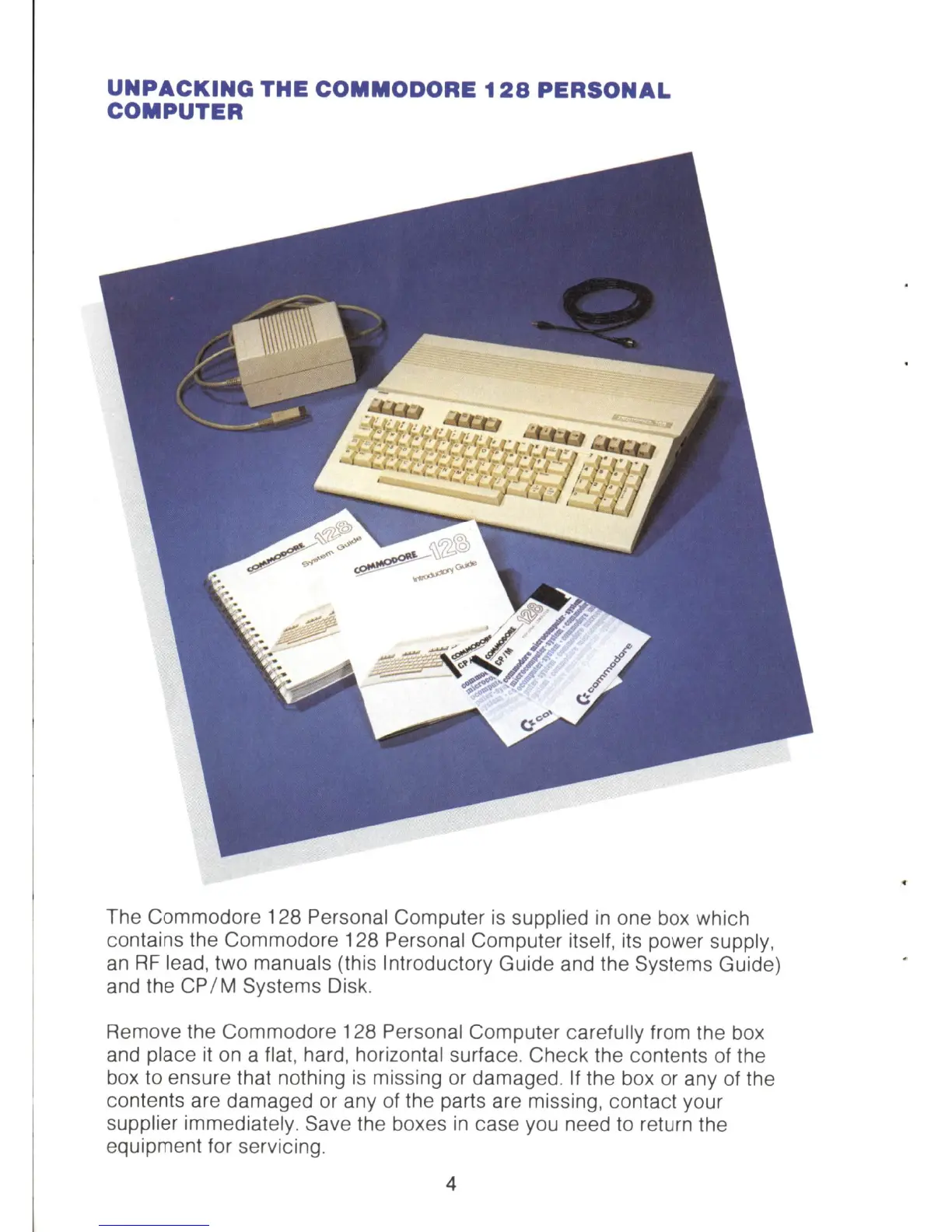
The Commodore 128 Personal Computer
is
supplied
in
one box which
contains the Commodore 128 Personal Computer itself, its power supply,
an
RF
lead, two manuals (this Introductory Guide and the Systems Guide)
and the
CP
/ M Systems Disk.
Remove the Commodore 128 Personal Computer carefully from the box
and
place
it
on
a flat, hard, horizontal surface. Check the contents of the
box
to
ensure that nothing
is
missing or damaged.
If
the box or any of the
contents are damaged or any of the parts are missing, contact your
supplier immediately. Save the boxes
in
case you need to return the
equipment for servicing.
4



 To Next Page