CARTRIDGE
Cartridge software
is
software
stored
in
ROM
(read only
memory) which
is
housed
in
a
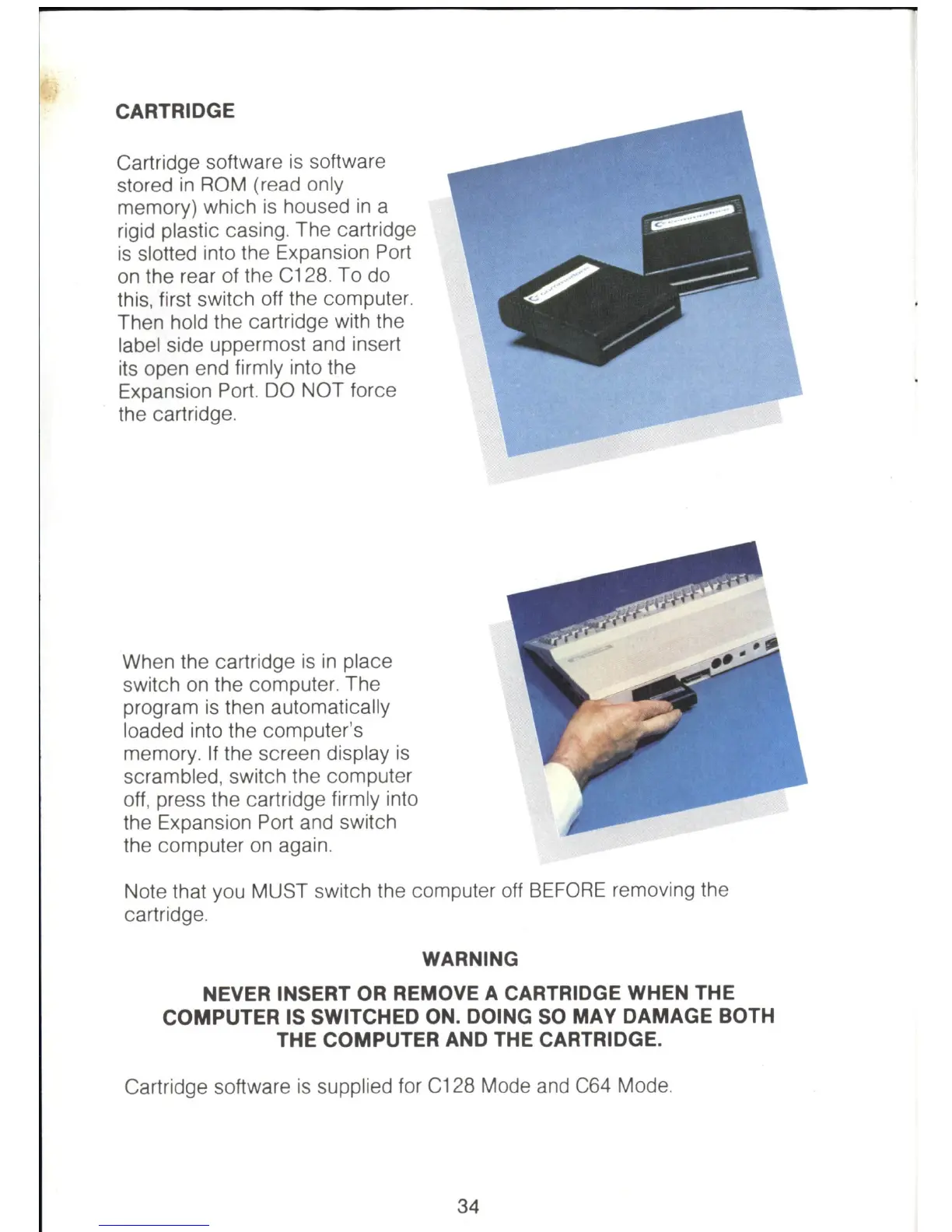
rigid plastic casing. The cartridge
is
slotted into the Expansion Port
on
the rear of the C128. To do
this, first switch off the computer.
Then hold the cartridge with the
label side uppermost and insert
its open end firmly into the
Expansion Port. DO NOT force
the cartridge.
When the cartridge
is
in
place
switch
on
the computer. The
program
is
then automatically
loaded into the computer's
memory.
If
the screen display
is
scrambled, switch the computer
off,
press the cartridge firmly into
the Expansion Port and switch
the computer
on
again.
Note that you MUST switch the computer off
BEFORE
removing the
cartridge.
WARNING
NEVER INSERT OR REMOVE A CARTRIDGE WHEN THE
COMPUTER IS SWITCHED ON. DOING
SO
MAY DAMAGE BOTH
THE COMPUTER AND THE CARTRIDGE.
Cartridge software
is
supplied for C128 Mode and
C64
Mode.
34



 To Next Page