Inserting a Disk Into The Disk Drive
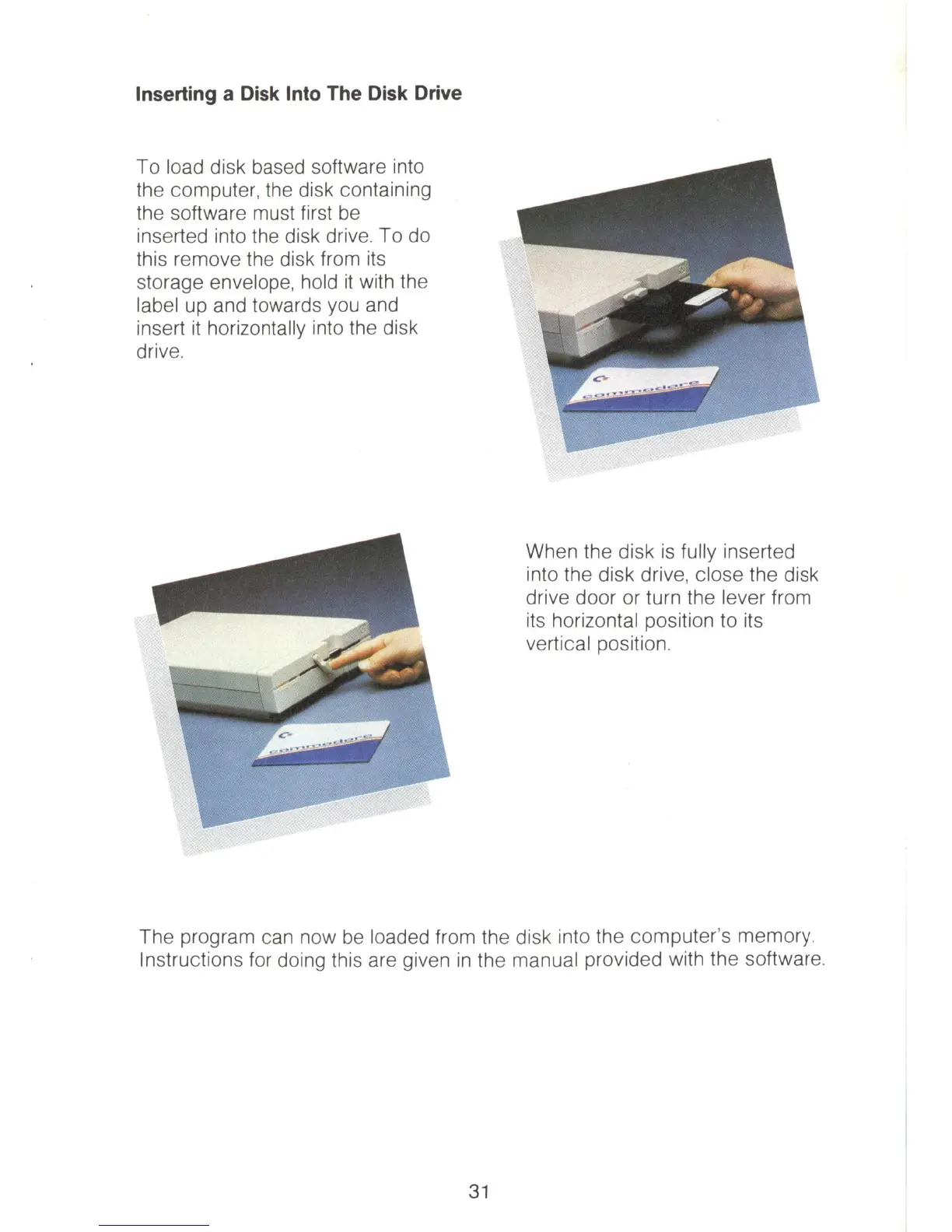
To load disk based software into
the computer, the disk containing
the software must first
be
inserted into the disk drive. To
do
this remove
th
e disk from
its
storage envel
ope,
ho
ld
it
wi
th the
label up and towards you and
insert
it
horizontally into the disk
drive.
When the disk is
fu
ll
y inserted
into the disk drive, close the disk
drive door or turn the lever from
its horizont
al
position to its
vertical position.
The program can now
be
loaded from the disk into the computer's memory.
Instructions for doing this are given
in
the manual provided with the software.
31



 To Next Page