C64 MODE
In
C64 Mode the C128 behaves exactly
as
if
it
is
a Commodore
64
computer.
In
this mode, Commodore
64
software in cartridge, disk
or
tape
format, can be
run
and
all
the standard Commodore
64
peripherals can
be
used. Note that the screen display
in
C64
Mode
is
40
columns only.
There are three methods of entering C64 Mode:
• With the power off, hold down
the (
'"
key and switch the
computer
on
. The
(:
key
is
in
the bottom left corner of the
keyboard. When the computer
is
switched
on
, the
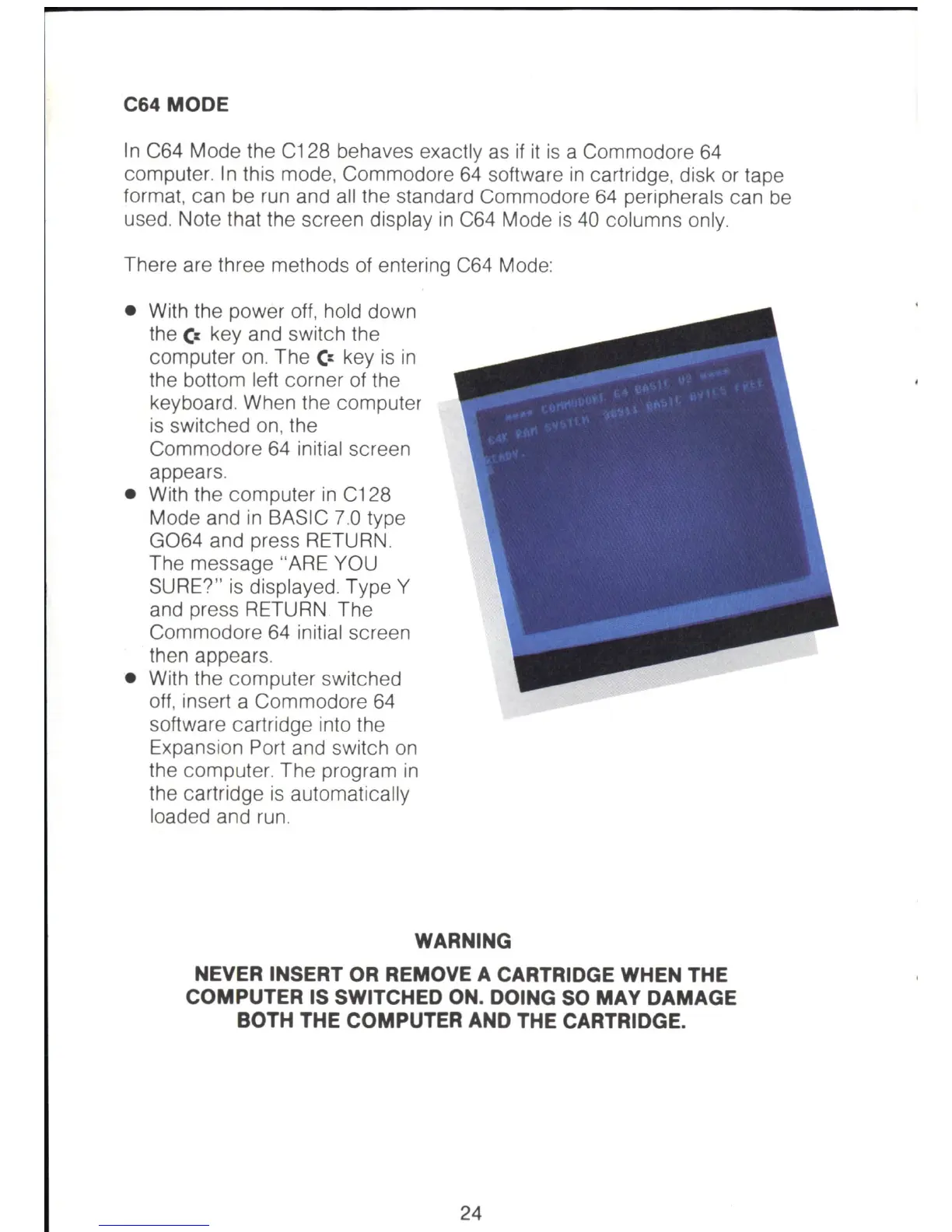
Commodore
64
initial screen
appears.
• With the computer
in
C128
Mode and
in
BASIC 7.0 type
G064
and press RETURN .
The message "ARE YOU
SURE?"
is
displayed. Type Y
and press RETURN The
Commodore
64
initial screen
then appears.
• With the computer switched
off, insert a Commodore
64
software cartridge into the
Expansion Port and switch
on
the computer. The program
in
the cartridge
is
automatically
loaded and
run
.
WARNING
NEVER INSERT OR REMOVE A CARTRIDGE WHEN THE
COMPUTER IS SWITCHED ON. DOING
SO
MAY DAMAGE
BOTH THE COMPUTER AND THE CARTRIDGE.
24



 To Next Page