THE
THREE
OPERATING
MODES
Each
of
the three operating modes of the Commodore 128 takes advantage
of particular hardware and software features. A description of each mode
is
given below, together with instructions
for
selecting that mode when the
computer
is
switched
on
and, where applicable, from C128 Mode.
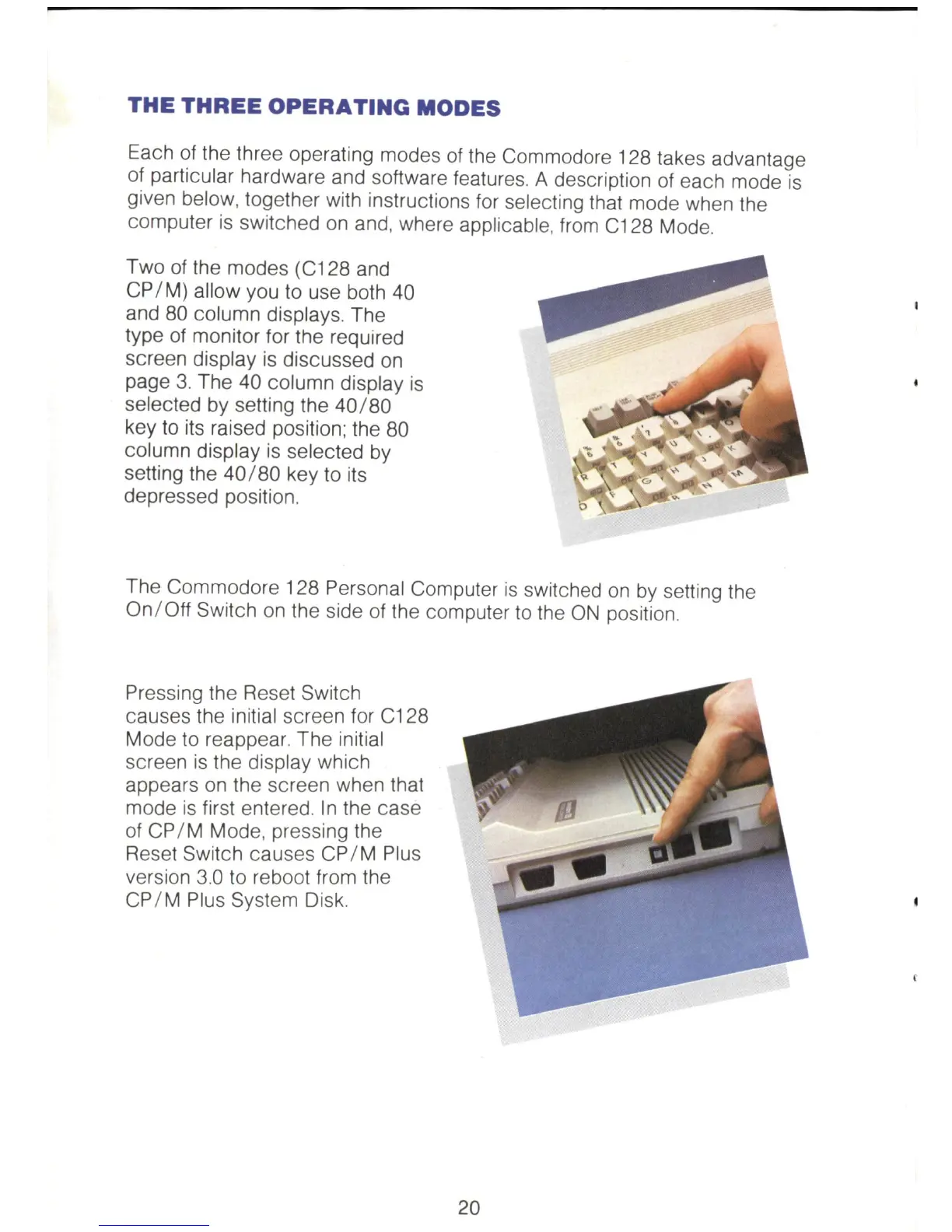
Two of the modes (C128 and
CP
/
M)
allow you to use both 40
and
80
column displays. The
type
of
monitor for the required
screen display
is
discussed
on
page 3. The 40 column display
is
selected by setting the
40/80
key to its raised position; the 80
column display
is
selected
by
setting the
40/80
key to its
depressed position.
The Commodore 128 Personal Computer
is
switched
on
by
setting the
On/ Off Switch
on
the side
of
the computer
to
the
ON
position.
Pressing the Reset Switch
causes the initial screen for C128
Mode to reappear. The initial
screen
is
the display which
appears
on
the screen when that
mode
is
first entered.
In
the case
of
CP
/ M Mode, pressing the
Reset Switch causes
CP
/ M Plus
version 3.0 to reboot from the
CP
/ M Plus System Disk.
20



 To Next Page