SWITCHING
ON
Plug the monitor, C128 and disk drive into the mains power supply.
When you switch
on
your C128 for the first time, use C128 Mode to test
that all the equipment works correctly.
If
you are using a
TV
set, a composite monitor, e.g. the
1701
, or a
1901
dual monitor, ensure that the 40 / 80 key is
in
the
40
column position (not
depressed).
If
this key
is
depressed, press
it
once to release
it
to its raised
position.
If
you are using a
1901
dual monitor, set
it
to
separated
chroma/ luma. This
is
described
in
the
1901
user manual.
If
you are using
an
RGBI
monitor, ensure that the 40 /
80
key
is
in
the
80
column position (depressed).
If
this key is
in
its raised position, press
it
once to depress
it.
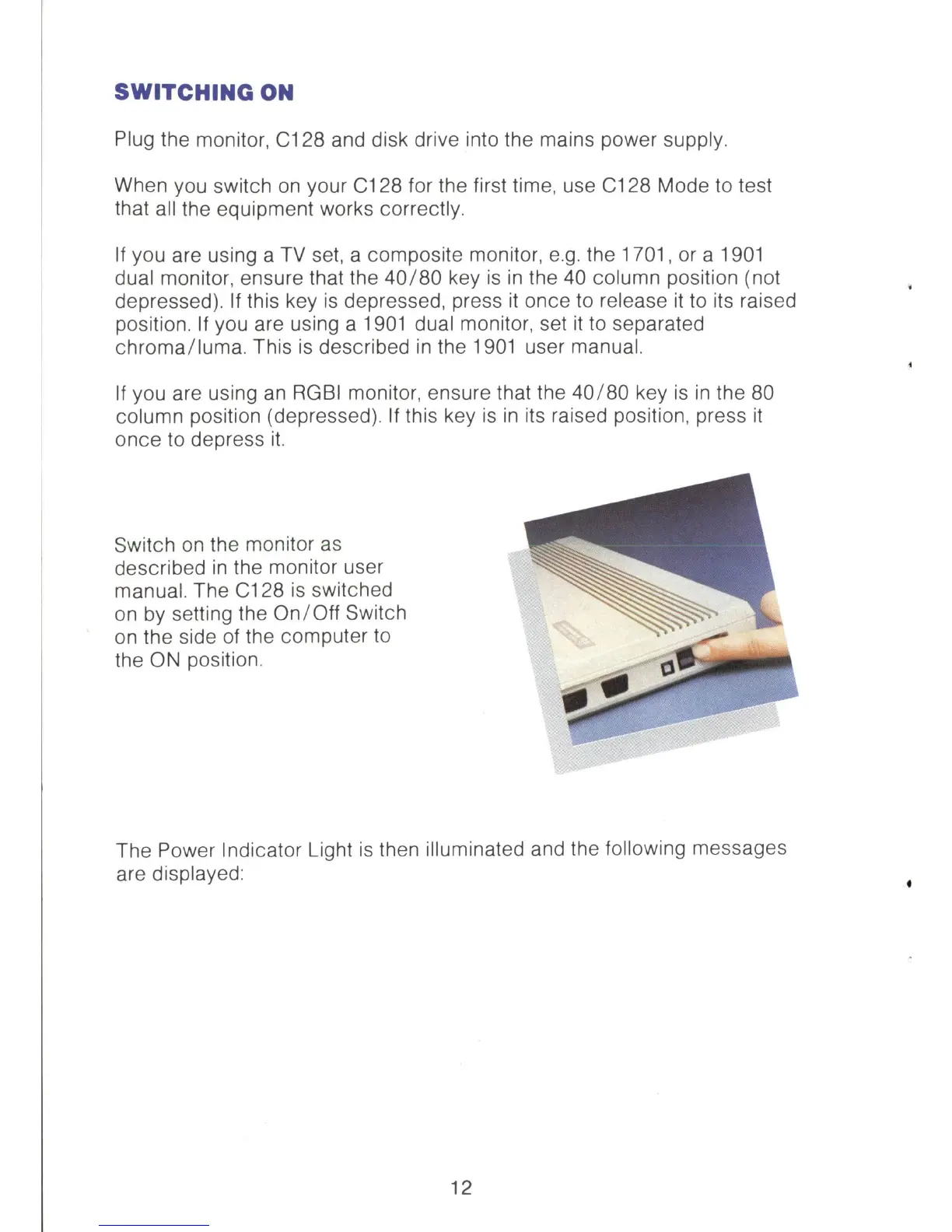
Switch
on
the monitor
as
described
in
the monitor user
manual. The C128
is
switched
on
by
setting the
On
/ Off Switch
on
the side of the computer
to
the
ON
position.
The Power Indicator Light
is
then illuminated and the following messages
are displayed:
12



 To Next Page