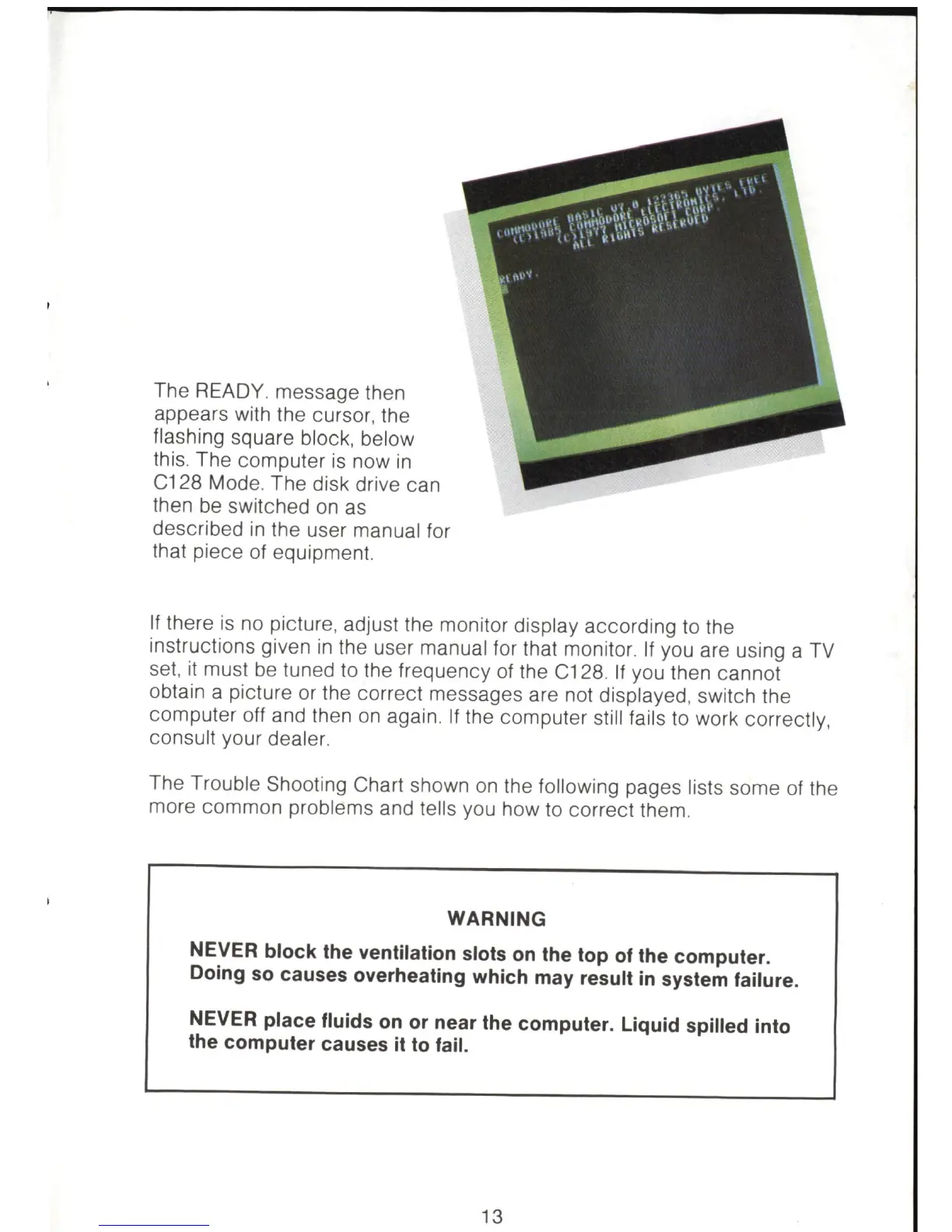
The READY. message then
appears with the cursor, the
fl
ashing square block, below
this. The computer
is
now
in
C128 Mode. The disk drive can
then be switched
on
as
described
in
the user manual for
that piece of equipment.
If
there
is
no picture, adjust the monitor display according to the
instructions given
in
the user manual for that monitor.
If
you are using a
TV
set,
it
must
be
tuned to the frequency of the C128. If you then cannot
obtain a picture or the correct messages are not displayed, switch the
computer off and then
on
again.
If
the computer still fails to work correctly,
consult your dealer.
The Trouble Shooti
ng
Chart shown
on
the fo
ll
owing pages lists some
of
the
more common problems and tells you how to correct them.
WARNING
NEVER block the ventilation slots
on
the top
of
the computer.
Doing
so
causes overheating which may result
in
system failure.
NEVER place fluids
on
or near the computer. Liquid spilled into
the computer causes
it
to
fail.
13



 To Next Page