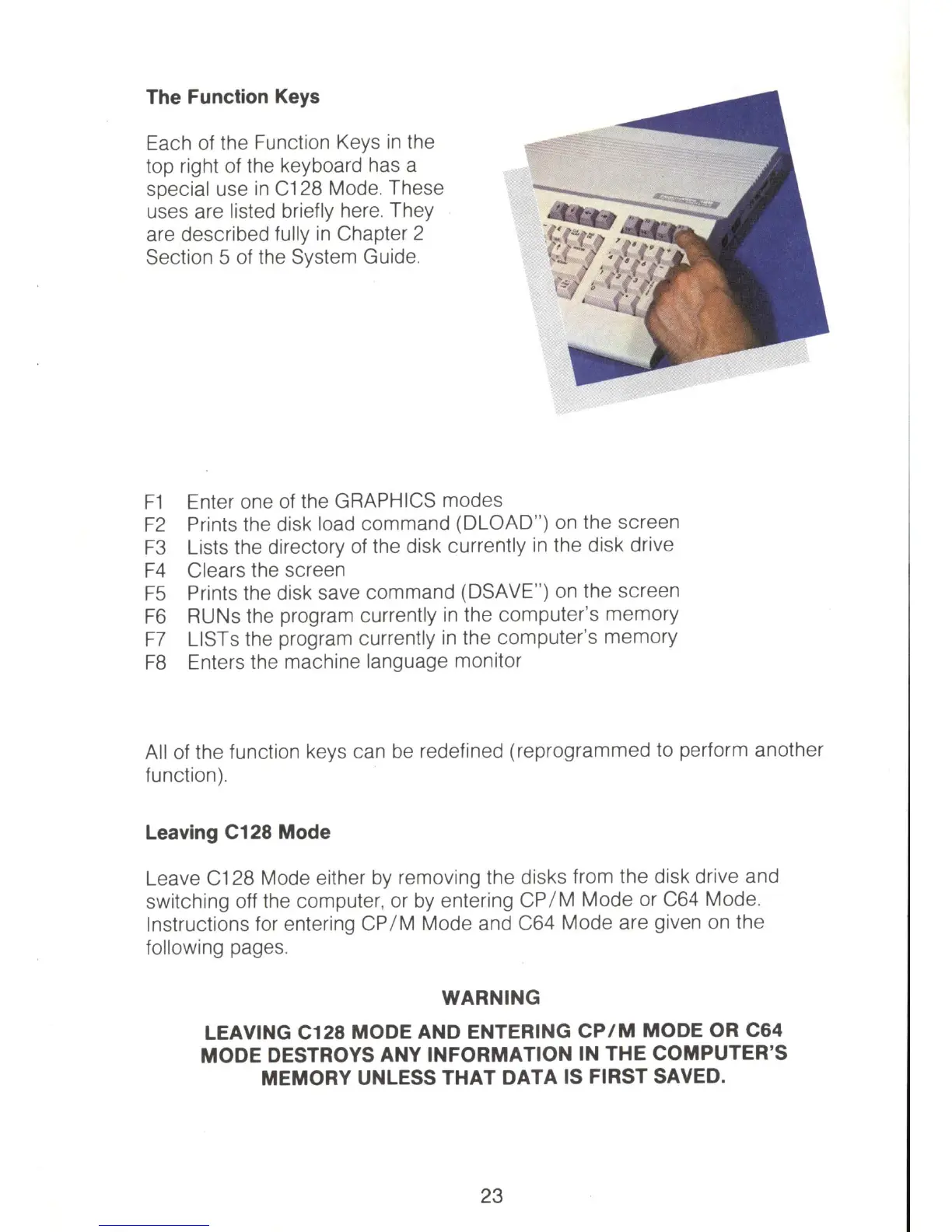
The Function
Keys
Each
of
the Function Keys
in
the
top right
of
the keyboard has a
special use
in
C128 Mode, These
uses are listed briefly here, They
are described fully
in
Chapter 2
Section 5 of the System Guide,
F1
Enter one
of
the GRAPHICS modes
F2
Prints the disk load command (DLOAD") on the screen
F3
Lists the directory
of
the disk currently
in
the disk drive
F4
Clears the screen
F5
Prints the disk save command (DSAVE")
on
the screen
F6
RUNs the program currently
in
the computer's memory
F7
LISTs the program currently
in
the computer's memory
F8
Enters the machine language monitor
All
of
the function keys can
be
redefined (reprogrammed to perform another
function),
Leaving C128 Mode
Leave C128 Mode either
by
removing the disks from the disk drive and
switching off the computer, or
by
entering
CP
/ M Mode or C64 Mode,
Instructions for entering
CP
/ M Mode and C64 Mode are given
on
the
following pages,
WARNING
LEAVING C128 MODE AND ENTERING
CP/M
MODE OR C64
MODE DESTROYS ANY INFORMATION IN THE COMPUTER'S
MEMORY UNLESS THAT DATA IS FIRST SAVED.
23



 To Next Page