If
you are using a monitor
it
is
supplied with a suitable lead for connecting
it
to
the computer and a user manual giving instructions for connecting the
monitor
to
the computer.
Connecting a composite monitor
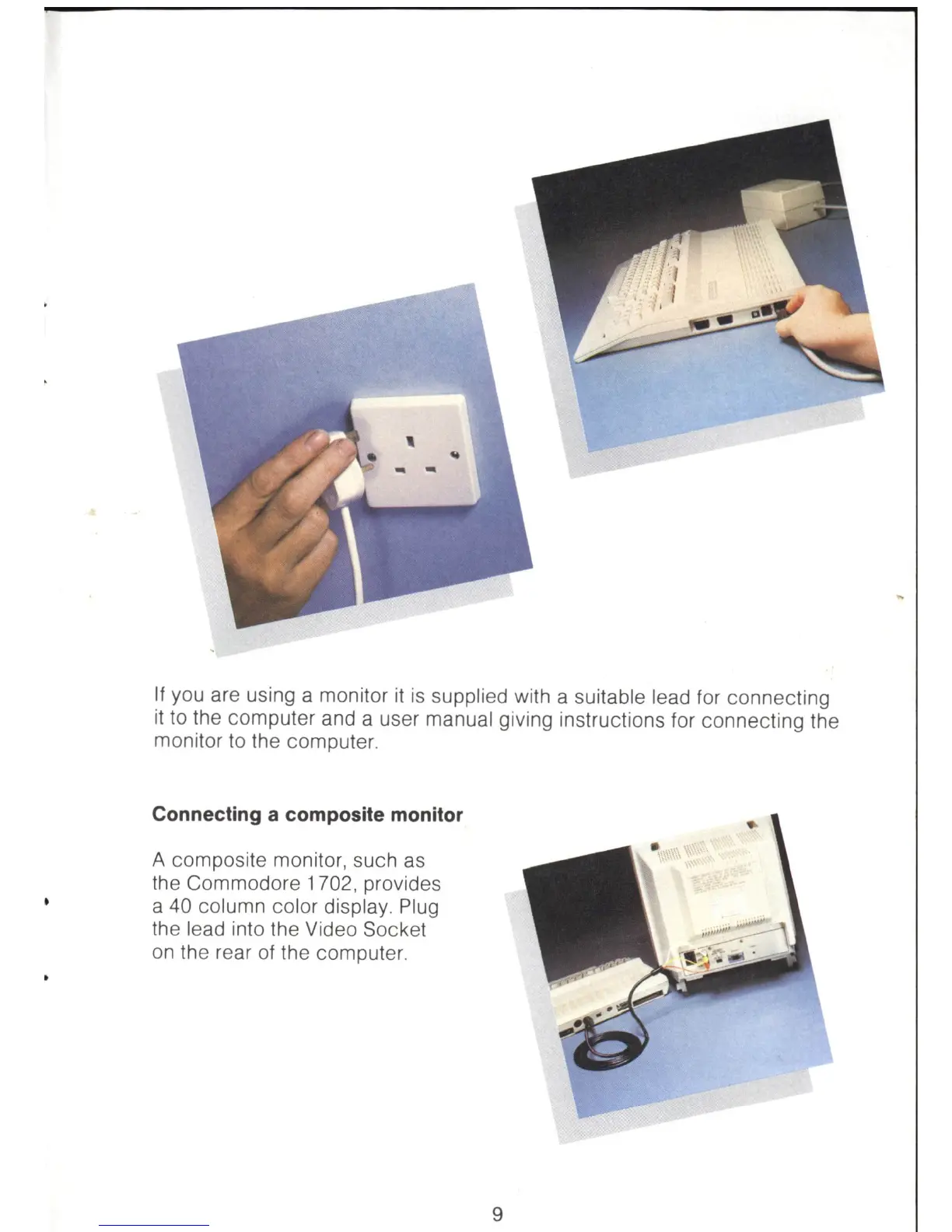
A composite monitor, such
as
the Commodore 1702, provides
a 40 column color display. Plug
the lead into the Video Socket
on
the rear
of
the computer.
9



 To Next Page