WARNING
PRESSING THE RESET SWITCH
OR
SWITCHING OFF THE
COMPUTER DESTROYS ANY INFORMATION IN THE
COMPUTER'S MEMORY UNLESS THAT DATA IS FIRST SAVED.
C1
28 MODE
C128 Mode
is
the default mode of the Commodore 128 Personal Computer.
This means that, when you switch
on
the computer without any keys being
held down
and
with the disk drive switched off, C128 Mode
is
entered. This
mode supports both
40
and 80 column displays.
C64 and
CP
/ M modes can
be
entered from C128 mode without switching
the computer off
or
resetting
it.
Instructions for this are given
in
the
descriptions
of
those modes.
To Enter C128 Mode When Switching On The Computer
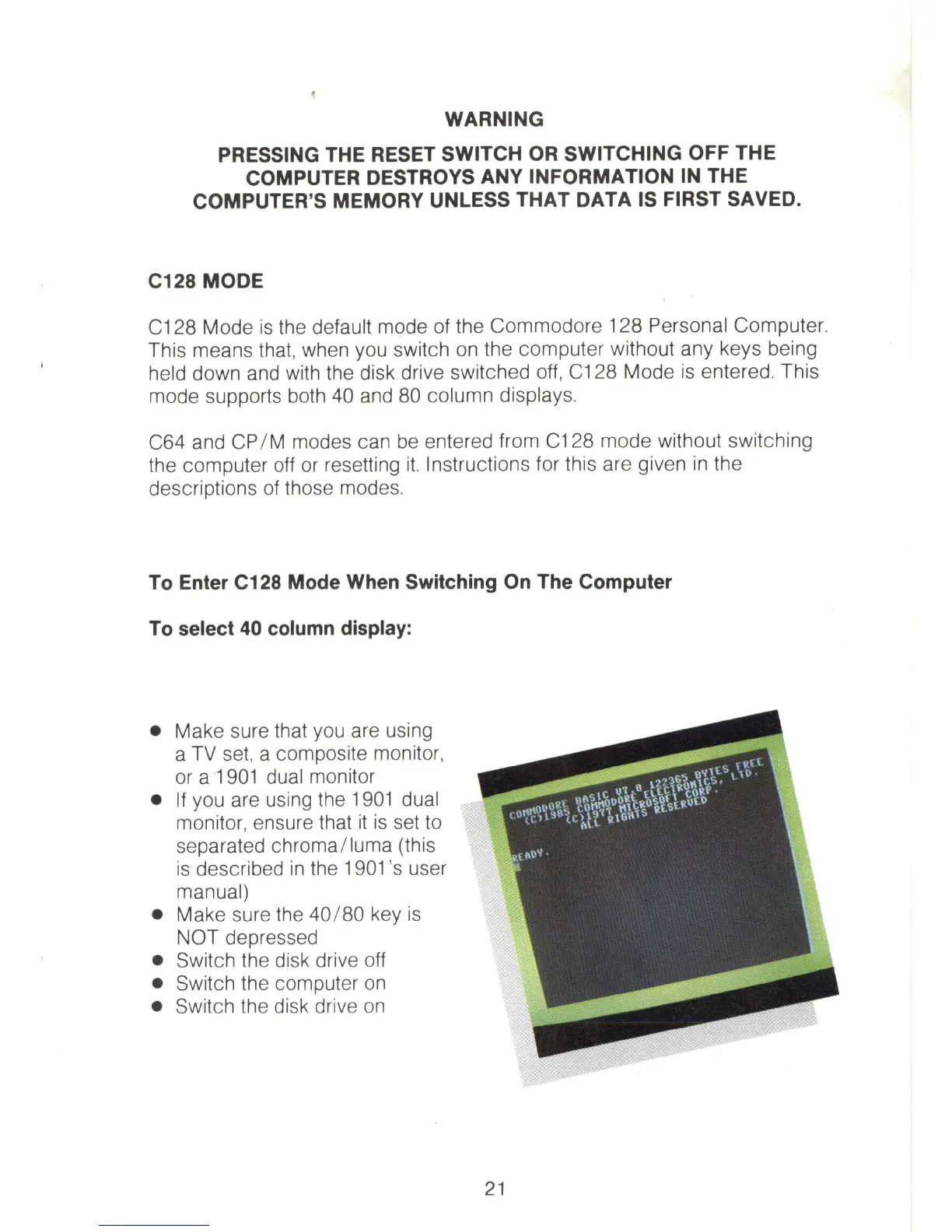
To select 40 column display:
• Make sure that you are using
a
TV
set, a composite monitor,
or a 1
901
dual monitor
•
If
you are using the
1901
dual
monitor, ensure that
it
is
set
to
separated chroma/ luma (this
is described
in
the
1901
's
user
manual)
• Make sure the
40
/
80
key
is
NOT depressed
• Switch the disk drive off
• Switch the computer
on
• Switch the disk drive on
21



 To Next Page