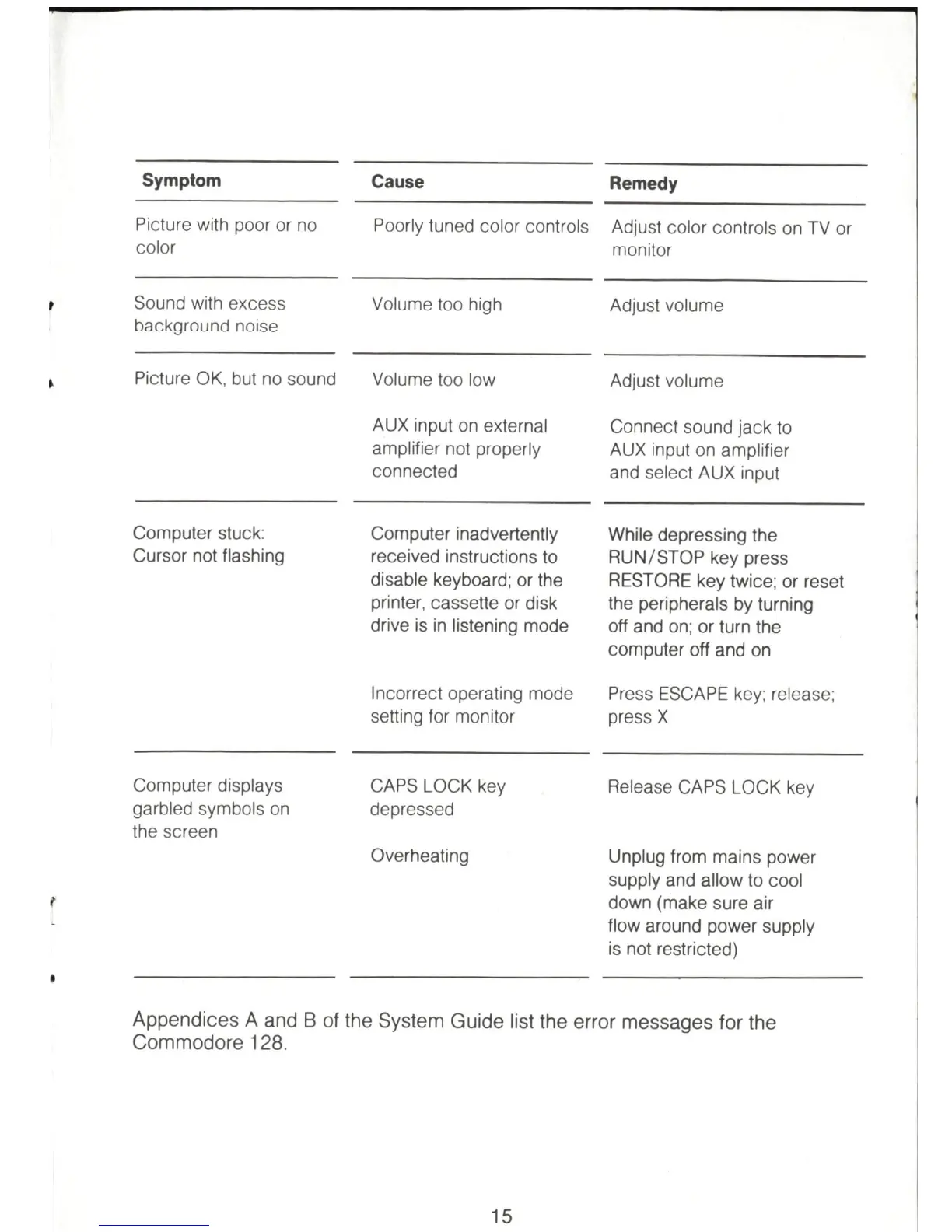
Symptom
Picture with poor or no
color
Sound wi
th
excess
ba
c
kg
ro
und noise
Pi
cture OK. but no sound
Computer stuck:
Cursor not flashing
Computer displays
garbled symbo
ls
on
th
e screen
Cause
Poorly tuned color controls
Vo
lu
me too high
Volume too low
AUX input on external
amplifier not properly
co
nn
ec
ted
Computer inadvertently
received instructions to
disable keyboard; or the
printer, cassette or disk
drive
is
in
listening mode
In
correct operating mode
setting for monitor
CAPS LOCK key
dep
re
ssed
Overheating
Remedy
Adjust color controls on TV or
monitor
Adjust vo
lu
me
Ad
just volume
Connect sound jack to
AUX input on amplifier
and select AUX input
While depressing the
RUN/STOP key press
RESTORE key twice; or reset
the peripherals by turning
off and
on
; or turn the
computer off and on
Press ESCAPE key; release;
press X
Release CAPS LOCK key
Unplug from mains power
supply and allow to cool
down (make sure air
flow around power supply
is not restricted)
Appendices A and B
of
the System Guide list the error messages for the
Commodore 128.
15



 To Next Page