To select 80 column display
• Make sure that you are using
an
RGBI
monitor
or
a
1901
dual monitor
•
If
you are using the
1901
dual monitor, ensure that
it
is
set
to
RGBI
on
the
video switch and
POS
DIGITAL
on
the
RGBI
switch (see the
1901
's user
manual)
• Make sure the
40 / 80 key
is
depressed
When you have ensured that you have the correct conditions for the required
display:
• Turn on the disk drive
• Insert the
CP
/ M Plus
3.0
System Disk
• Turn on the computer
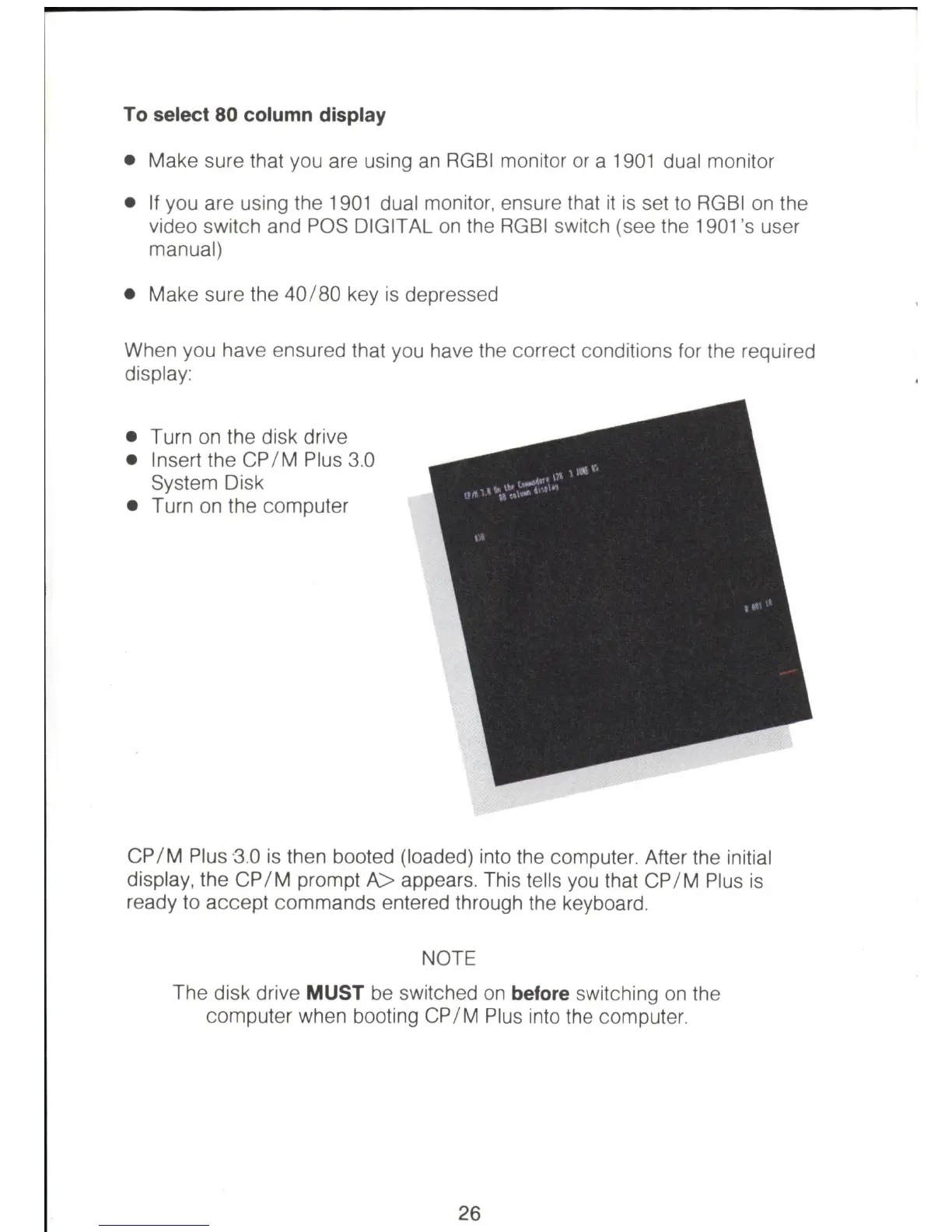
CP
I M Plus ·3.0
is
then booted (loaded) into the computer. After the initial
display, the
CP
I M prompt A> appears. This tells
you
that
CP
I M Plus
is
ready to accept commands entered through the keyboard.
NOTE
The disk drive MUST be switched
on
before switching
on
the
computer when booting
CP
I M Plus into the computer.
26



 To Next Page