Chapter 4: Setting up a Wi-Fi network connection
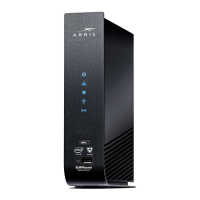
2. Check that the Wi-Fi LED on the SBG8300 front panel is lit SOLID green.
3. Open a web browser on your computer, such as Internet Explorer, Google Chrome,
Firefox, or Safari.
4. Type a valid URL (such as
www.surfboard.com) in the address bar and then press Enter.
If the website failed to open, please contact your service provider or call ARRIS Technical
Support at 1-877-466-8646 for assistance.
SURFboard
®
SBG8300 DOCSIS 3.1 Wi-Fi cable modem User Guide STANDARD Revision x.5 28



 To Next Page