Chapter 8: Managing your Wi-Fi cable modem and connected networks
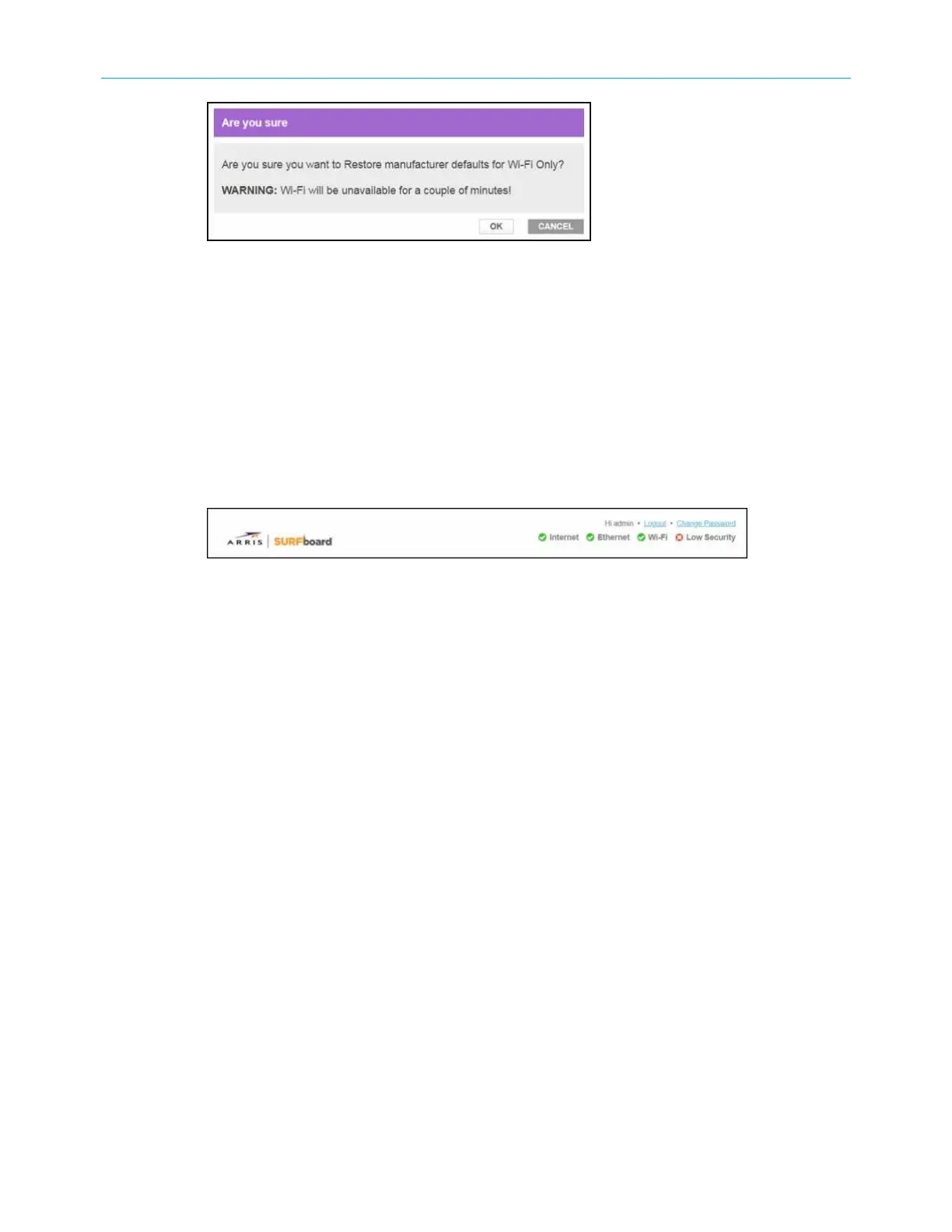
Figure 59: SBG8300 restore settings screen
4. Click OK to restore the Wi-Fi factory defaults.
The Operation in Progress for restarting the Wi-Fi radios message displays.
Exit the SBG8300 Web Manager
To log out and close the SBG8300 Web Manager:
■
Click the Logout link located in the upper right corner of the SBG8300 Web Manager
screen.
Figure 60: SBG8300 Web Manager logout link
SURFboard
®
SBG8300 DOCSIS 3.1 Wi-Fi cable modem User Guide STANDARD Revision x.5 63













 To Next Page