Chapter 8
Managing your Wi-Fi cable modem and
connected networks
You can also use the SBG8300 Web Manager to view and monitor the network configuration
settings and operational status of your SBG8300.
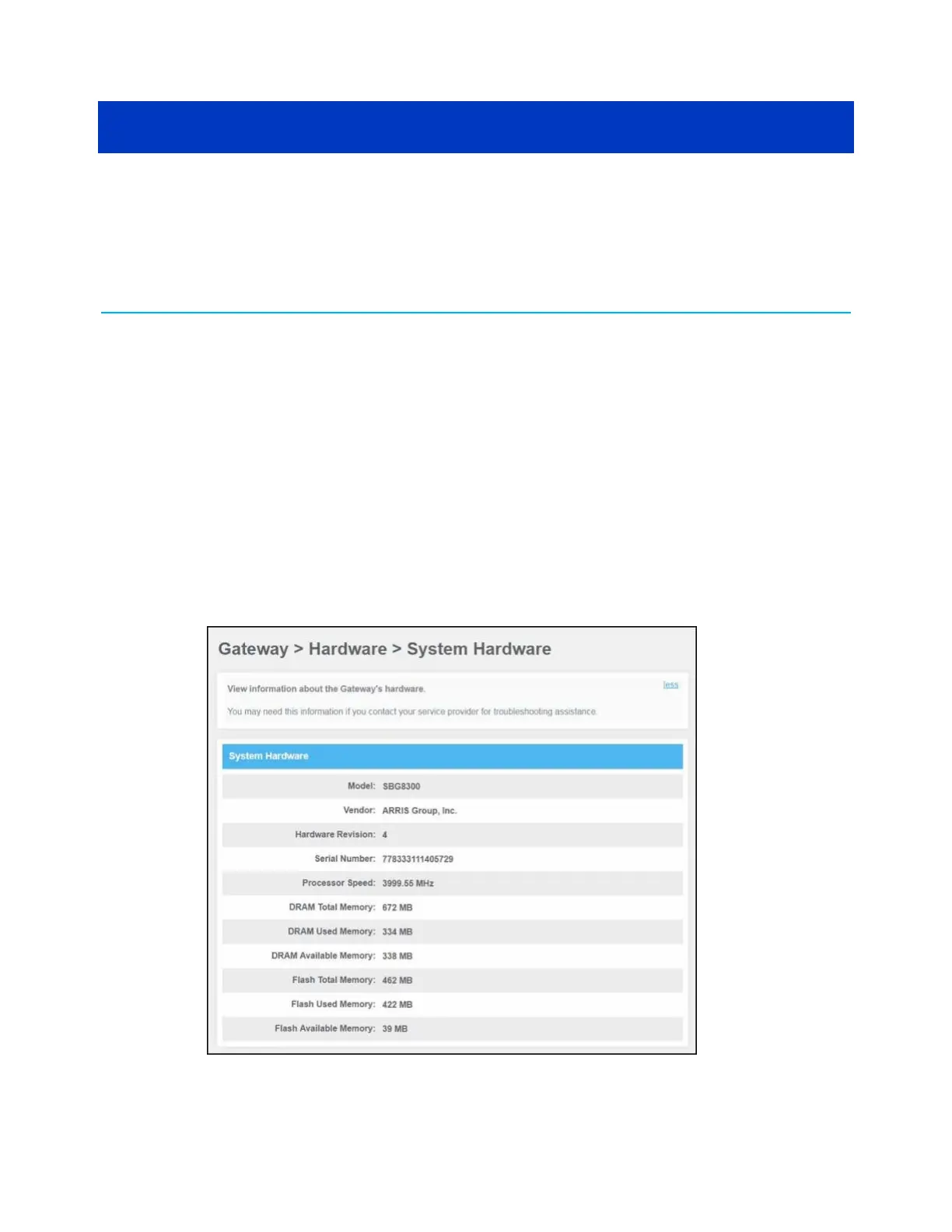
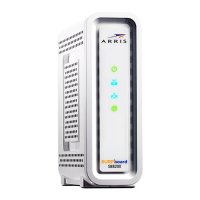
View the SBG8300 system hardware information
The Gateway Hardware screen displays system hardware information for your SBG8300. This
information may be helpful if you contact ARRIS, Comcast, or Cox for technical assistance.
To open the SBG8300 Hardware screen:
1. From any SBG8300 Web Manager screen, click the Gateway menu link.
2. Click Hardware from the Gateway submenu links and then click System Hardware from
the Hardware submenu options to display the Gateway System Hardware screen.
Figure 50: SBG8300 System Hardware screen
SURFboard
®
SBG8300 DOCSIS 3.1 Wi-Fi cable modem User Guide STANDARD Revision x.5 57



 To Next Page