Chapter 5: Using the Wi-Fi Cable Modem Web Manager
Menu link Function
Troubleshooting Provides several options to help you resolve certain problems that may
occur with your SBG8300.
Exit the SBG8300 Web Manager
To log out and close the SBG8300 Web Manager:
■
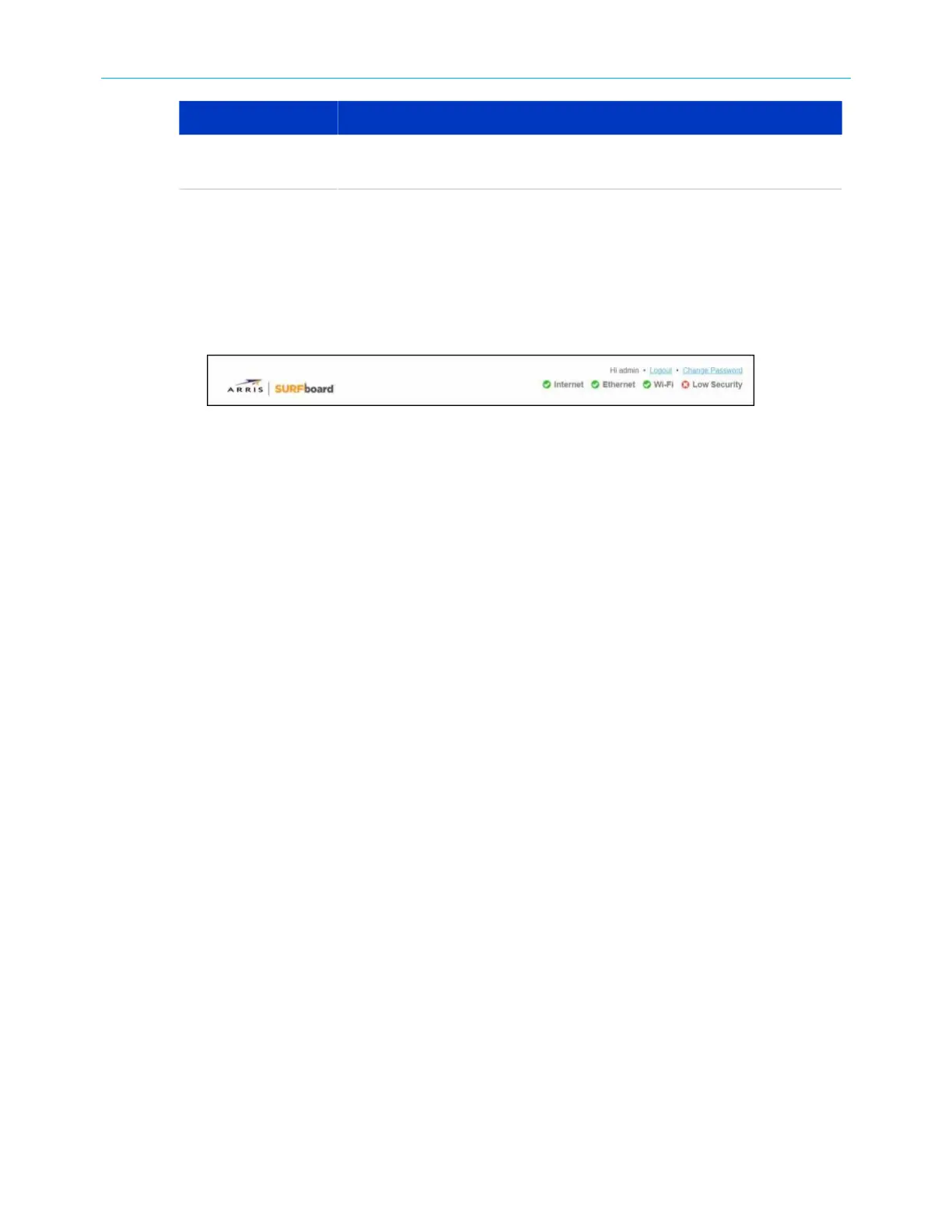
Click Logout link located in the upper right corner of the SBG8300 Web Manager screen.
Figure 25: SBG8300 Web Manager logout link
SURFboard
®
SBG8300 DOCSIS 3.1 Wi-Fi cable modem User Guide STANDARD Revision x.5 36













 To Next Page