Chapter 5: Using the Wi-Fi Cable Modem Web Manager
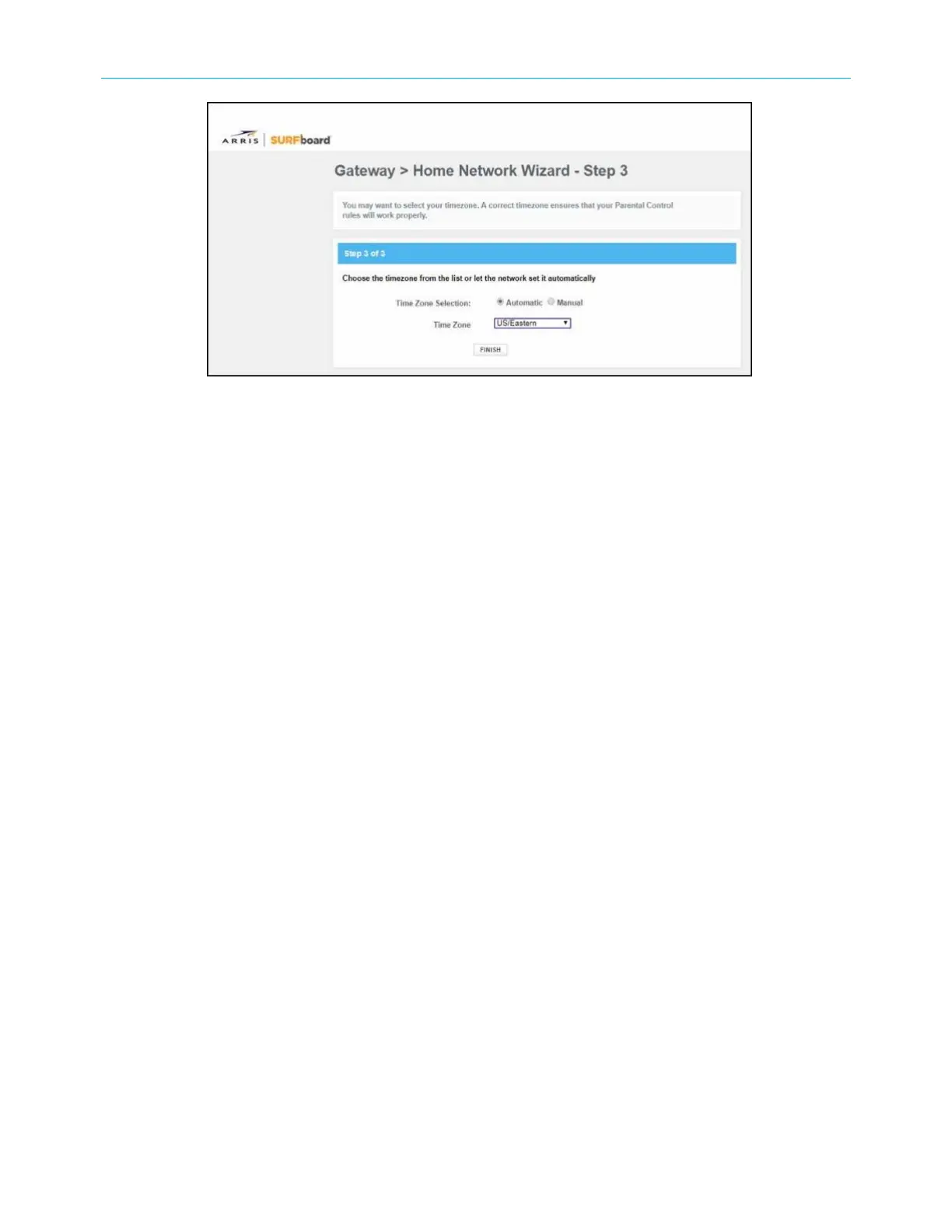
Figure 19: SBG8300 Home Network Wizard-Step 3 screen
13. Select Automatic or Manual to set up your time zone.
■
Select Automatic to allow the network to automatically set your time zone.
■
Select Manual to choose your time zone from the Time Zone drop-down list.
14. Click FINISH.
Start the SBG8300 Web Manager
To open the SBG8300 Web Manager:
1. Open a web browser (such as Internet Explorer, Google Chrome, Firefox, or Safari) on the
computer or laptop connected to your SBG8300.
2. Type the default LAN IP address, 192.168.0.1, in the Address bar and then press Enter
to log onto the SBG8300 and open the SBG8300 Web Manager Login screen.
SURFboard
®
SBG8300 DOCSIS 3.1 Wi-Fi cable modem User Guide STANDARD Revision x.5 32













 To Next Page