Chapter 5: Using the Wi-Fi Cable Modem Web Manager
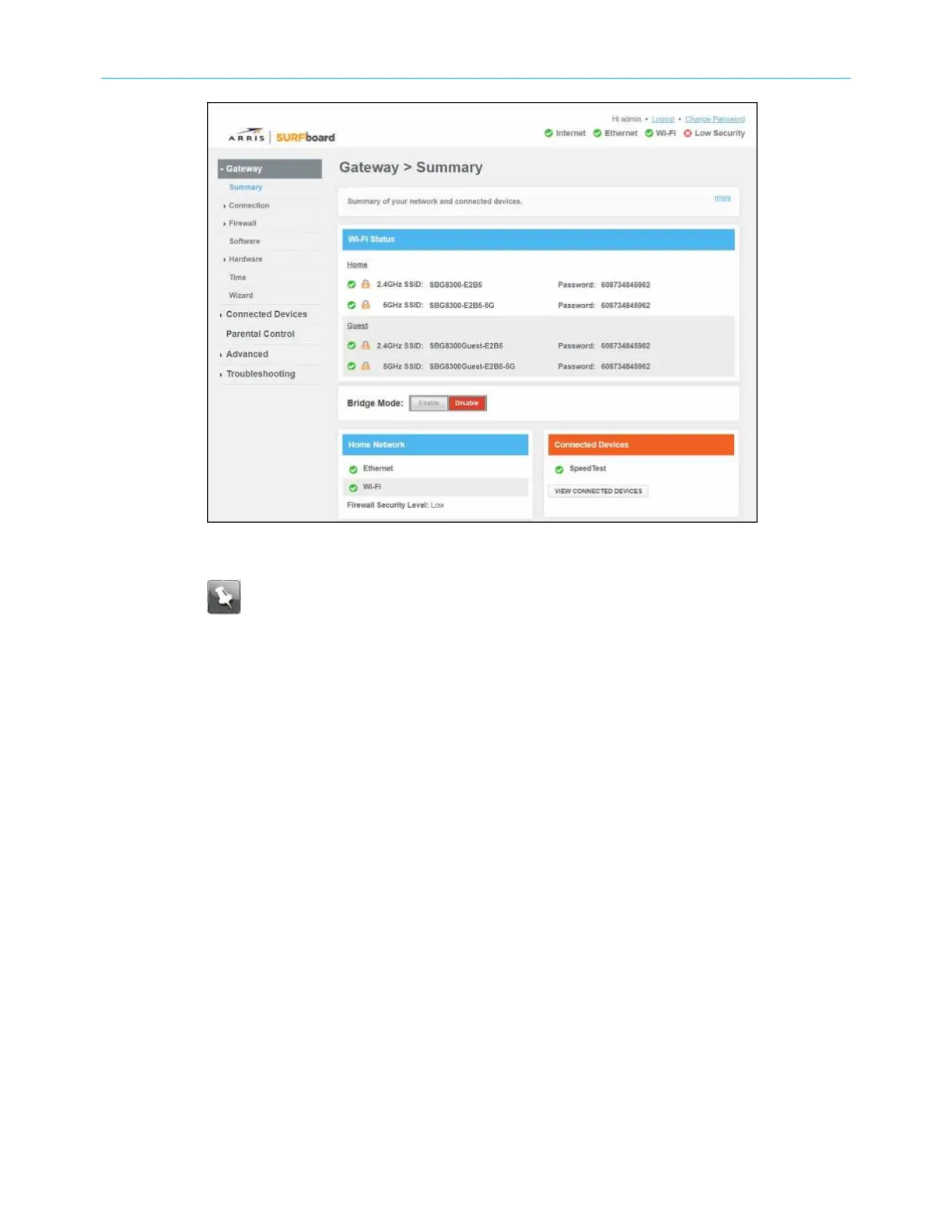
Figure 23: SBG8300 Summary screen
Note: See Set up your Wi-Fi network (page 37) to configure your home
network for Wi-Fi.
SBG8300 Web Manager menu links
The SBG8300 main menu links and related submenu option links are displayed along the left
side of the SBG8300 Web Manager screen. Click on the main menu link to expand the list of
submenu options.
SURFboard
®
SBG8300 DOCSIS 3.1 Wi-Fi cable modem User Guide STANDARD Revision x.5 34













 To Next Page