Chapter 6: Configuring your Wi-Fi network
WMM ensures that applications with low tolerance for latency and jitter are treated
with higher priority than less sensitive data applications. WMM sets different
wait times for the above four categories to provide priority network access for
applications that are less tolerant of packet delays.
16. Perform one of the following:
■
Select the AP Isolation checkbox to enable separate virtual networks for your Wi-Fi
clients.
■
Deselect the AP Isolation checkbox to disable separate virtual networks for your Wi-
Fi clients.
Note: When AP Isolation is enabled, each of your Wi-Fi clients will be in its
own virtual network and will not be able to communicate with the other Wi-Fi
clients. This may be useful if several guests are using your Wi-Fi network.
17. Enter the four-digit CAPTCHA code displayed in the Type CAPTCHA Here entry box.
18. Click SAVE SETTINGS to update your Wi-Fi network settings.
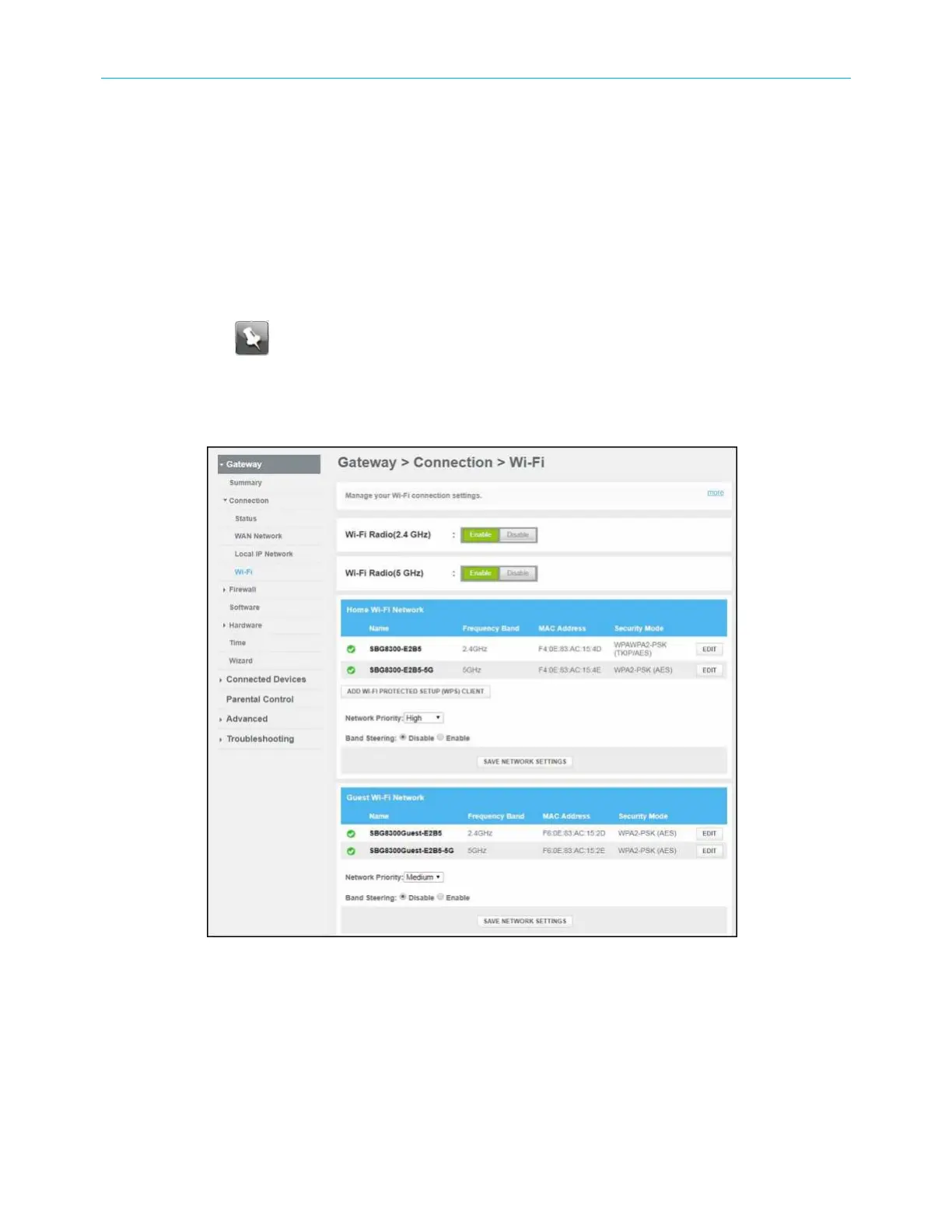
Figure 28: SBG8300 Wi-Fi connection screen (1 of 2)
SURFboard
®
SBG8300 DOCSIS 3.1 Wi-Fi cable modem User Guide STANDARD Revision x.5 40













 To Next Page