Chapter 8: Managing your Wi-Fi cable modem and connected networks
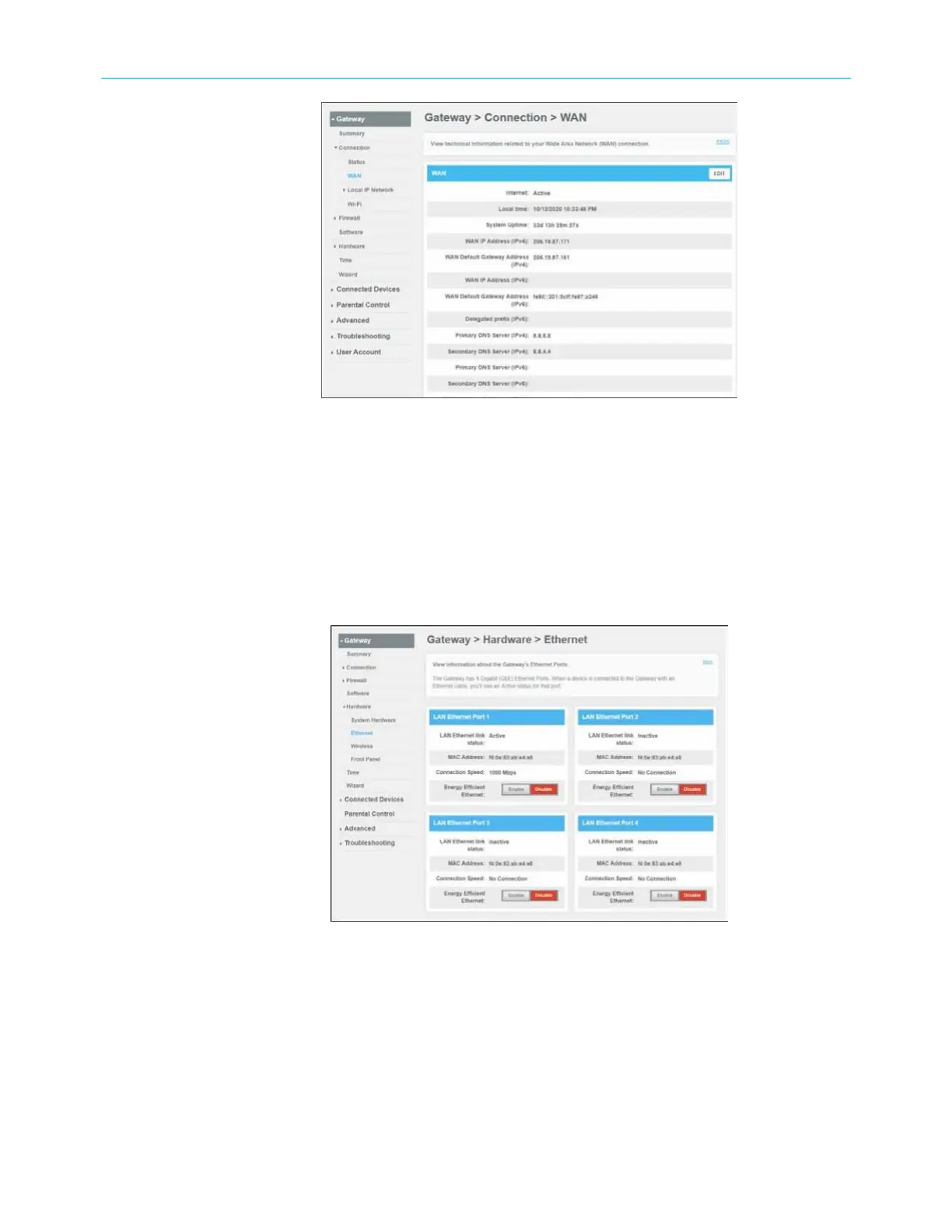
Figure 52: SBG8300 Connection WAN screen
3. Click EDIT on the WAN screen.
4. Click Interface CHANGE to select either DOCSIS (for a regular cable connection)
or Ethernet (for an input signal from a different modem device) with an Ethernet
connection from the modem device to the SBG8300 Ethernet port 4.
From any SBG8300 Web manager screen, click the Gateway menu link.
1. Click Software from the Gateway submenu links to display the Gateway Software screen.
2. Click Ethernet from the Hardware submenu links.
Figure 53: SBG8300 Gateway Hardware Ethernet screen
3. Click the Enable button in the LAN Ethernet Port 4 box.
SURFboard
®
SBG8300 DOCSIS 3.1 Wi-Fi cable modem User Guide STANDARD Revision x.5 59












 To Next Page