5-4 Working with Removable Drives and Device Bays
COMPAQ CONFIDENTIAL - NEED TO KNOW REQUIRED
Writer: Beth Zanca Saved by: Compaq Customer Saved date: 04/26/00 4:26 PM
Part Number: 170045-002 File name: Ch05
Selecting Diskettes
The diskette drive, which is housed in the computer DualBay,
reads and writes information onto a 3.5-inch/8.89-cm diskette.
The MultiBay also accommodates an optional LS-120 drive.
Each drive accepts the following diskettes:
Type of Drive Diskettes Accepted
Diskette Drive 1.44-MB high-density (HD)
720-Kbyte double-density (DD)
1.2-MB Japanese format
LS-120 Drive 120-MB SuperDisk
1.44-MB high-density (HD)
720-Kbyte double-density (DD)
DualBay Devices
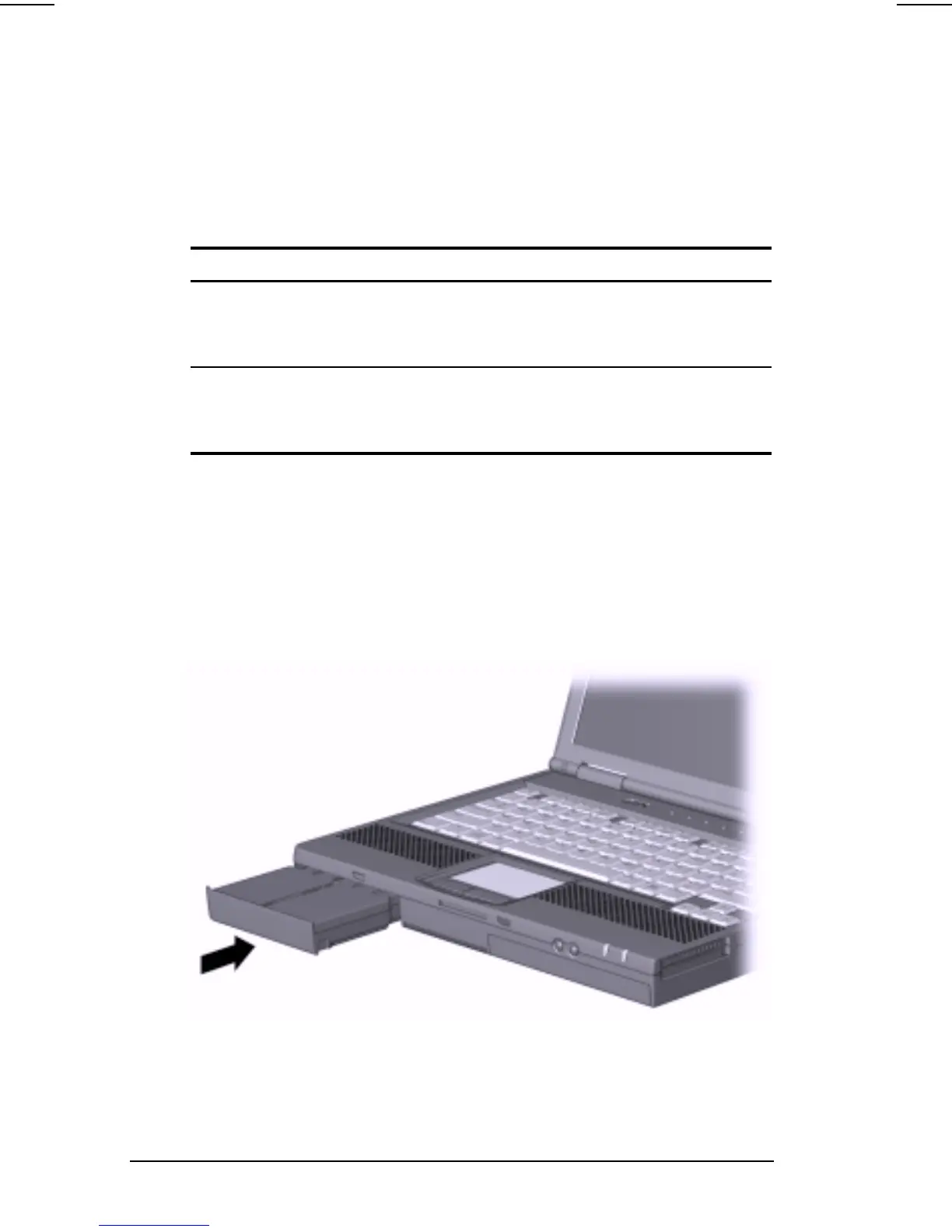
Inserting a DualBay Device
1. Turn off the computer, if desired.
2. Insert the device into the DualBay until it locks into place.












 To Next Page