Chapter 6 Configure Compex SXP2224WM using Web Interface
26
6.4.2 Tagged VLAN 802.1Q
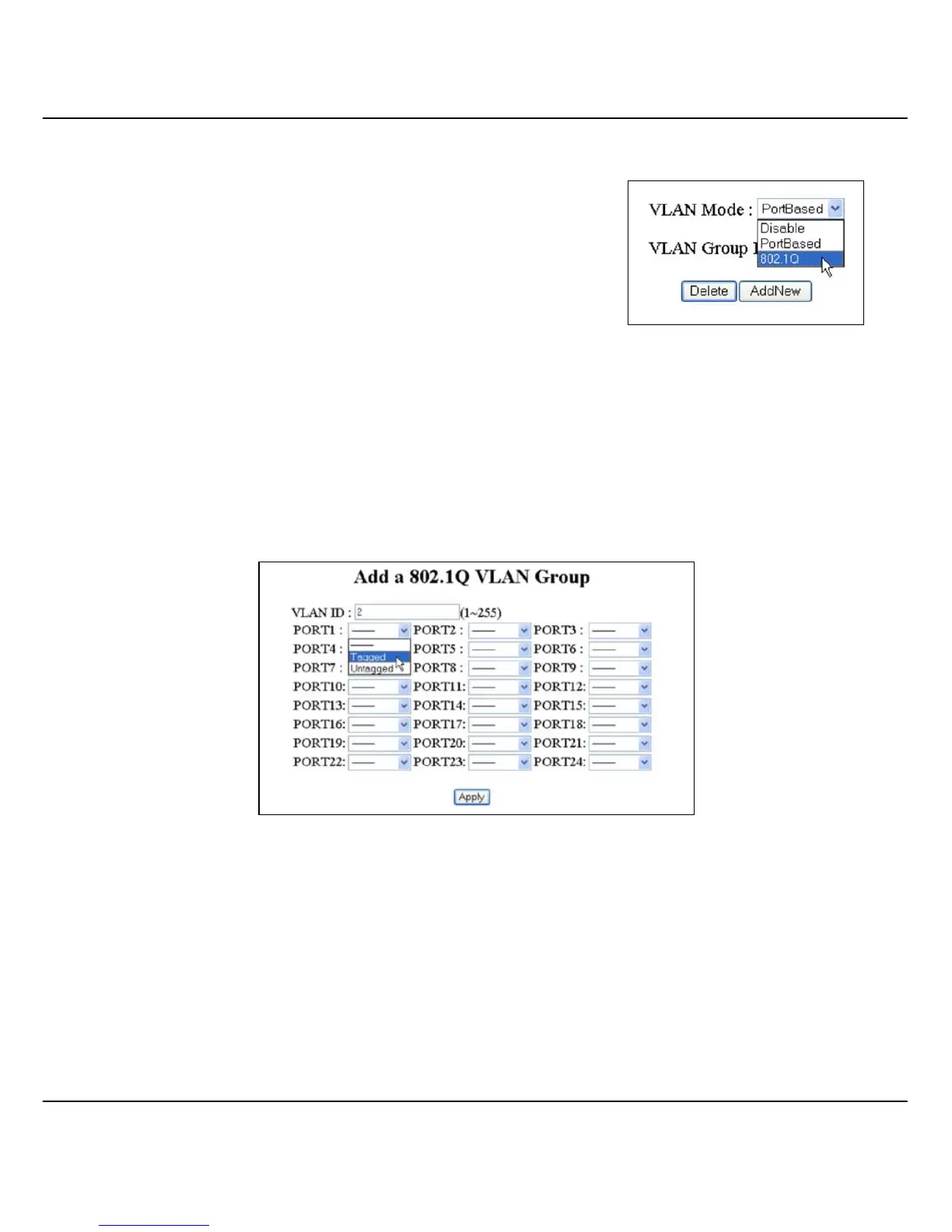
To create Tagged VLAN, select 802.1Q from
the VLAN Mode field.
Please note that you are not allowed to configure and delete the default
VLAN (VLAN ID: 1). To create a new entry,
1. Click on the AddNew button.
2. Enter the VLAN ID from 0 to 255 and select the port that you wish to
set as tagged or untagged in the VLAN group.
3. Click Apply button to update the changes.



 To Next Page