Problem
Control Communications
Watchdog - The display
board has lost communica-
tions with the control board.
Phase Error (Phase Option,
STD on MDC's) - One of the
three power wires is connect-
ed wrong or one or more
phase of power missing.
EEProm Write Error
Process Protection High
Temperature – If the process
protection temperature
exceeds the process protection
high temperature setpoint, it
shuts down the dryer. Defaults
are set to 600°F {316°C} for
10 seconds.
Possible cause
Plugs on wire harness between the
display and control boards are loose or
not wired correctly.
Display board or communications
boards have failed.
One of the three power wires are out of
phase.
A fuse has blown.
Loose wire between the phase board and
the control board.
Phase detection board has failed.
Internal control board problem.
The process RTD temperature probe is
not installed correctly.
The process blower is not running.
The air lines between the dryer and hop-
per are restricted or loose.
The dryer is too far from the hopper.
The process hose is not insulated.
Solution
Make sure plugs are tight on board
connections and match the wiring dia-
gram.
Replace the defective boards.
Switch the position of two of the incom-
ing lead power wires at the dryer. See
Installation section entitled, Checking
for proper air flow.
Check and replace the fuse.
Make sure the wires are connected and
secure.
Replace the phase detection board.
Replace the control board.
Make sure the RTD temperature probe
tip is in the center of the hopper inlet
tube.
Correct the cause of the non-functioning
blower.
Straighten any crimps in the hoses.
Tighten any loose hoses.
Move the dryer closer to the hopper and
shorten the hoses.
Insulated hose is required for high dry-
ing temperatures.
6-8 l Troubleshooting
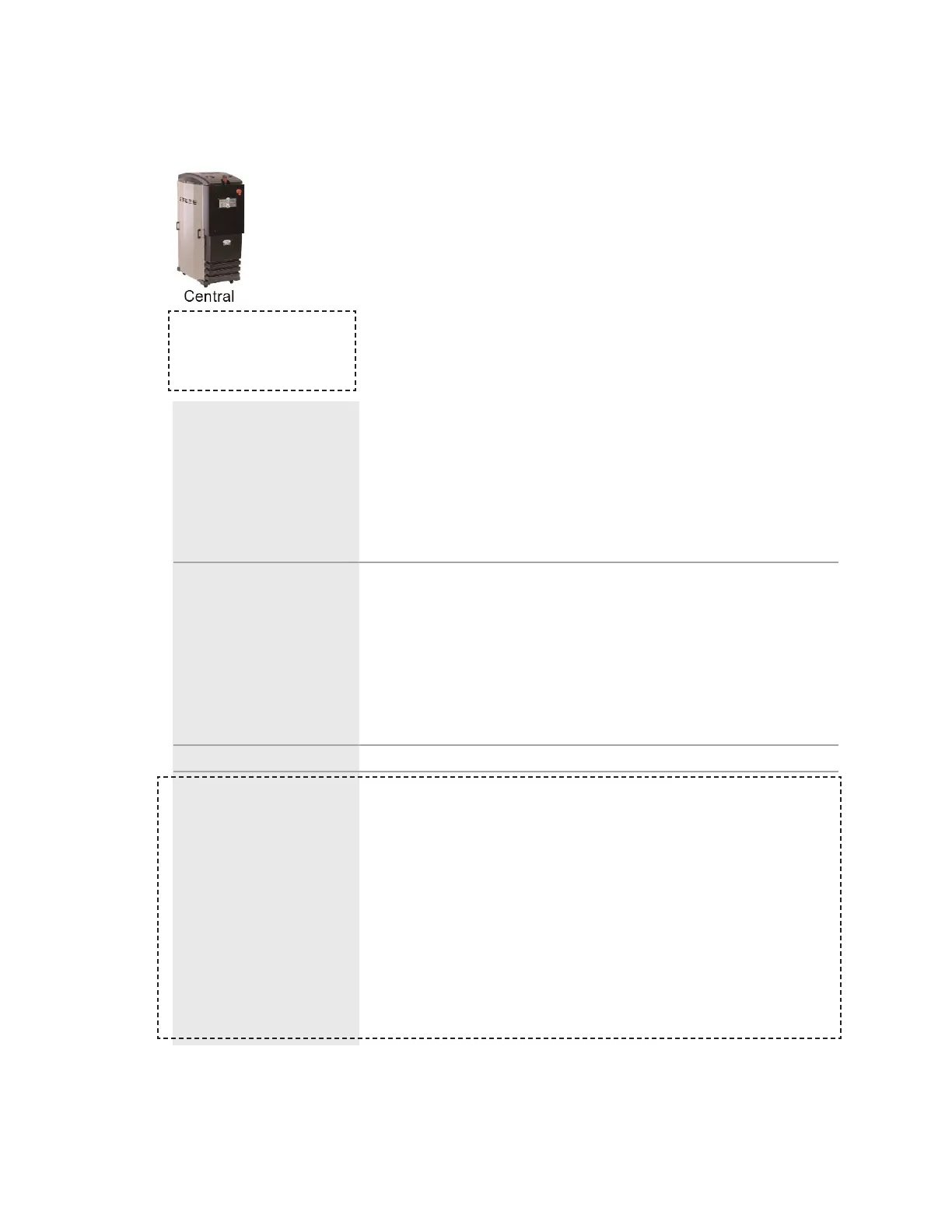
When supplied for central
drying applications, these
shutdown alarms are not
available.
Shutdown Alarms
If the red Acknowledge Alarm LED is blinking, the alarm is a shutdown
alarm. The dryer will shutdown automatically to prevent damage to the
equipment or personnel. Note that once the Acknowledge Alarm button is
pressed once, the blinking red LED becomes solid.








 To Next Page