5-8 l Maintenance
Cleaning the Regeneration Filter
Clogged filters reduce air flow and dryer efficiency. Cleaning frequency depends
on how much material you process and how dusty or full of fines it is.
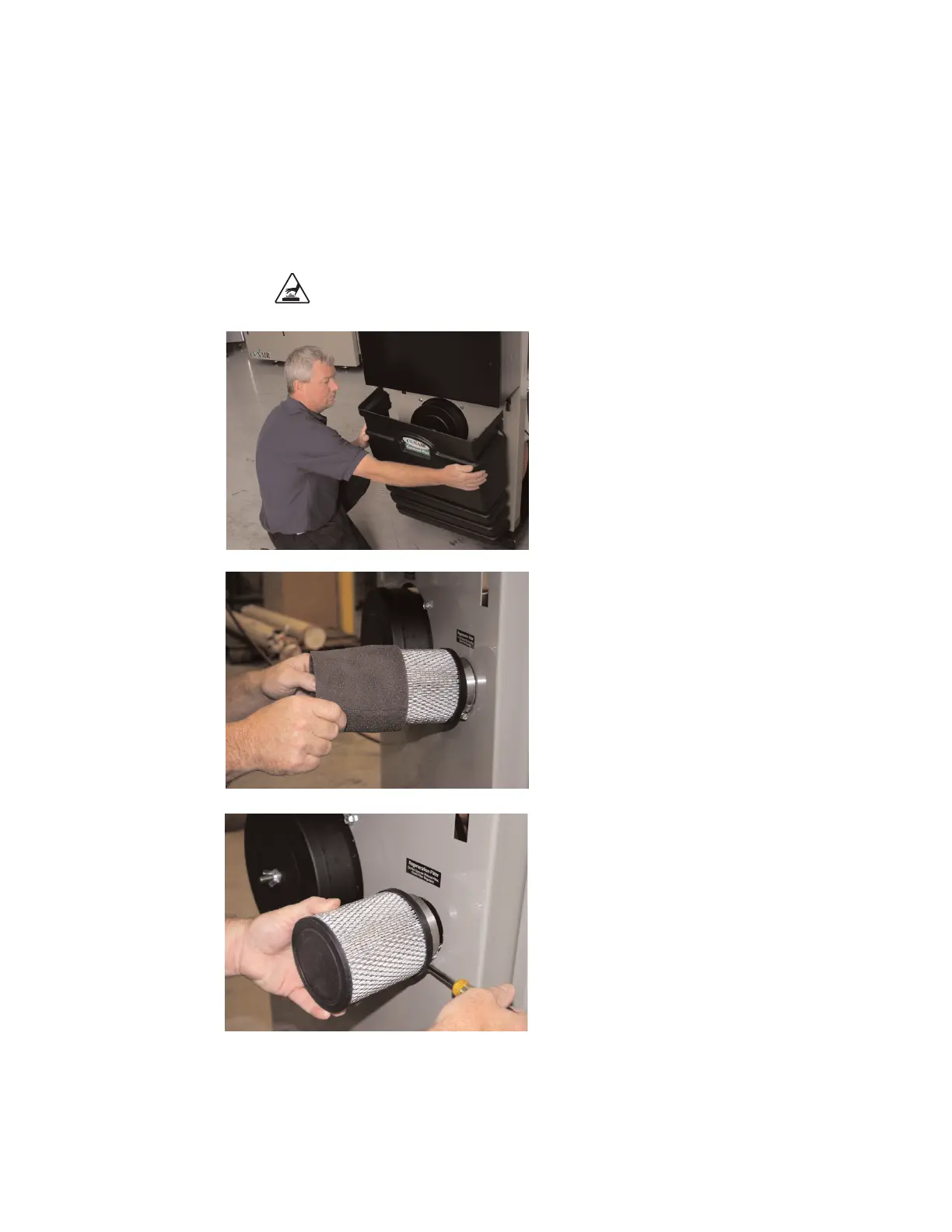
1 Push in on the sides to release the tabs on
the front cover. Remove the cover.
2 Remove outer filter and clean it with soapy
water. Let the outer filter air dry.
3 Loosen the hose clamp holding the regenera-
tion filter onto the regeneration inlet and
remove the filter.








 To Next Page