6-34 l Troubleshooting
Replacing the Heaters
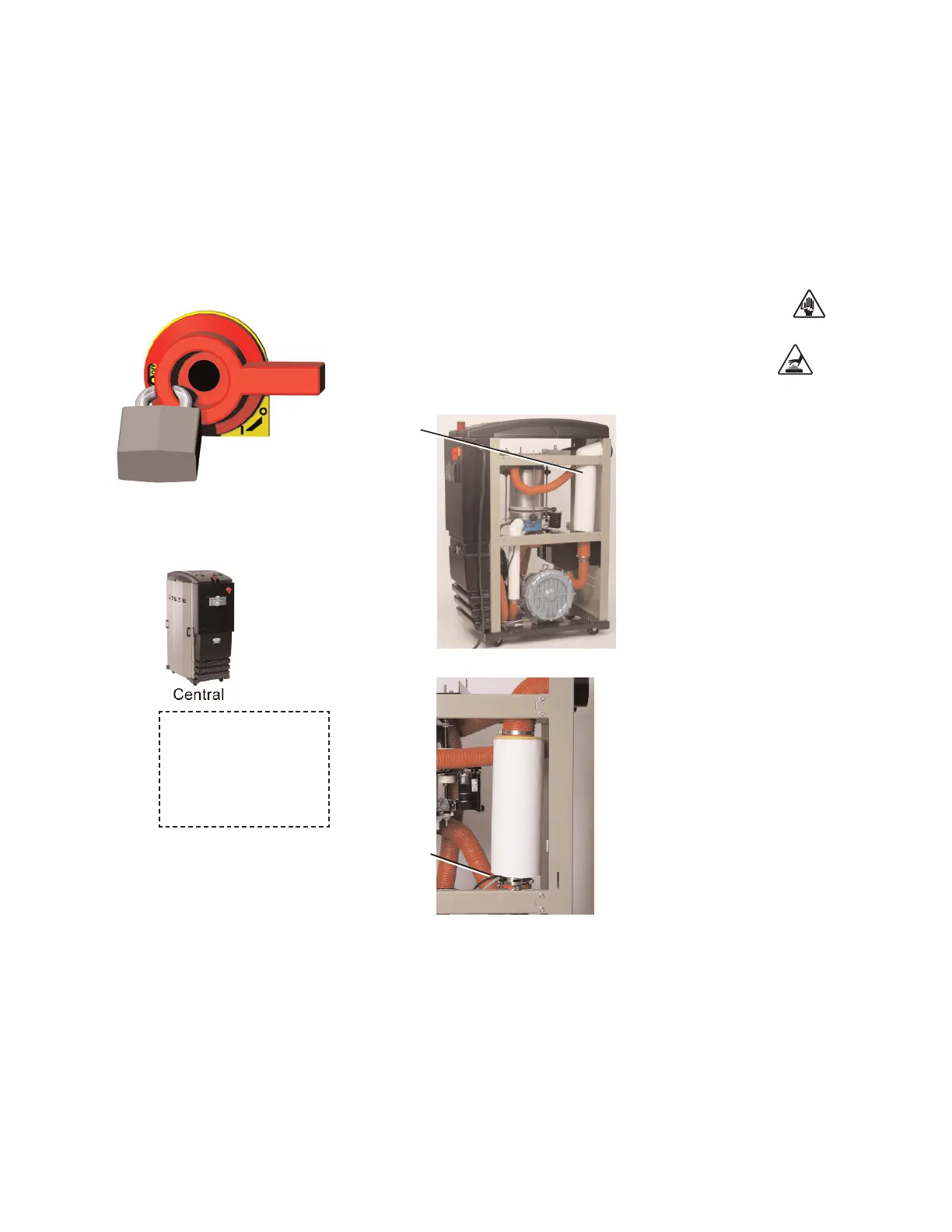
Process Heater Tube
1
Stop the dryer, disconnect the power, and follow proper lockout
procedures.
2 Open or remove the right side panel of the dryer, as viewed
from the control panel, to gain access to the process heater.
3 W-200 - 400 models - Open
the electrical enclosure.
Refer to the wiring diagram of
the dryer to identify the
process heater wires and/or
trace the wires from the
process heater tube into the
control box. Disconnect the
wires from the terminal strip
and solid state relays. Once
disconnected, pull the wires
out of the control cabinet and
separate them from the wiring
harness along the dryer frame.
The high temperature switch
wires can be disconnected at
the quick disconnect near the
heater tube.
W-150 models - Disconnect
the heater wires and high
temperature switch wires at
the quick disconnects near the
heater tube.
4 Remove the insulation from the process heater tube by cutting the insu-
lation in a straight line from top to bottom.
5 Remove the hose and clamp at the bottom of the heater tube.
Process
Heater
Wires: W-200
- 400
(continued)
When configured as a
central dryer, there is no
process heater in the sys-
tem. Therefore, replac-
ing the process heater is
not applicable.








 To Next Page