Installation l 3-9
Checking for Proper Air Flow (continued)
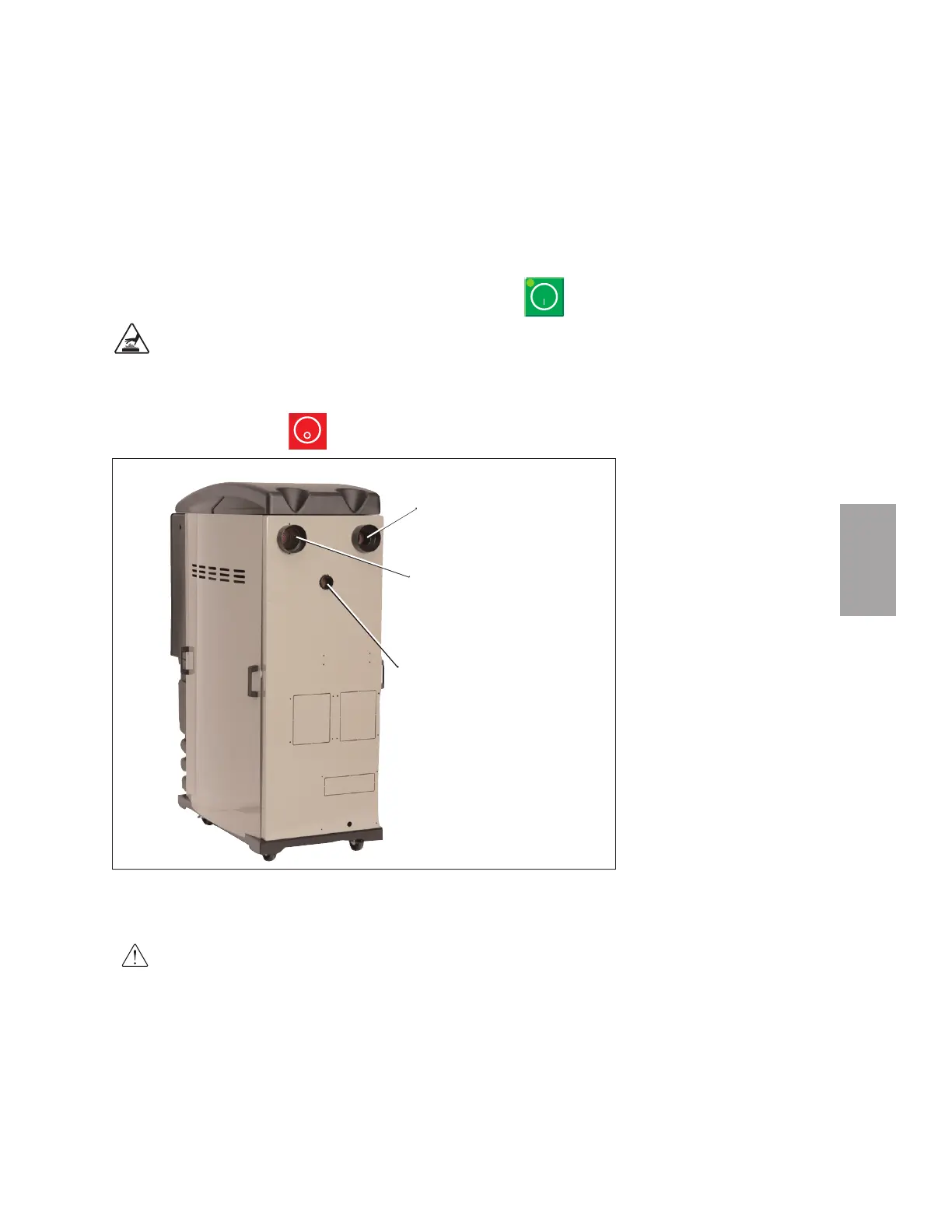
4 Press the START button. Hold your hand near the delivery air
outlet. You should feel air blowing out of the outlet.
CAUTION: Hot surface Do not place your hand directly on the delivery air outlet.
The outlet and the air can get hot enough to burn your hand.
5 Press the STOP button.
6 If air flow is incorrect disconnect power, follow proper lockout procedures and
swap any 2 of the 3 main power wires.
WARNING: All wiring, disconnects, and fuses should be installed by quali-
fied electrical technicians in accordance with electrical codes in your
region. Always maintain a safe ground. Do not operate the equipment at
power levels other than what is specified on the machine serial tag and
data plate.
Moisture
Exhaust
Return
Air Inlet
Dry Delivery
Air
✐
NOTE: If the dryer is running for
more than 20 to 30 seconds, the
Process Loop Break alarm may
occur because the Process RTD is
not seeing the expected tempera-
ture rise.
3
Installation








 To Next Page