EasyManua.ls Logo

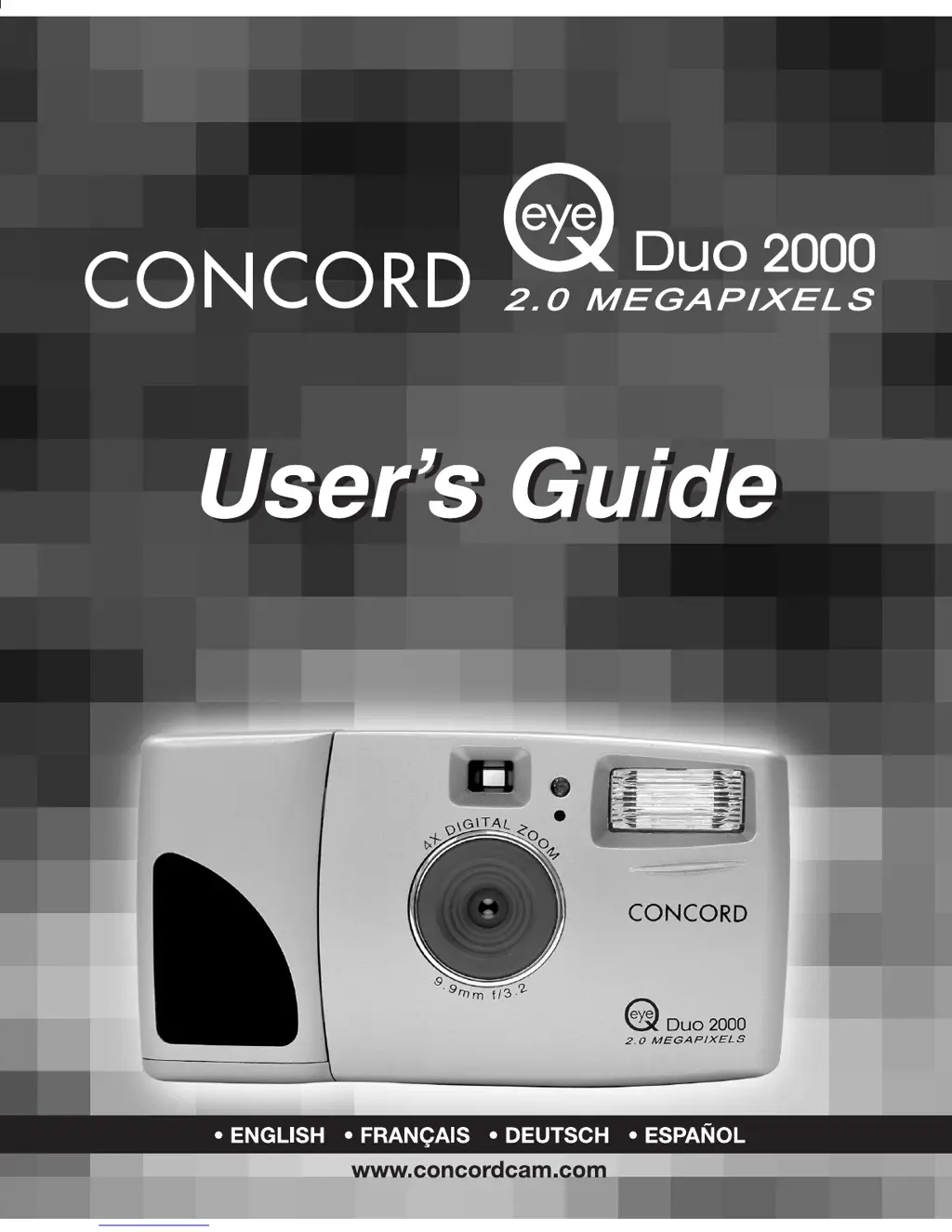
CONCORD Duo 2000 - User Manual

CONCORD Duo 2000
231 pages
Print Icon
To Next Page IconTo Next Page
Loading...

Table of Contents

Questions and Answers

  • W
    wrightjamesSep 12, 2025
    How to clean the LCD monitor of CONCORD Duo 2000 Digital Camera?
    • G
      Gina KleinSep 12, 2025
      If the LCD monitor on your CONCORD Digital Camera is not clear, the LCD plastic monitor cover might be dirty. You should clean the LCD monitor cover.
  • J
    jasonscottSep 13, 2025
    What to do if CONCORD Digital Camera is not responding during image downloading to PC?
    • L
      Laura MillerSep 13, 2025
      If your CONCORD Digital Camera is not responding during image downloading to PC, the operating system may not be allocating adequate resources to download the image. Reset the camera by opening and closing the battery door, and reset the computer.
  • B
    Brittany McculloughSep 15, 2025
    How to fix the color of the captured image on CONCORD Duo 2000?
    • T
      Timothy HarrisSep 15, 2025
      If there is something wrong with the color of the captured image on your CONCORD Digital Camera, the White Balance might not be set properly. Reset the White Balance.

Summary

Important Information

FCC Information

Federal Communications Commission (FCC) warnings and compliance statements for the device.

Precautions

Essential safety and handling guidelines to prevent damage or malfunction.

The Camera

Loading the Batteries

Step-by-step instructions for inserting and checking AA LR6 batteries.

Turning the Camera on and off

Guidance on powering the camera on and off, and understanding the ready LED indicator.

Camera Mode

Taking Images

Step-by-step guide to capturing still photographs with the camera.

Mode - Video Clips

Instructions for recording video clips using the camera.

Review Mode

Delete

Options for deleting single files or all files from the camera's memory.

Software Installation

Transferring Photos to the Computer

Connecting the Camera to the Computer

Steps for establishing a USB connection between the camera and computer.

Windows Only - Using the PC Driver Mode

Using the camera as a webcam or for photo impression with PC driver.

Windows Only - Using the Mass Storage (DSC)

Utilizing the camera as an external hard drive for file access.

Camera Maintenance

Tips and Troubleshooting

Camera Specifications

CONCORD Duo 2000 Specifications

General IconGeneral
BrandCONCORD
ModelDuo 2000
CategoryDigital Camera
LanguageEnglish

Related product manuals