17
3.3 User menu – Login
The ST450EC has an integrated user menu which displays various settings of the gas detector and
enables the user to perform an automatic calibration ZERO and SPAN calibration. To enter the
menu, first login as follows;
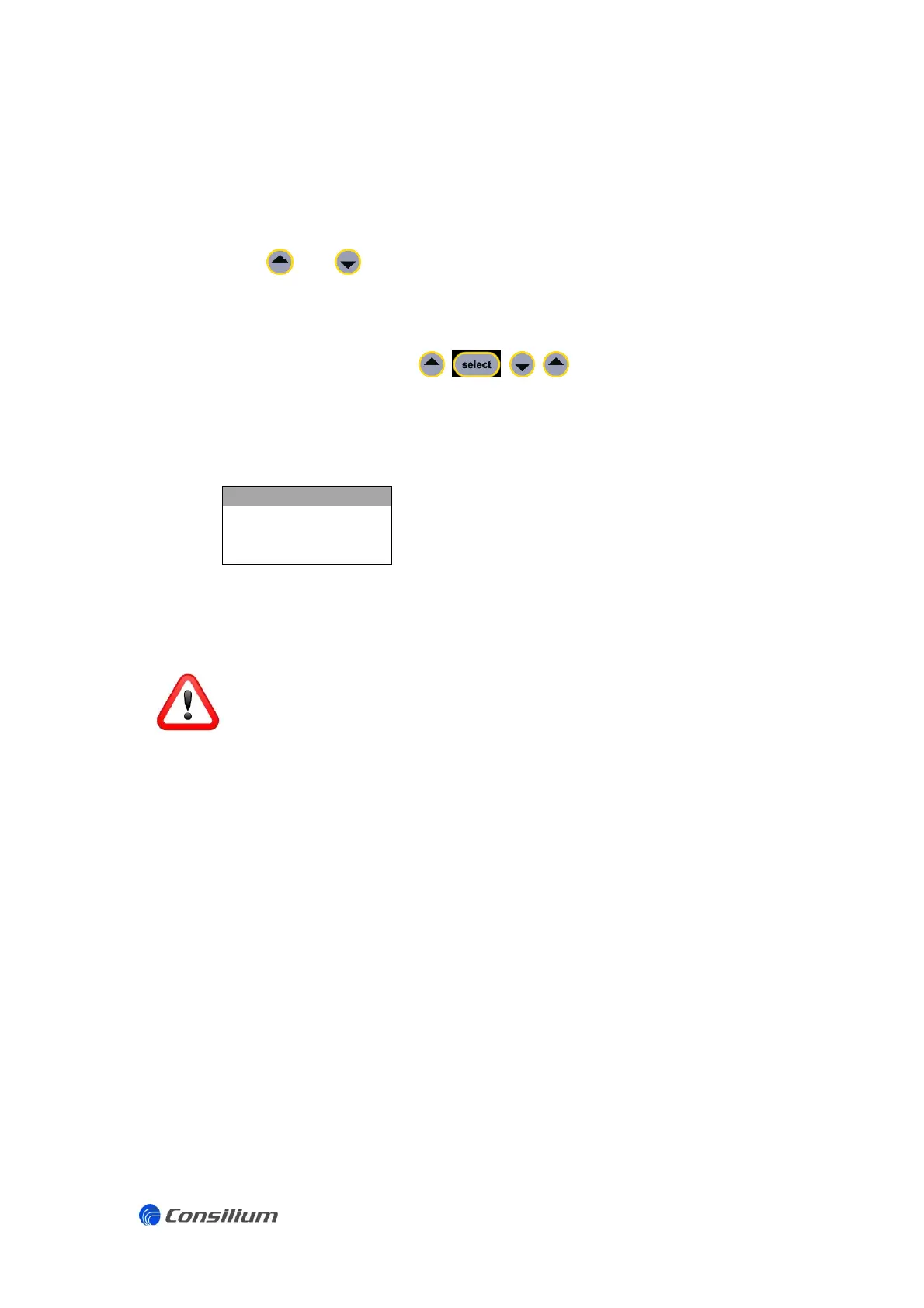
Press and simultaneously.
The display shows a countdown timer “3…2…1”.
Continue holding the keys until the message: “ENTER PIN” appears in the display.
Enter the code by pressing in sequence to activate the user
menu.
Once the user menu is activated, the status LED is blue and the display shows the
following options:
o SETTINGS (overview of parameters and settings)
o CAL ZERO (zero calibration)
o CAL SPAN (span calibration)
o BACK (go back to measuring mode)
When the user menu is activated, the gas detector is in a inhibit mode. The output signal
is fixed at 4mA for toxic gas detectors and fixed at 17,38mA for O
2
gas detectors. A
(possible) increased toxic gas concentration, decreased Oxygen level or gas alarm will
not be shown.


 To Next Page