Replacing the glass plate
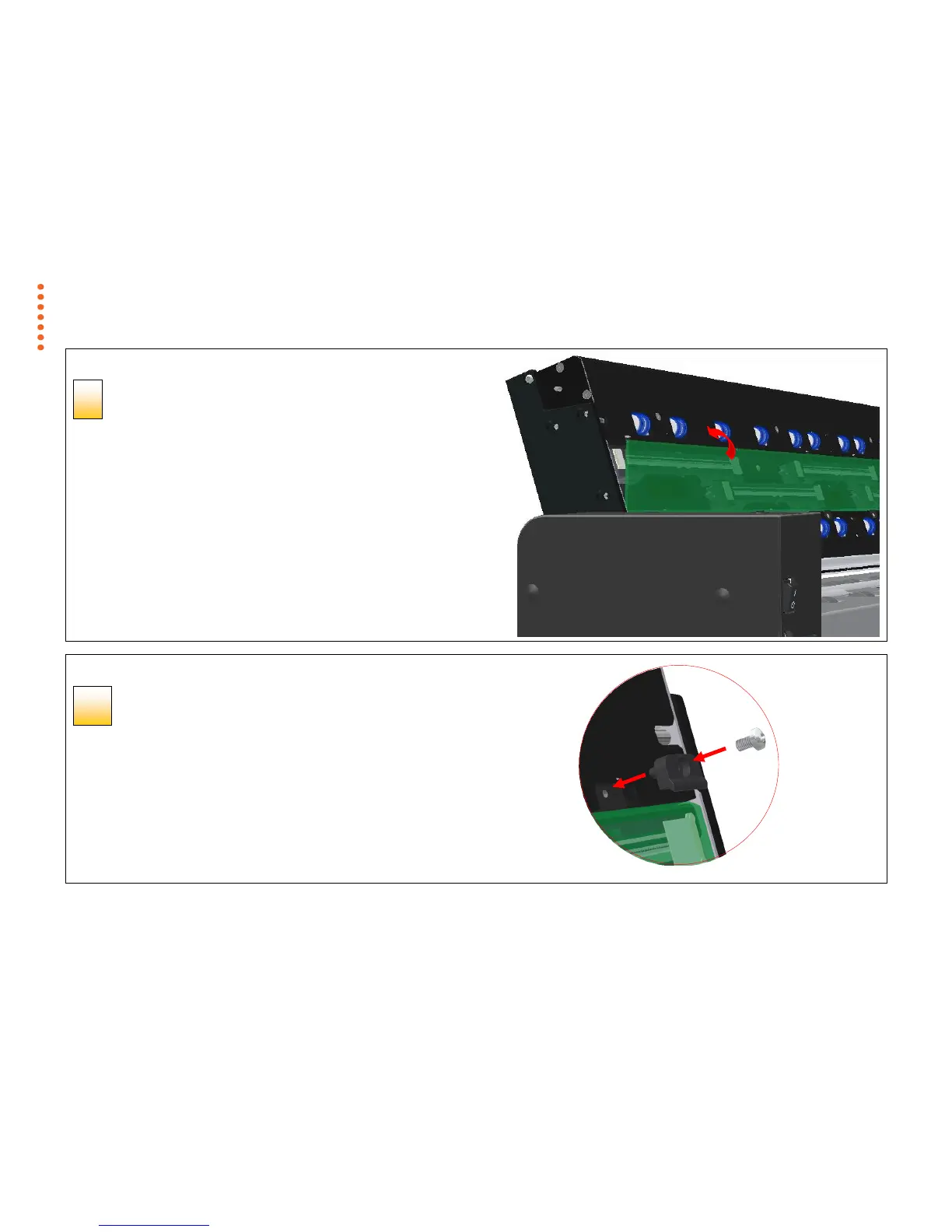
Tilt the upper edge to place glass plate
With the glass plate resting on the lower latches carefully tilt the upper edge
until the glass plate fully rests in the scanner lid.
Replacing the glass plate
Lock the glass plate in place
Replace the 6 latches and 6 screws (4 on the SD one MF 24).
1. Insert latches and screws, start at the right side.
2. Gently tighten the screws, do not overtighten.
3. Check that the latches are now holding the glass plate.



 To Next Page