Replacing the glass plate
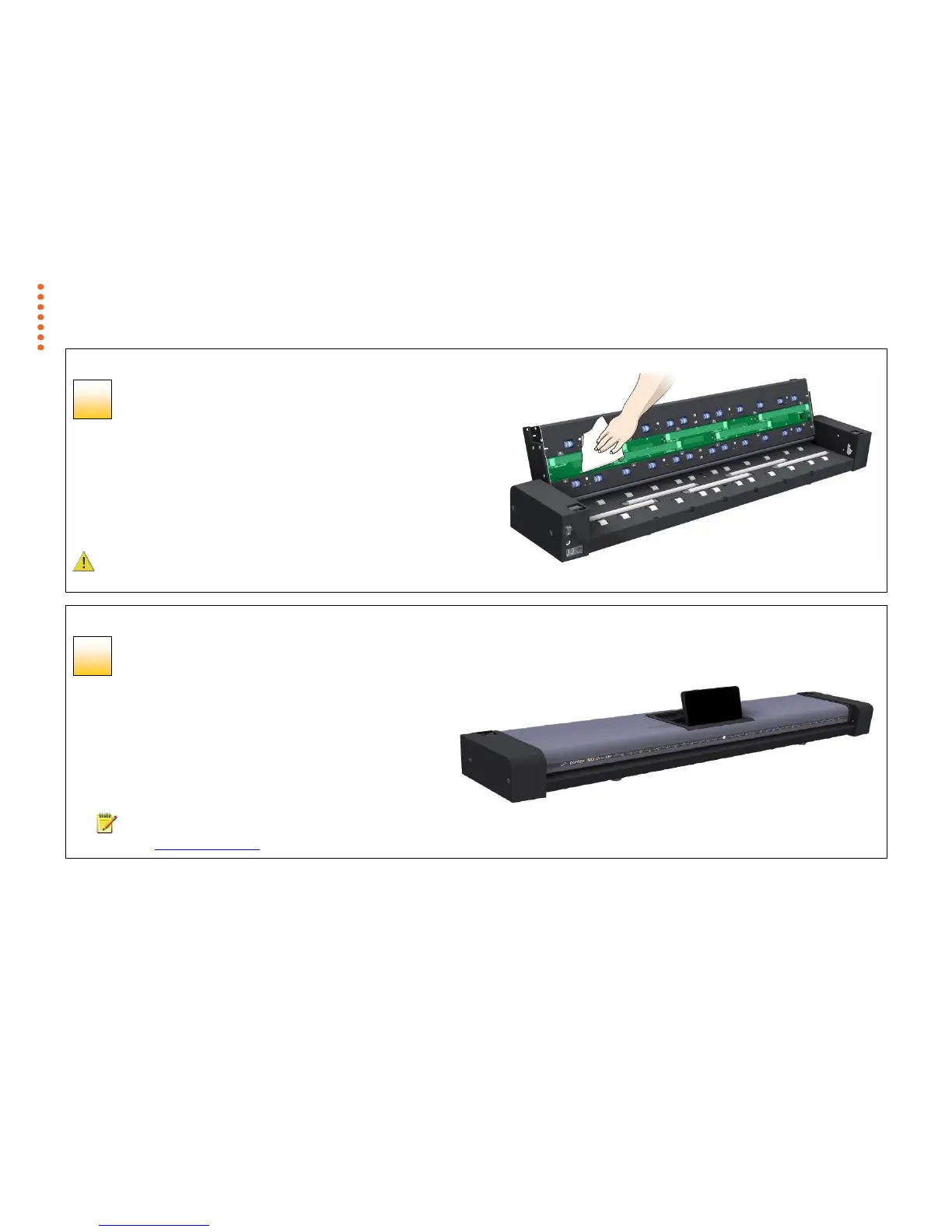
Clean the glass plate
Make sure you use a fresh and clean lint-free cloth for cleaning the glass plate.
1. Spray/apply a mild, streak-free, glass cleaner onto one side of the cloth.
2. Gently wipe the glass plate clean. Look for fingerprints and smudges that may
have been applied during replacement.
3. Dry the glass plate completely using the other (dry) side of the cloth.
4. Make sure that fluids do not get under the glass plate and that you leave the
area dry.
CAUTION: Do not spray/apply cleaner fluids directly on the glass plate or
anywhere else in the scan area.
Replacing the glass plate
Glass plate replaced successfully
1. Close the scanner lid all the way down until you here the lid
latches “click”. Gently try to pull open the lid to ensure it is locked
in the “closed” position.
2. Pull up the touch screen.
3. Plug in the scanner and turn the main power switch to ON.
4. NOTE: If your results are not optimal after changing the glass
plate, try to calibrate the scanner to tune it to its new glass plate.



 To Next Page