23
3-3-2. SETUP-REC-REC OPTION
From this Sub-Menu the DVR can be set so that Recording cannot be turned off without a Password.
The Monitor output can also be optimised for playback of the highest resolution images.
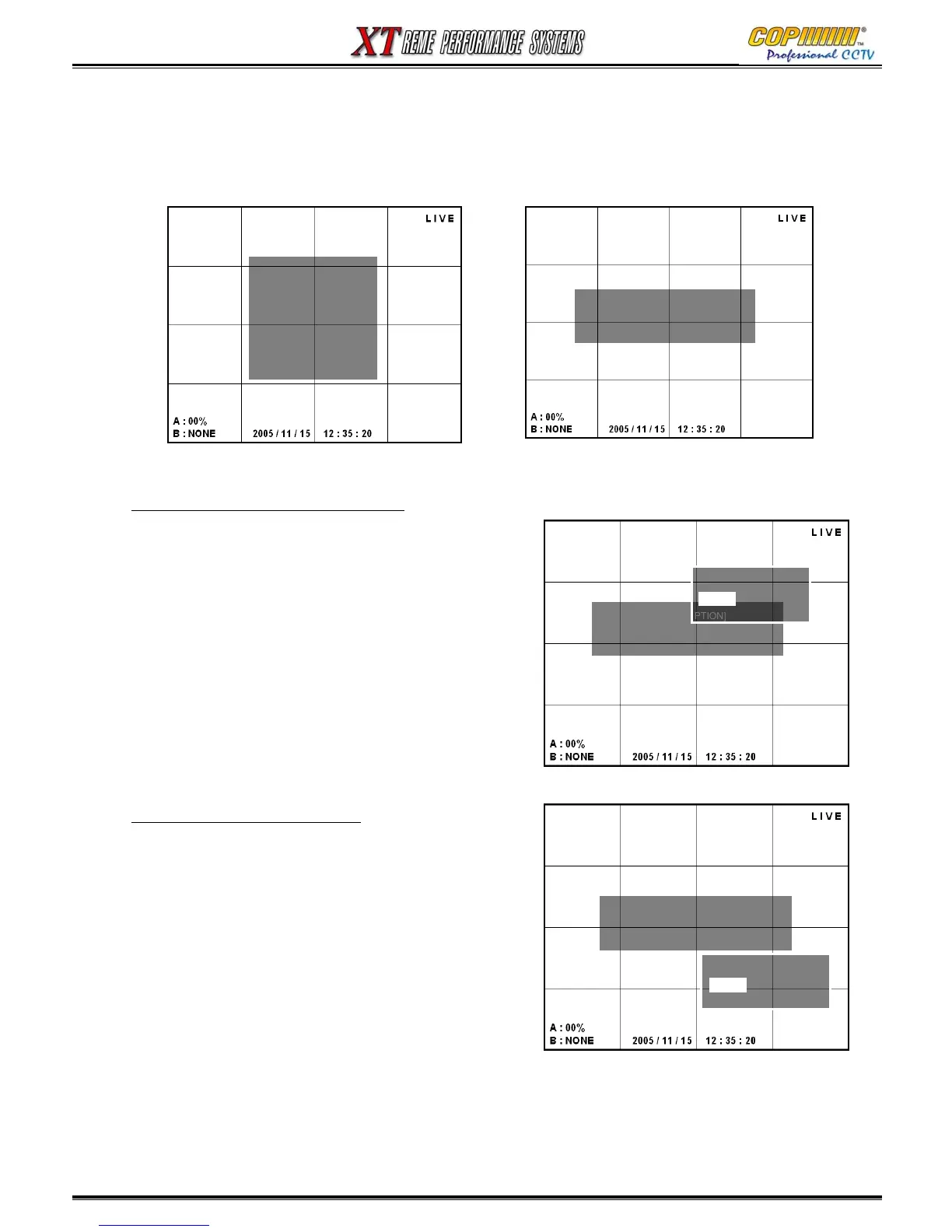
1) Select [REC OPTION] by using (▲)(▼) and press the [ENTER] button to enter the Sub-Menu..
CONTINUOUS RECORDING OPTION
If this option is set to [ON] then the DVR will record
continuously at the resolution, quality & frame rate as
set in the [RECORD PROPERTY] options.
In this state the REC button will not turn recording off.
1) Highlight [on]/[off] by using the (▲)(▼)buttons, press the
[ENTER] button to select.
2) Press the [MENU] button to exit the Sub-Menu.
PLAY DE-INTERLACE OPTION
The playback display can be optimised if the
highest resolution setting of 720 x 576 is used.
If an Analogue CCTV Monitor is used as the Main
Monitor the De-Interlace Option should be set to [ON].
If a VGA Monitor is used as the Main Monitor the
De-Interlace Option should be set to [OFF].
1) Highlight [on]/[off] by using the (▲)(▼)buttons, press the
[ENTER] button to select.
2) Press the [MENU] button to exit the Sub-Menu.
[SETUP-REC]
- REC PROPERTY
-<REC OPTION>
- EVENT REC
- SCHEDULE REC
- DELETE REC
- LOCK / UNLOCK REC
- DELETE ALL REC
[SETUP-REC-REC OPTION]
- RECORD CONTINUOUS : <-OFF>
- PLAY DEINTERLACE : -OFF
[SETUP-REC-REC OPTION]
- RECORD CONTINUOUS : <-OFF>
- PLAY DEINTERLACE : -OFF
REC CONTINUOUS
-ON
-OFF
-ON
[SETUP-REC-REC OPTION]
- RECORD CONTINUOUS : <-OFF>
- PLAY DEINTERLACE : -OFF
PLAY DEINTERLACE
-ON
-OFF
-ON
3. SETUP



 To Next Page