51
13. SEQ(Sequence)
From this Sub-Menu the Sequence Display on the Main Monitor (as set in the Sequence Setup on
Page 15) can be activated.
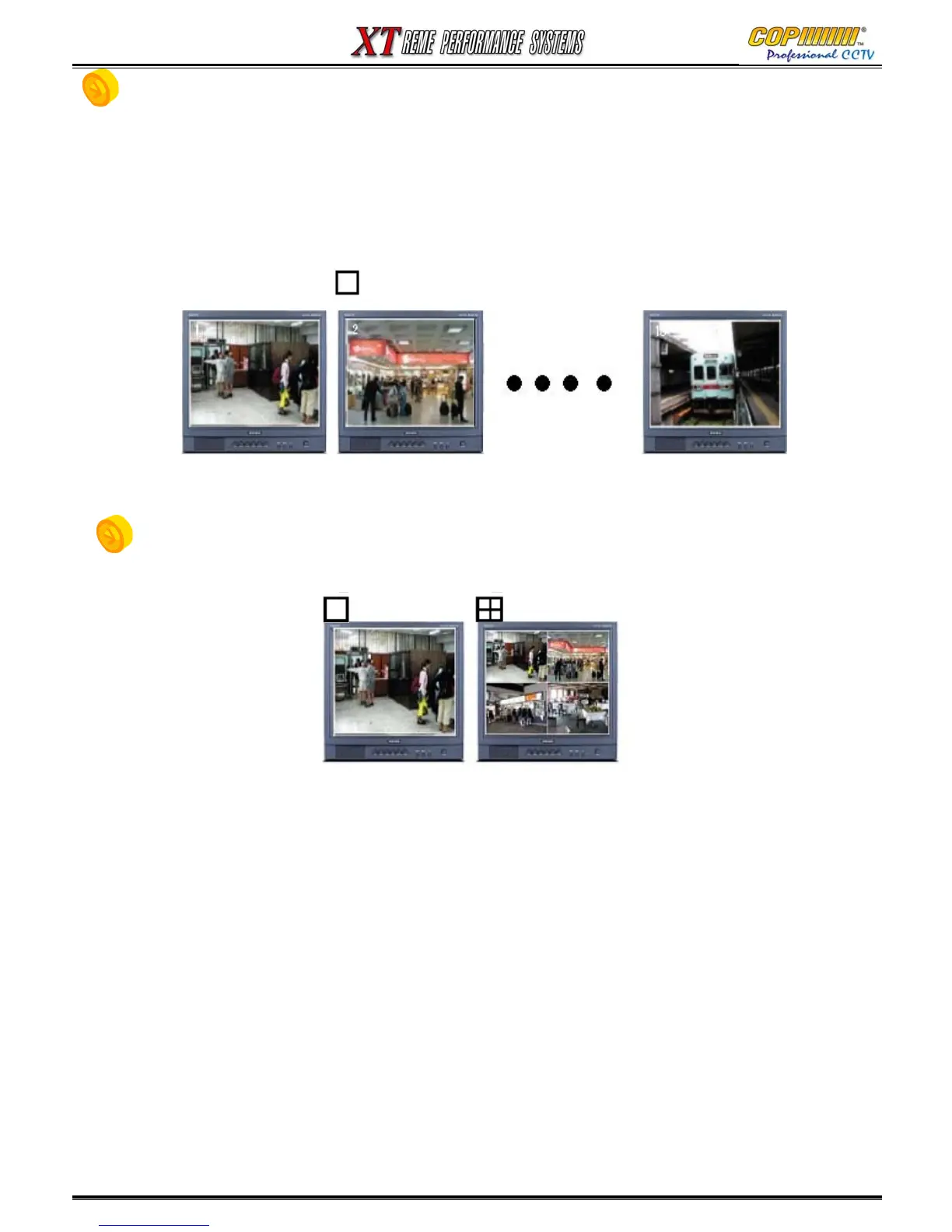
1) When the current display is showing a full screen image in the LIVE mode, press the [SEQ] button.
This will start the Full Screen Sequence display.
2) When the current display is showing a Multi-Screen display modes, press the [SEQ] button.
This will start the Quad Screen Sequence display.
* 1ch sequence display ( press 1ch screen division, then press [SEQ] button)
Channels 1, 2, 3 & 4 will be displayed in order.
14. SCREEN SPLIT
1) You can select screen division(1/4/9ch) by division button on the controller.
- 1ch screen division : press 1ch screen division button every time to change the next
screen division1,2,3,4ch
- 4ch screen division : press 4ch screen division button to change the
screen division to show all channels: 1-2-3-4,
13. SEQ(Sequence) / 14. SCREEN SPLIT



 To Next Page