54
16. CMS Remote Monitoring Software
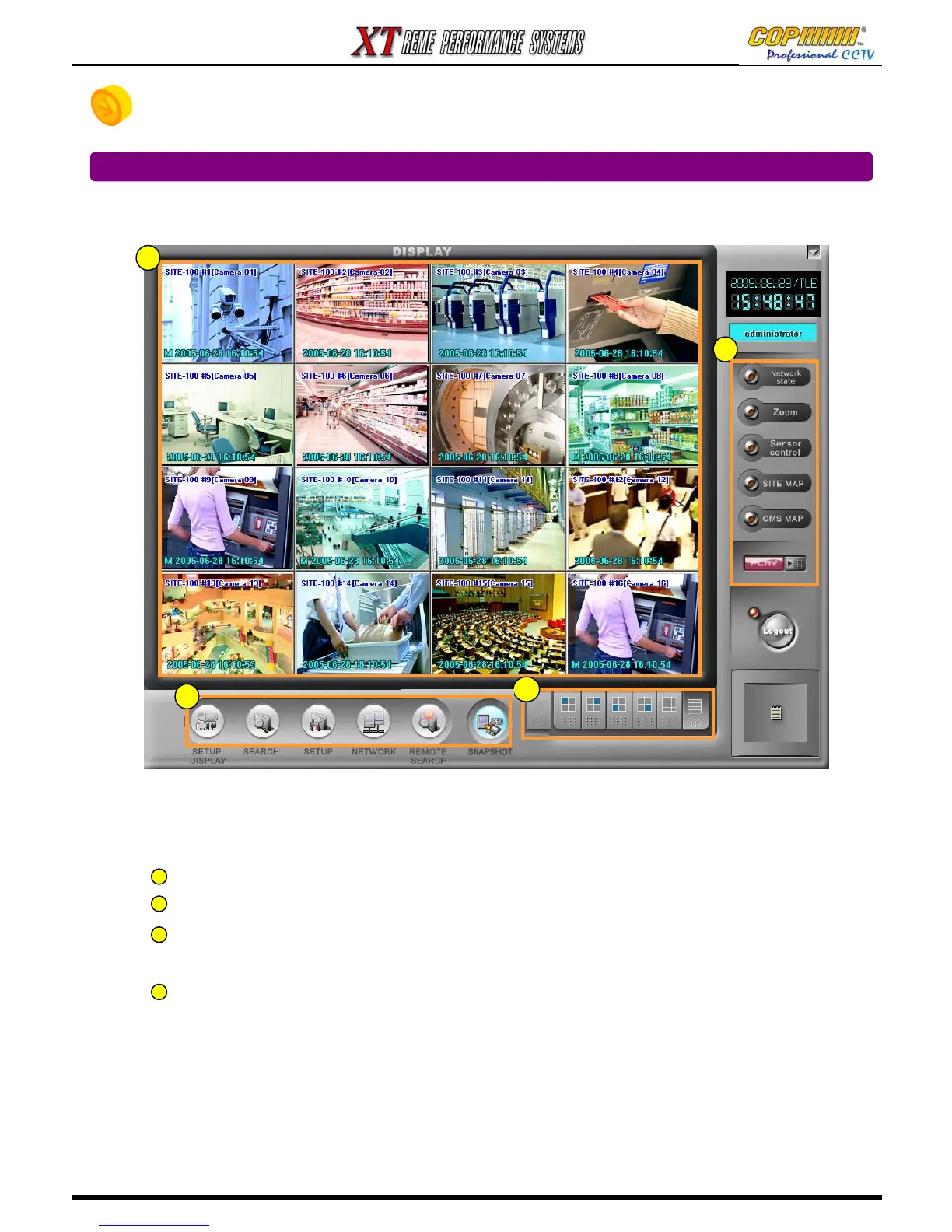
16-1 Display Mode
Display Screen : Displays images from remote monitoring site(s).
Screen Division : Selection options for various screen division displays.
Main System Utility buttons : Click to access to the main functions. ‘setup display’,
‘search’, ‘setup’, ‘network connection’, ‘remote search’, ‘snapshot’.
Sub System Utility buttons : click to access to the detailed functions, ‘network status’,
‘zoom’, ‘sensor/control’, ‘Site-Maps, ‘audio playback’.
1
2
4
1
2
3
4
16. CMS
3



 To Next Page