50
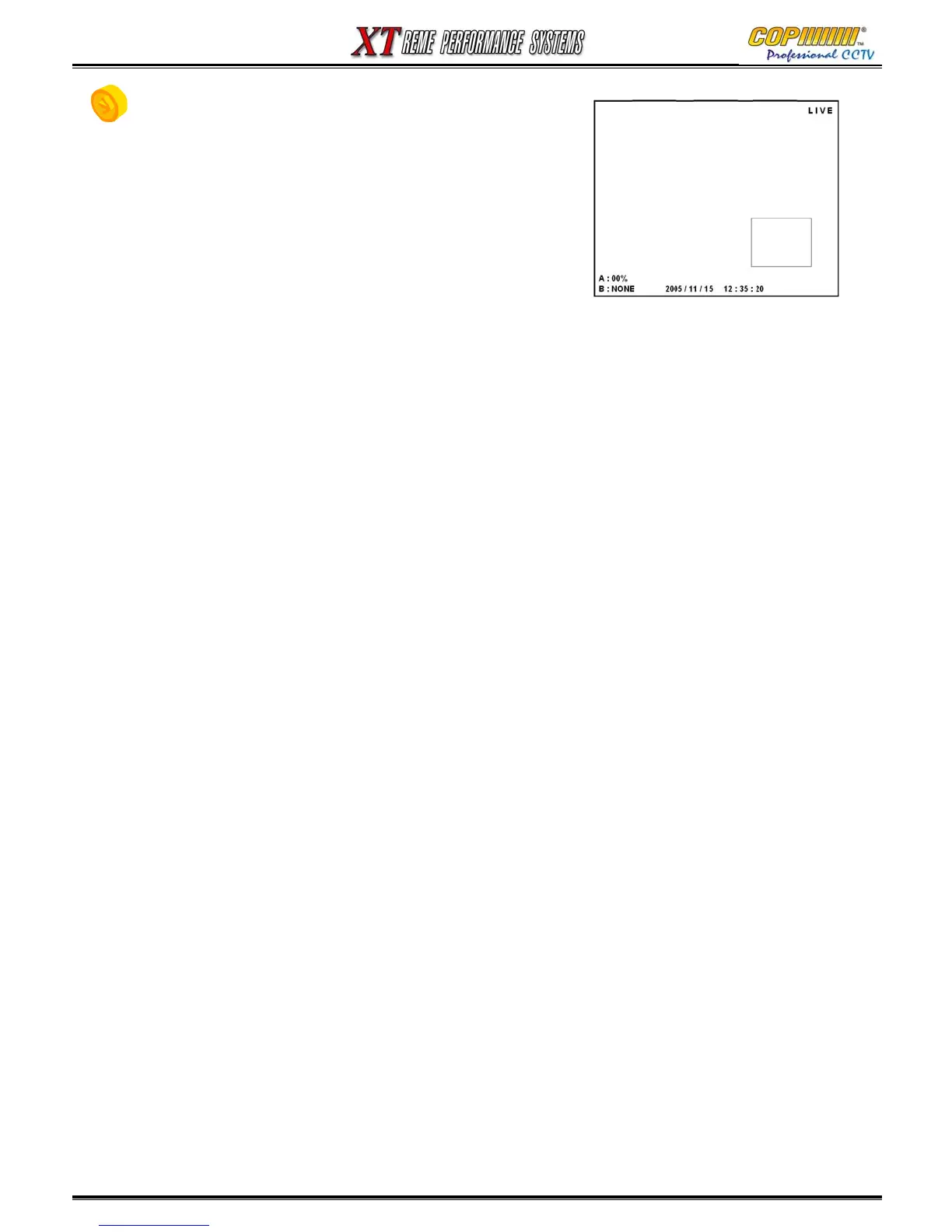
11. PIP(Picture in Picture)
1) Press [PIP] button to show up 1channel in a small screen
within the main screen.
2) Select the camera number of small screen, and press
[PIP] button again to change main screen and small screen.
3) Move the location of the small screen by using (▲)(▼)
(◀)(▶) buttons.
4) Press any Division button to close PIP.
10. SPOT / 11. PIP(Picture in Picture) / 12. POP(Picture on Picture)



 To Next Page