58
16-2 Setup mode
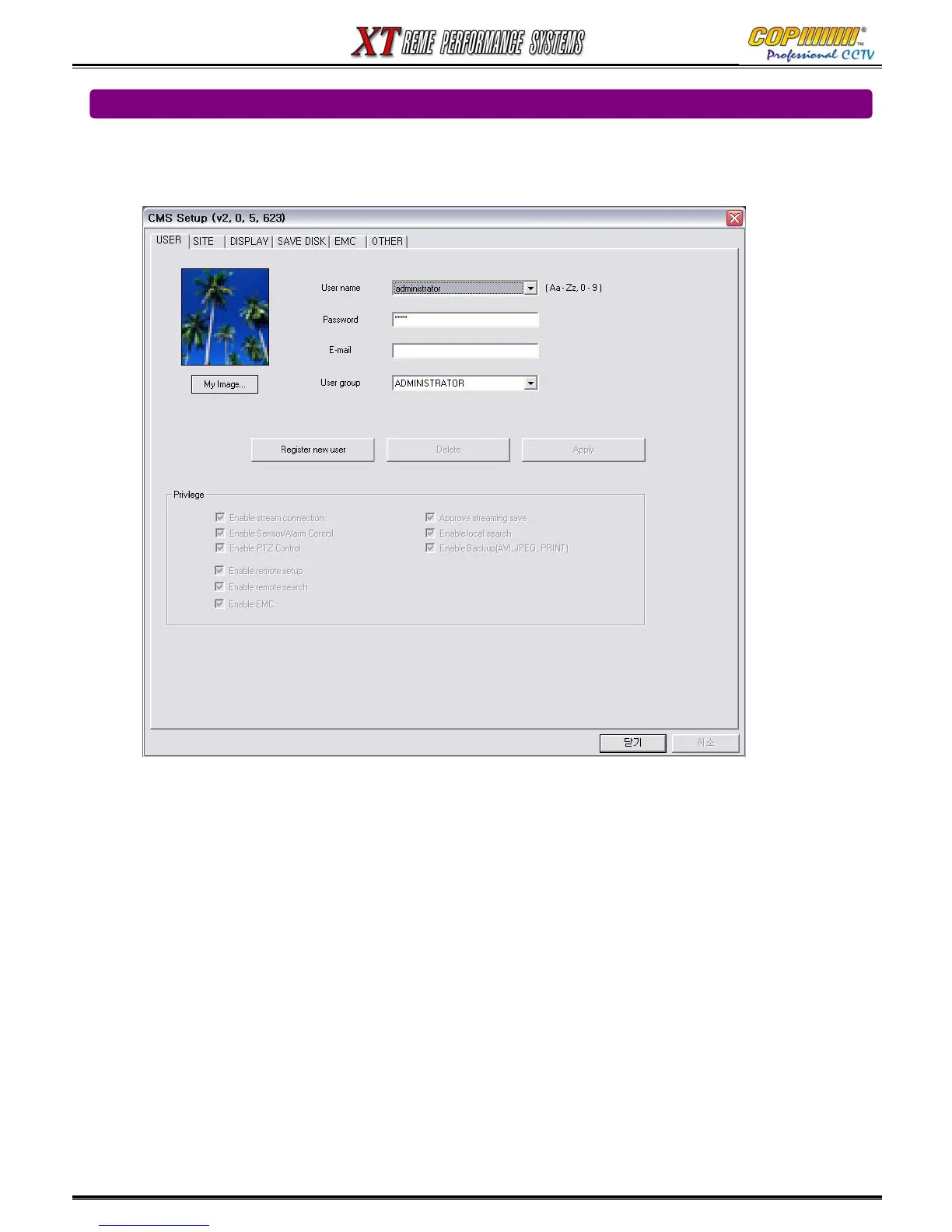
16-2-1 USER (Please refer to section 3.5 - Network Setup – for DVR setup)
New users can be set to have different privileges.
The Default is ‘administrator’.
The Default User Name is administrator with a default password of 1234.
To Register a New User for higher security:
1) Enter a new User Name into the User Name Field.
2) Enter your choice of password into the Password Field. (Confirm when required)
3) Select a User Group from the Drop-Down List.
4) “Left Mouse Click” on the Register New User Button
5) Select suitable privileges for the new user.
(My Image : change the image to your preference, such as company logo.
16. CMS



 To Next Page