53
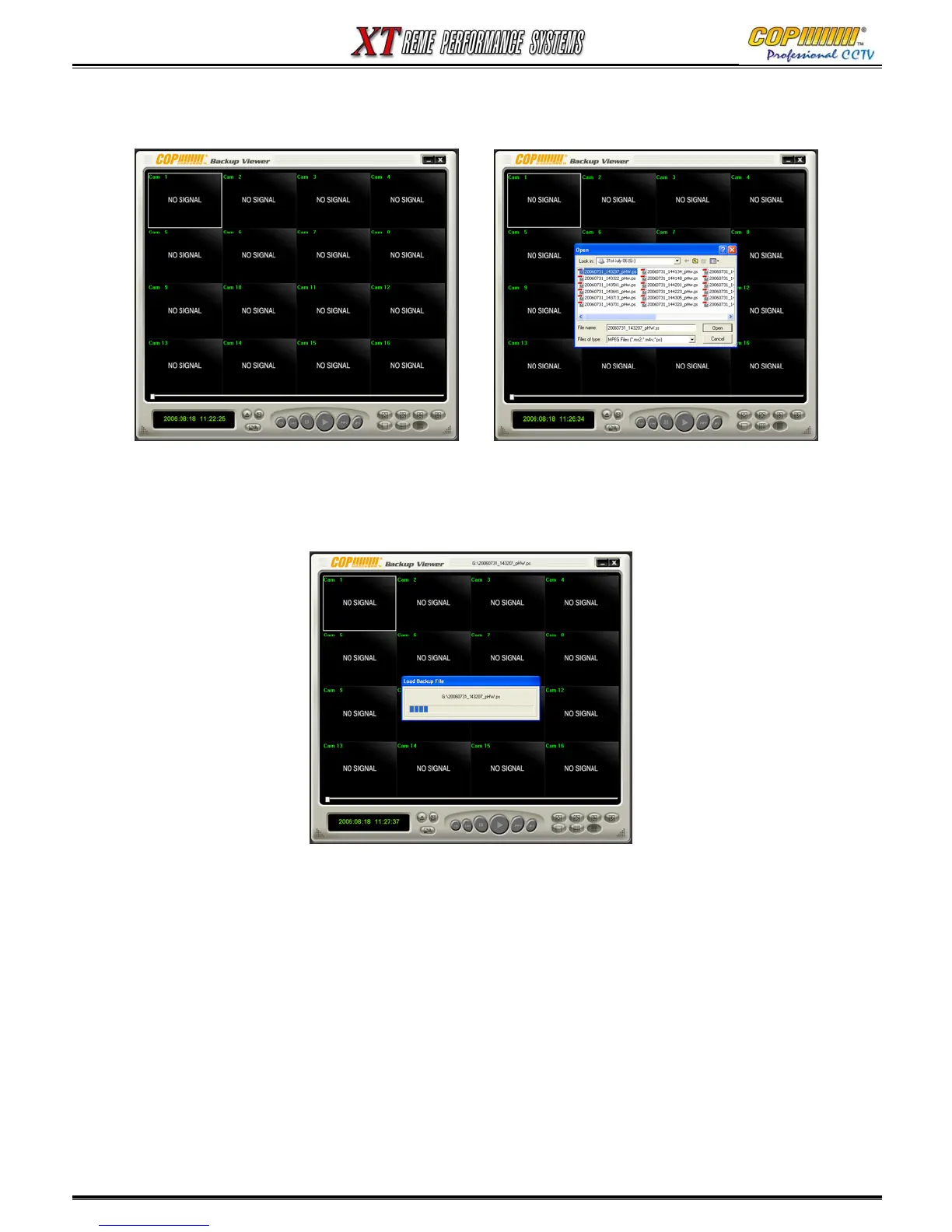
1) Select Open file button on main display. A window will open showing a list of files available.
2) Choose a file for playback, and press “Open”
3) Player Software Loads the selected file.
4) Playback and screen division buttons can be used whilst Playback is running. (Use the Stop
button before pressing any other Playback Buttons)
5) A Still image (.bmp) file can be created once the playback has been paused (using Stop button).
6) Press the “Save” Button, a window will appear so that you can chose where to save your image
15. BACKUP VIEWER



 To Next Page