48
8. PTZF(Pan/Tilt/Zoom/Focus)
1) You can control PTZ camera of DVR system.
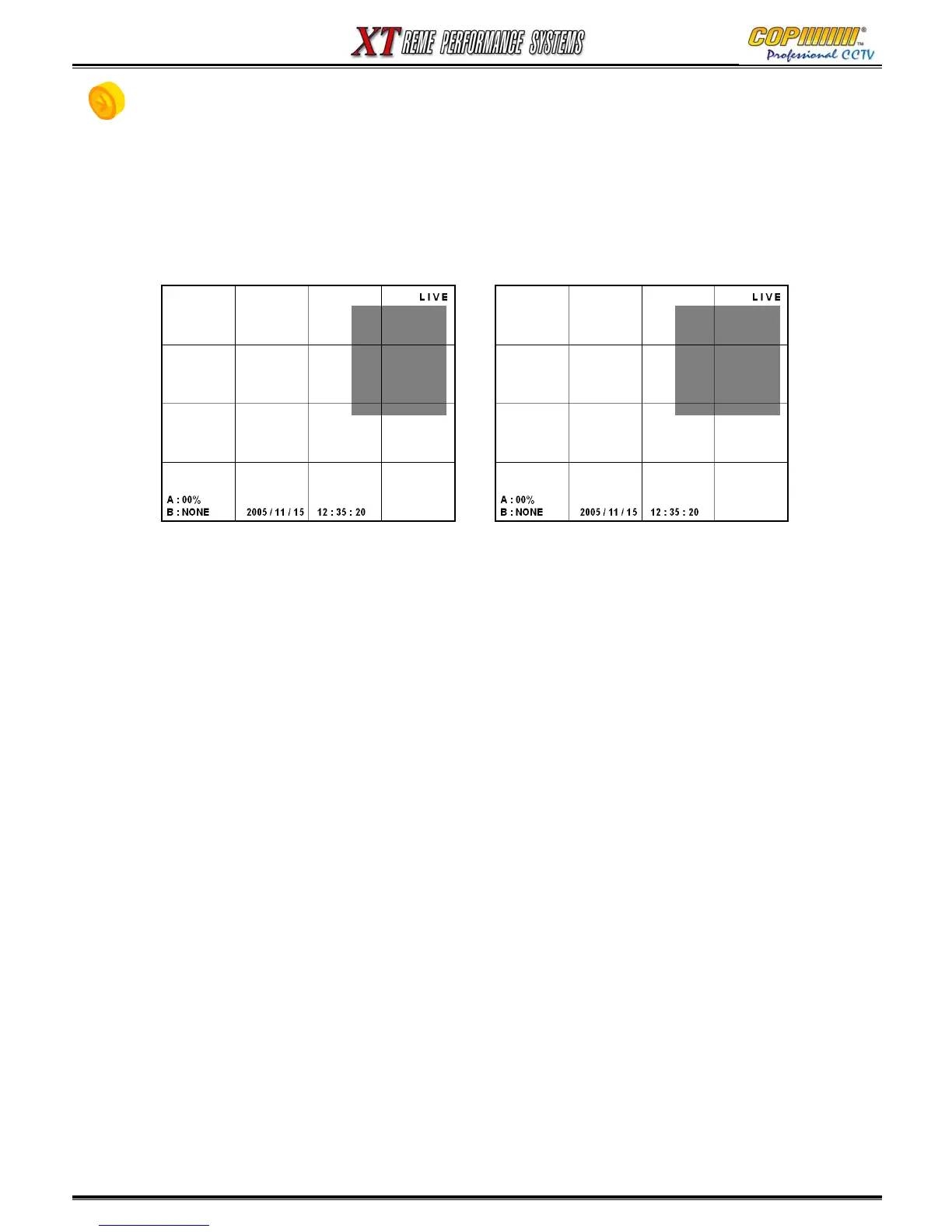
2) Press the [FUNCTION] Button on the DVR to show the Sub-Menu. (Or use Buttons on IR Remote)
3) Press [P/T] or [Z/F] button to show up PTZF camera control window.
4) Enter the camera number that you want to control.
5) Control PAN/TILT by (▲)(▼)(◀)(▶) buttons, ZOOM/FOCUS by (▲)(▼) buttons, IRIS by (◀)(▶)
buttons.
PAN / TILT
∧
< >
∨
CH : 00
SWING :
ENTER
ZOOM / FOCUS
Z+
∧
F-< >F+
∨
Z-
CH : 00
7. BACKUP / 8. PTZ (Pan/Tilt/Zoom/Focus)



 To Next Page