68
16-4 Remote Search Mode
16-3-4 OTHER
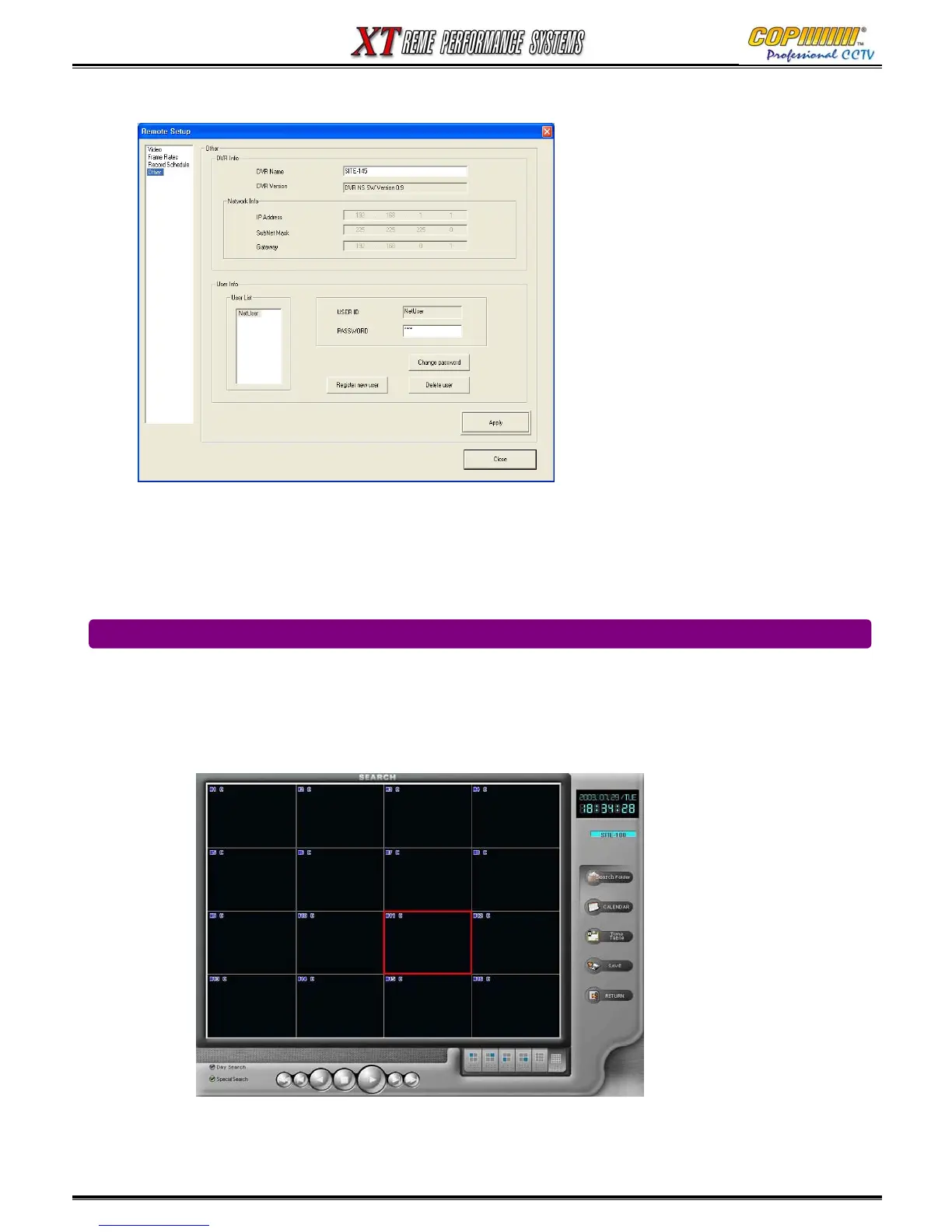
1) DVR info : shows the connected DVR information such as DVR name, program version.
2) Network info : shows network connection information such as IP address, subnet mask, gateway.
3) User info : shows user list for the connected DVR. You can change password, register a new user,
delete user depends on that user’s privileges.
16-4-1 SEARCH
This function allows for the searching of recordings stored on a DVR currently connected over a
Network to the CMS Software.
Whilst the CMS Software is in display mode, click the ‘Remote Search’ button. The search screen
will be displayed as shown below.
Calendar: Click the Calendar Icon to show the calendar window and select the day to search.
Calendar: Once selected, close the window.
16. CMS



 To Next Page