57
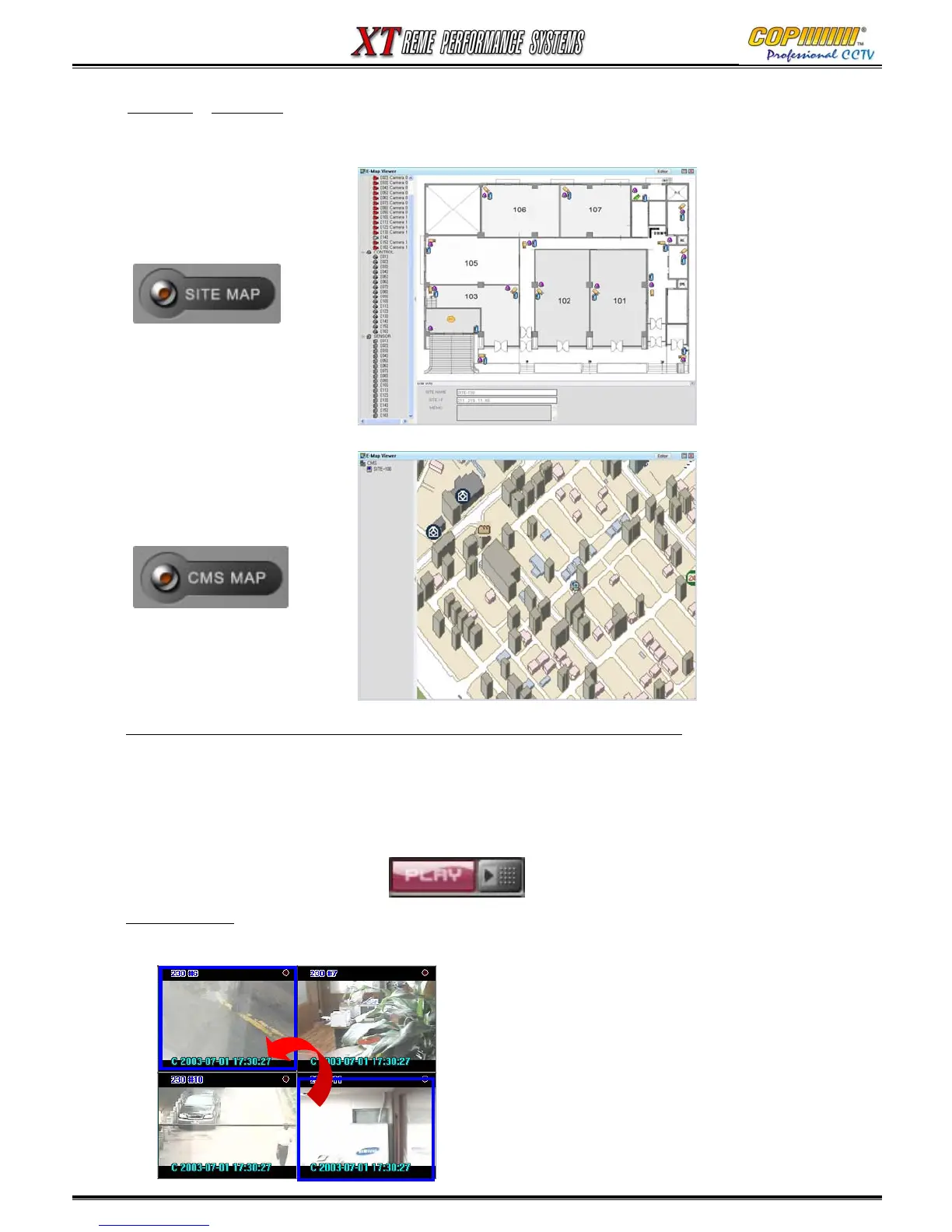
Site Map & CMS Map : Not available: May 2006.
Site and CMS Maps can be displayed on this system. Please refer to the e-Map viewer/editor for more
detail information.
Screen Switch In Live Display mode : Move the mouse over the segment to move. Press &
Hold the right mouse button and drag to the desired new position.
16. CMS
Audio data Transmission (Only use for a single DVR network connection.) :
Click the camera segment you want to listen-in to, then click the ‘PLAY’ button. The button will turn
red and show ‘STOP’ when enabled. To stop listening, click it again.
Warning: Click the ‘STOP’ button before selecting a different camera segment.
Note : for this function, the DVR should be set for audio recording on the relevant channel.



 To Next Page