Snack / Refreshment Center Setup and Operator's Guide
Page 451670001 April, 1999
Now, you have connected your merchandiser to the utilities, placed it in its final location, loaded it with
products, and set the prices. Before you lock the door and move on, you should check to see if your
merchandiser will vend products. In case of problems, perform the operational readiness checks begin-
ning on the next page.
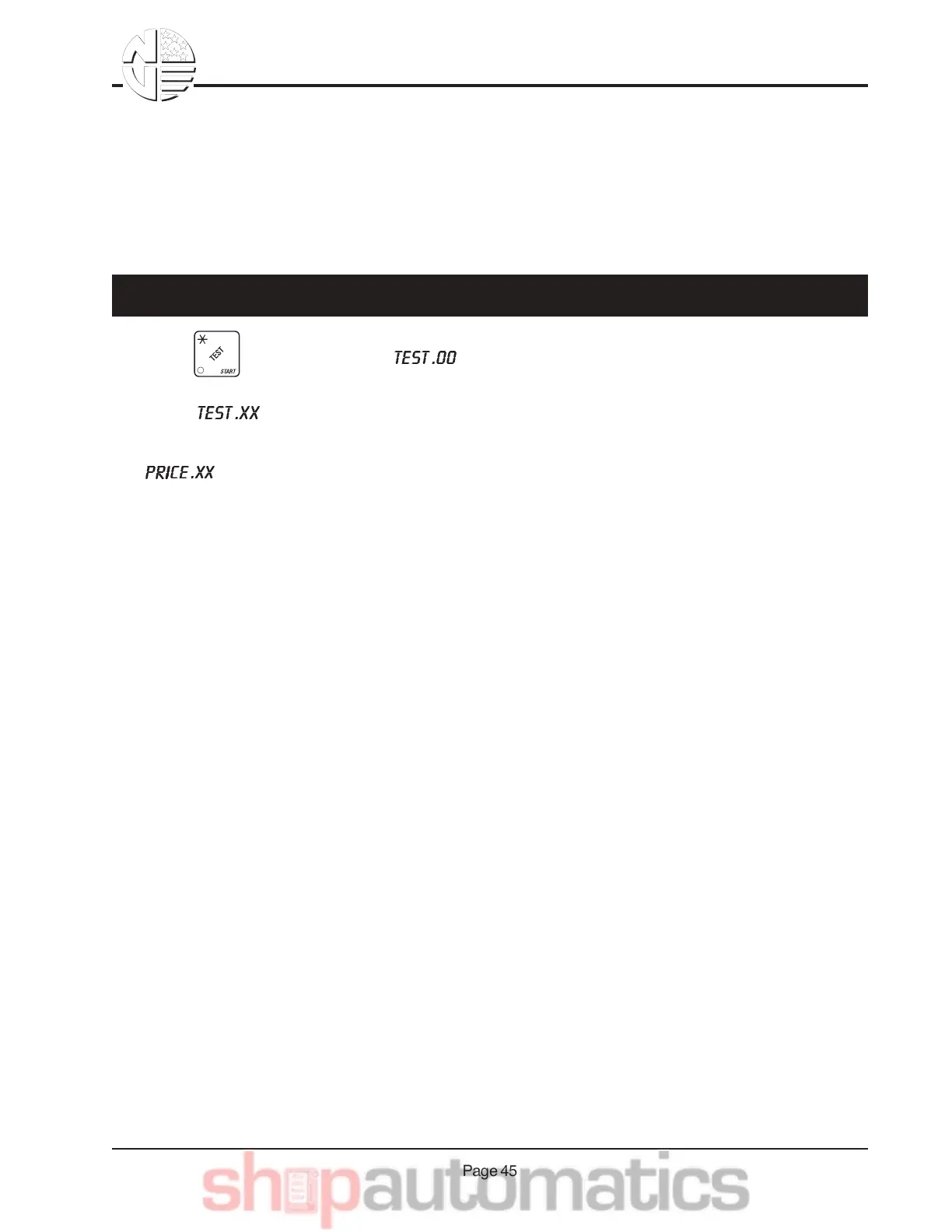
1. Press . The display shows .
2. Deposit coins and/or currency to establish credit higher than the price of the selection. The display
shows . XX is the amount of credit you established.
3. Use the selection switch panel to enter the selection number you want to vend. The display shows
. XX is the price of the selection.
The selection is vended, then correct change and the credit are returned.
4. Test vend other selections, if desired.
Final Checkout
AB& & =$.-& M$,8& L$7$2-*",.



 To Next Page