Snack / Refreshment Center Setup and Operator's Guide
Page 34April, 1999 1670001
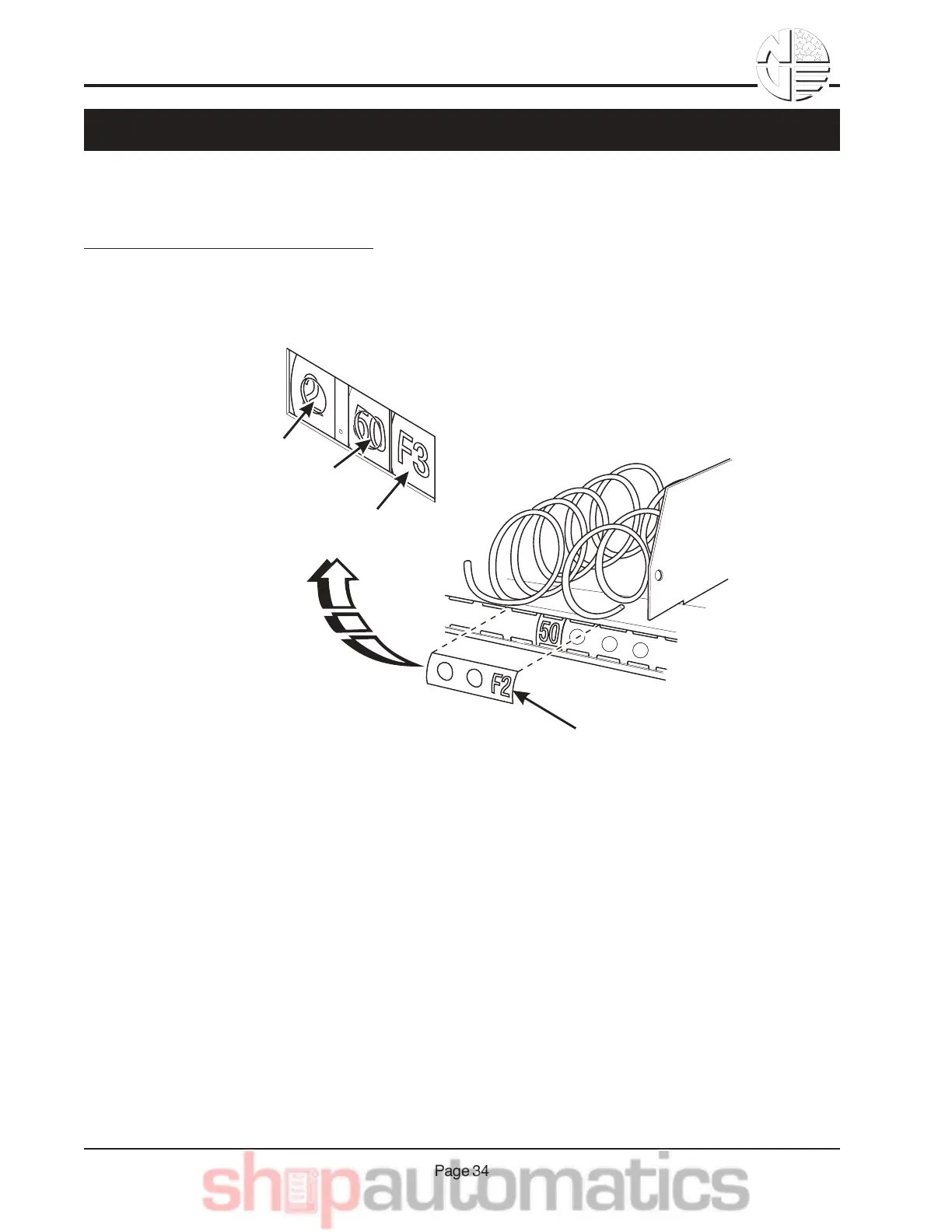
Selection ID numbers are printed on clear plastic sheets. You will find these in the plastic bag that con-
tained this manual. You will need to separate them along the scored lines between the selections. BE
CAREFUL when doing this, because it is easy to split the labels.
INSTALLING SELECTION ID NUMBERS:
1. Press together the two long edges of the selection ID label.
2. Snap the selection ID label into position on the front of the tray as shown.
SELECTION
IDENTIFICATION LABEL
CENTS
PRICE ROLL
DOLLAR
PRICE ROLL
SELECTION
IDENTIFICATION
UB&&9,.-177&L$7$2-*",&9E&K1T$7.



 To Next Page