BevMax_Media_Programming_10_6_10 Page 26 of 106
08/15/2013
3. Surround Lighting Test – Press the 3 Key to enter the function.
Press the 3 Key brings up a screen listing one option.
Surround Lighting Test
1) Perform test
Press the 1 Key to perform the test. The display will say “Surround Lights should change now” and the
integrated payment openings lights will turn on, change colors, and turn off, then the pill light tube will
turn on, change colors, then turn off.
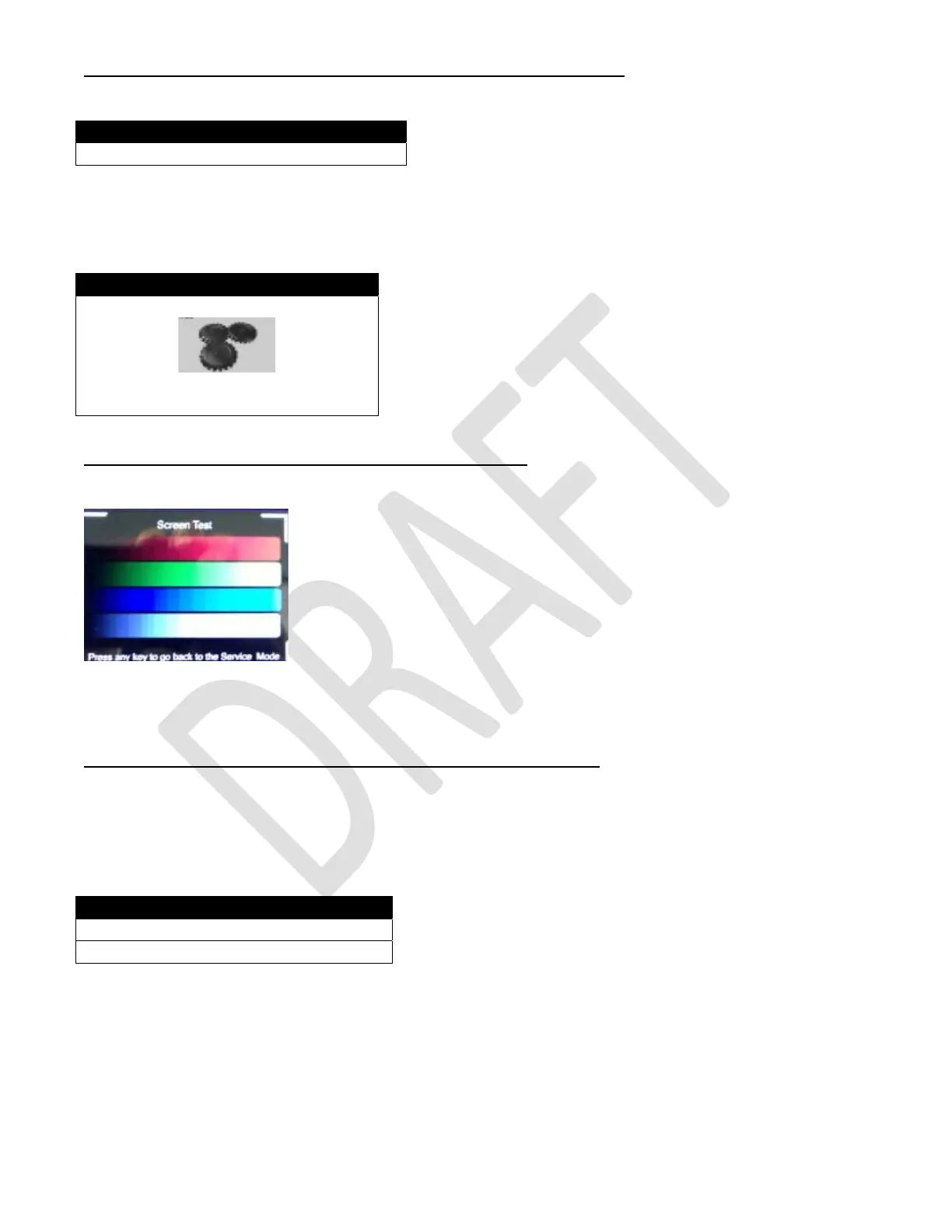
4. Screen Test – Press the 4 Key to enter the function.
Press the 4 Key will bring up a screen with four colored bands which get progressively brighter.
The colors from top to bottom are Red, Green, Blue and White.
5. Refrigeration System – Press the 5 Key to enter the function
Press the 5 Key will bring up a screen which displays the data listed.
Return Air is the temperature of the air inside the vender.
Refrigeration State is an unused field and does not represent
anything.
Surround Lighting Test
Surround lights should change now
Test
Return Air 71°F
Refrigeration State 0



 To Next Page