BevMax_Media_Programming_10_6_10 Page 55 of 106
08/15/2013
Press the 1 Key to make a new backup file.
Press the 1 Key for YES, or the 3 Key for NO.
1. Use the 1 Key to make a new backup. They are listed by number. The new
backup will be a copy of the currently set prices, product codes, motor pairings
and any other options you have set up in the currently loaded firmware.
2. Use a numeric Key to choose the stored backup copy you wish to restore to.
3. Use a numeric Key to restore the factory backup
Press the 2 Key to restore factory backup.
1. When the 1 Key has been pressed to choose
YES, the restore will begin. After it has been restored the lights will come back on and you are ready to
test the machine to be sure it is set the way you want it. You do not have to reboot the machine.
2. When the 3 Key has been pressed to choose NO, nothing will be changed or restored.
7. Clone (copy) Configuration – Press the 7 Key to bring up a screen.
Press the 7 Key will bring up a screen listing the available options for this function.
This function is used to load a memory stick that can be used to copy the current configuration settings
from a machine to other machines, making them all identical.
If there is no USB flash drive plugged in USB Port 1 on the Control Board, a screen will come up
saying, flash stick not found, please replug it and reboot machine.
1. Prepare Flash Drive -
Before attempting to copy a configuration you must create a folder named ATLAS on a USB flash drive
using a computer. The USB flash drive will then need to be inserted in the USB port 1 on the Control
Board.
After preparing the flash stick and inserting it in the USB Port 1, press the 7 Key will bring up a screen
that has only one option at this point.
2. Create Configuration Clone -
Press the 1 Key will bring up a screen that allows you to load the
memory stick. There are two options:
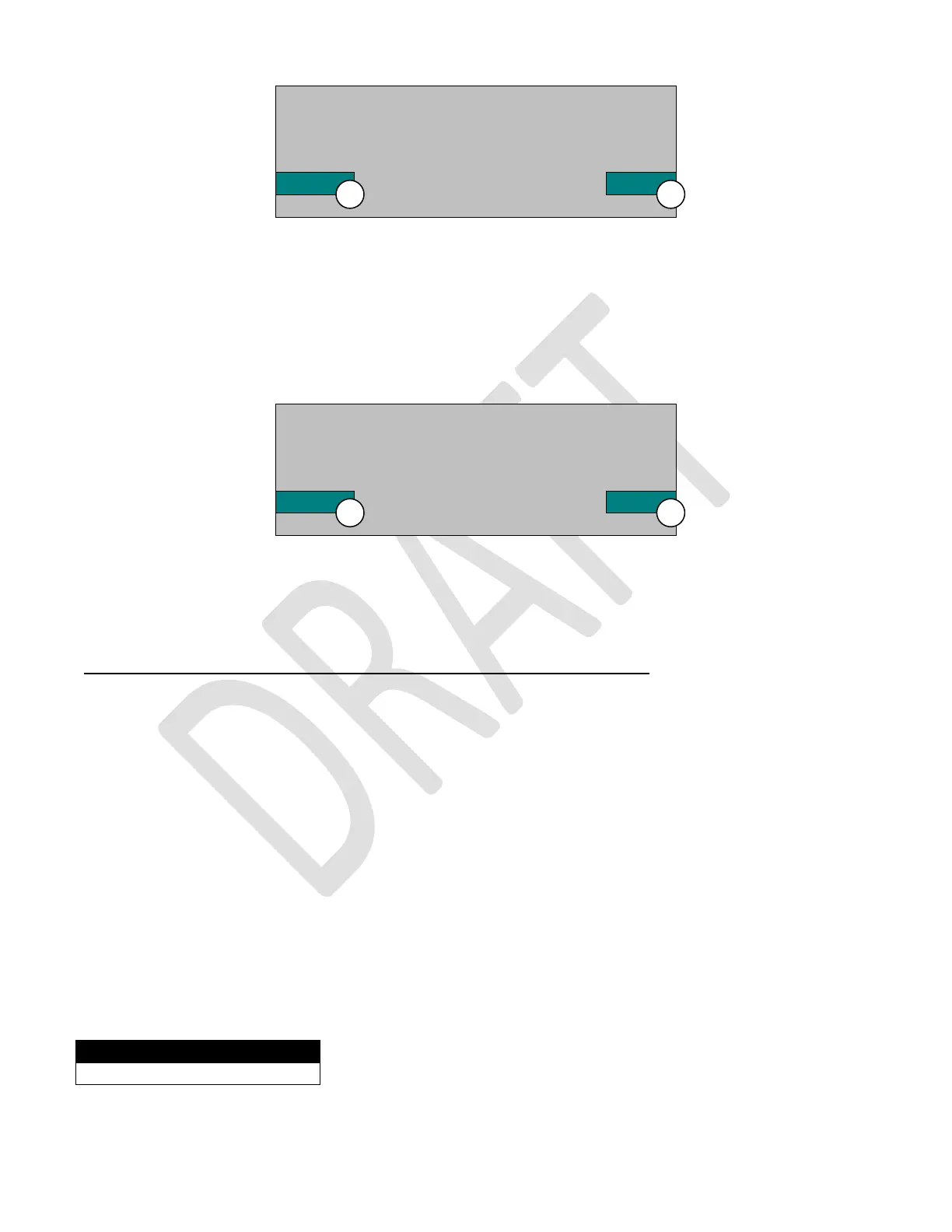
Are you sure you want to start
backup creating? It will take a
Few seconds, please wait.
Yes No
Do you want to reset all
settings to defaults? (machine
will be rebooted).
Yes No
Function
1) Create Configuration Clone



 To Next Page