BevMax_Media_Programming_10_6_10 Page 59 of 106
08/15/2013
9. SECURITY CODES……………..Press the 9 key to bring up a screen.
Press the 9 key will bring up a screen listing the following options.
Use the numeric keys to choose an action.
Choosing an action will bring up a screen or open a window that will
allow you to complete the action.
Press the 1 Key will bring up a screen asking you to enter the PIN.
The default number is 3,3,3,3. This is the operator Personal
Identification Number (PIN).
Entering this number will bring up the service mode menu.
Press the 2 Key will open a window that will allow you to change the
Driver PIN. The default number is 1,1,1,1. Use the numeric Keys to
enter a new 4 digit number. Use the center section of the OK Key to
lock in the new number.
Press the 3 Key will open a window that will allow you to change
the Operator PIN. Use the numeric Keys to enter a new 4 digit
number. Use the center section of the OK Key to lock in the new
number.
Entering an operator PIN of 3,3,3,3 will allow full access to all the Operators functions in the service
mode as detailed in the pages of the programming section of the manual.
Entering the Driver PIN of 1,1,1,1. will allow a driver limited access to the service mode functions listed
as follows:
1 2 3
Data
Recall
Telemetry Planogram
Management
Use the numeric Keys to choose an option. Choosing an option will bring up the first screen for that
option.
Press the 1 Key will bring up a screen listing two options for Data Recall.
Use the numeric Keys to
choose an option. Choosing an option will bring up a screen listing data categories as described in the
Data Recall section.
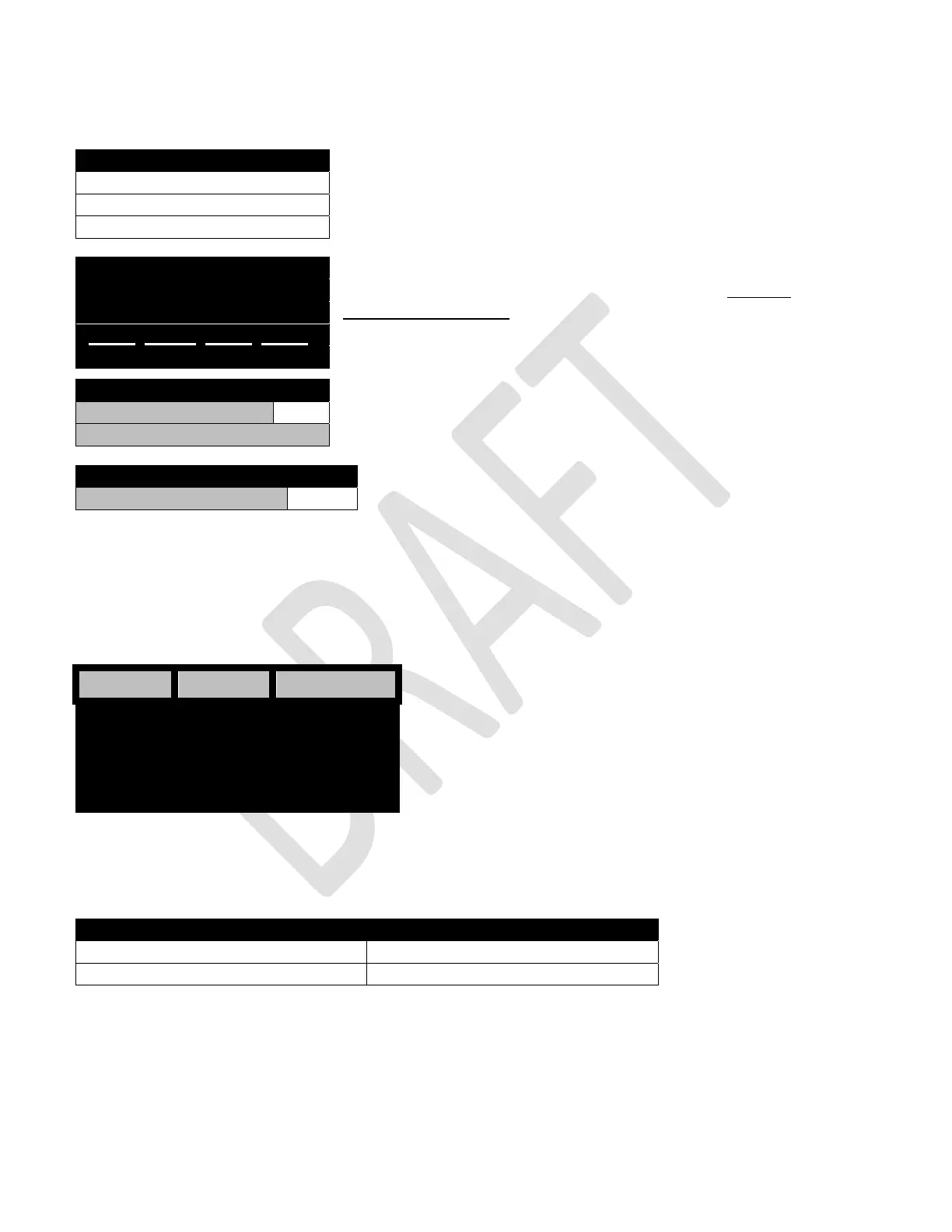
Security Codes
1) Enter PIN >
2) Change Driver PIN
3) Change Operator PIN
ENTER PIN
_____ _____ _____ _____
Security Codes
2) Change Driver PIN
3) Change Operator PIN
Security Codes
3) Change Operator PIN
Data Recall
1) Non Resettable Sales Data Refer to Section 1 Data Recall
2) Resettable Sales Data Refer to Section 1 Data Recall



 To Next Page