BevMax_Media_Programming_10_6_10 Page 25 of 106
08/15/2013
3. TEST
……………….........................Press the 3 Key to bring up a screen.
Press the 3 Key will bring up a screen listing the functions within the group.
Press the numeric Keys to choose a function.
Choosing a function will bring up the first screen within each
function.
(continued SECOND SCREEN)
Press the top and bottom of the OK Key to access multiple screens.
1. Test Vend – Press the 1 Key will bring up a screen.
Insert coins, bills or tokens to increase credit amount. If an MDB
cashless device is present or the onboard cashless interface is used in
the machine, the user may swipe a card to establish credit to test
function.
Press the 1 Key opens a window allowing you to enter another
selection using the numeric Keys. Press the OK Key to save. Press
the 2 Key to run the selected motor. Note: The left door switch must
be pulled to the out position for the XY to move.
2. Coin Return Motor – Press the 2 Key to activate the test.
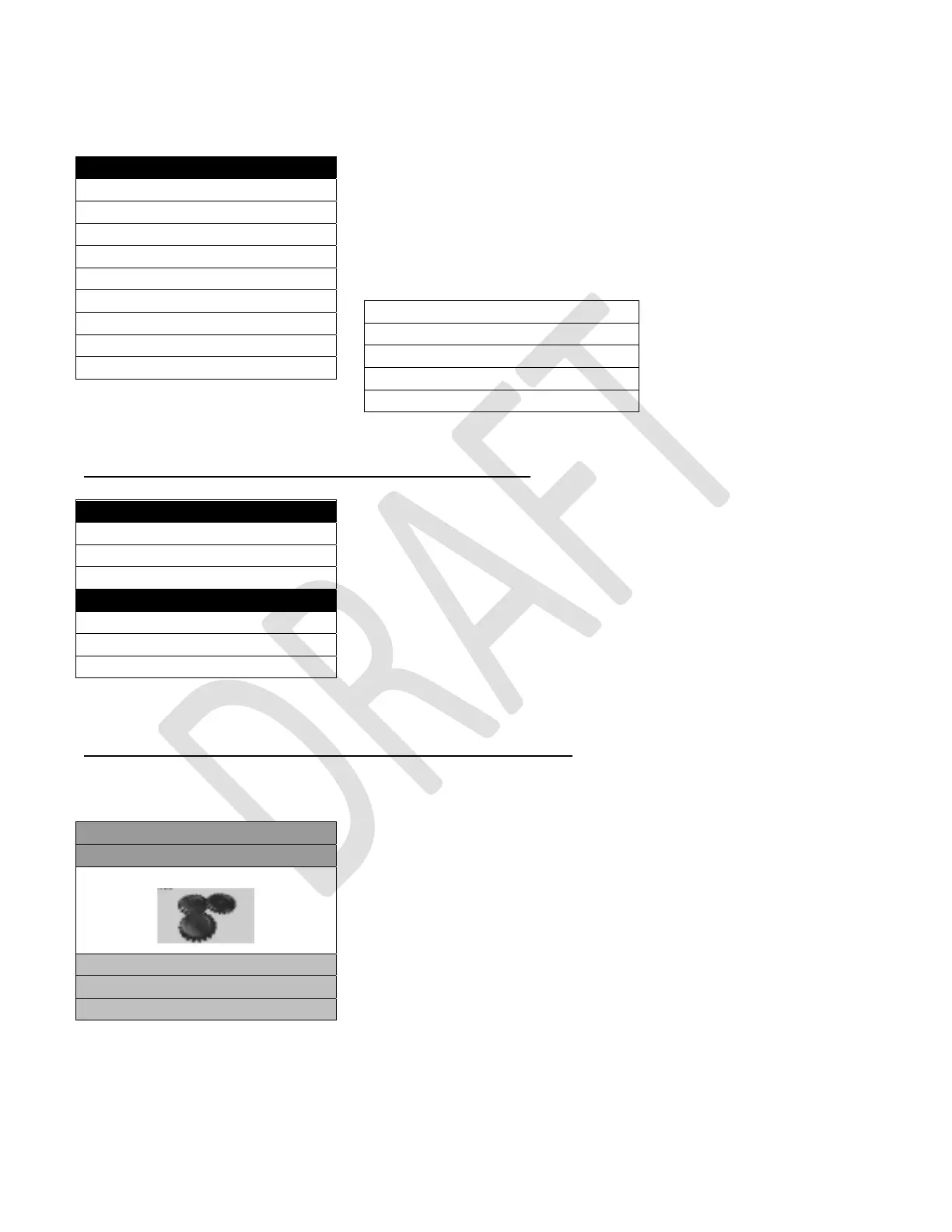
Press the 2 Key will run one cycle on the coin return motor and display will show gears moving.
Test
1) Test Vend >
2) Coin Return Motor >
3) Surround Lighting Test >
4) Screen Test >
5) Refrigeration Test >
6) MagTeck Head Test >
7) Cashless system test >
8) Manufacturing Tests >
9) Monetary >
1) Monetary (repeat) >
2) Port and Cup Sensors >
3) Platform Movement >
4) Other Relays >
5) Keypad Test >
Test Vend
Credit $0.00
Credit Card
Token
1) Select Product 101
Price $0.00
2) Start Vend >
Test
1) Test Vend >
Coin Return Motor
2) Surround Lighting Test >
3) Screen Test >
4) Refrigeration System >



 To Next Page