BevMax_Media_Programming_10_6_10 Page 33 of 106
08/15/2013
(continued Second Screen)
Some lists use more than one screen, use the top and
bottom of the OK Key to scroll to the desired selection.
Remember to return to the screen with “SAVE
GROUP” assigned to the 1 Key, using the X (delete) Key, and press the 1 Key to save the changes
you have made to the group, or your changes will be lost!
4. FIFO Mappings – Press the 4 Key to bring up a tray list.
Use a numeric Key to bring up a list of the selections on the selected tray.
The selection list will tell you what group each selection is
assigned to, or that it is unassigned.
Some selection lists use more than one screen. Use the top and
bottom of the OK Key to scroll forward and backward thru the
screens.
3. UPC (Universal Product Codes)/EAN(Article Numbering System) Codes – Press the 3 Key to
bring up a list.
Press the 3 Key will bring up a tray list of UPC/EAN Codes.
Press a numeric Key to choose a tray. Choosing a tray will bring
up a screen listing all the selections on that tray.
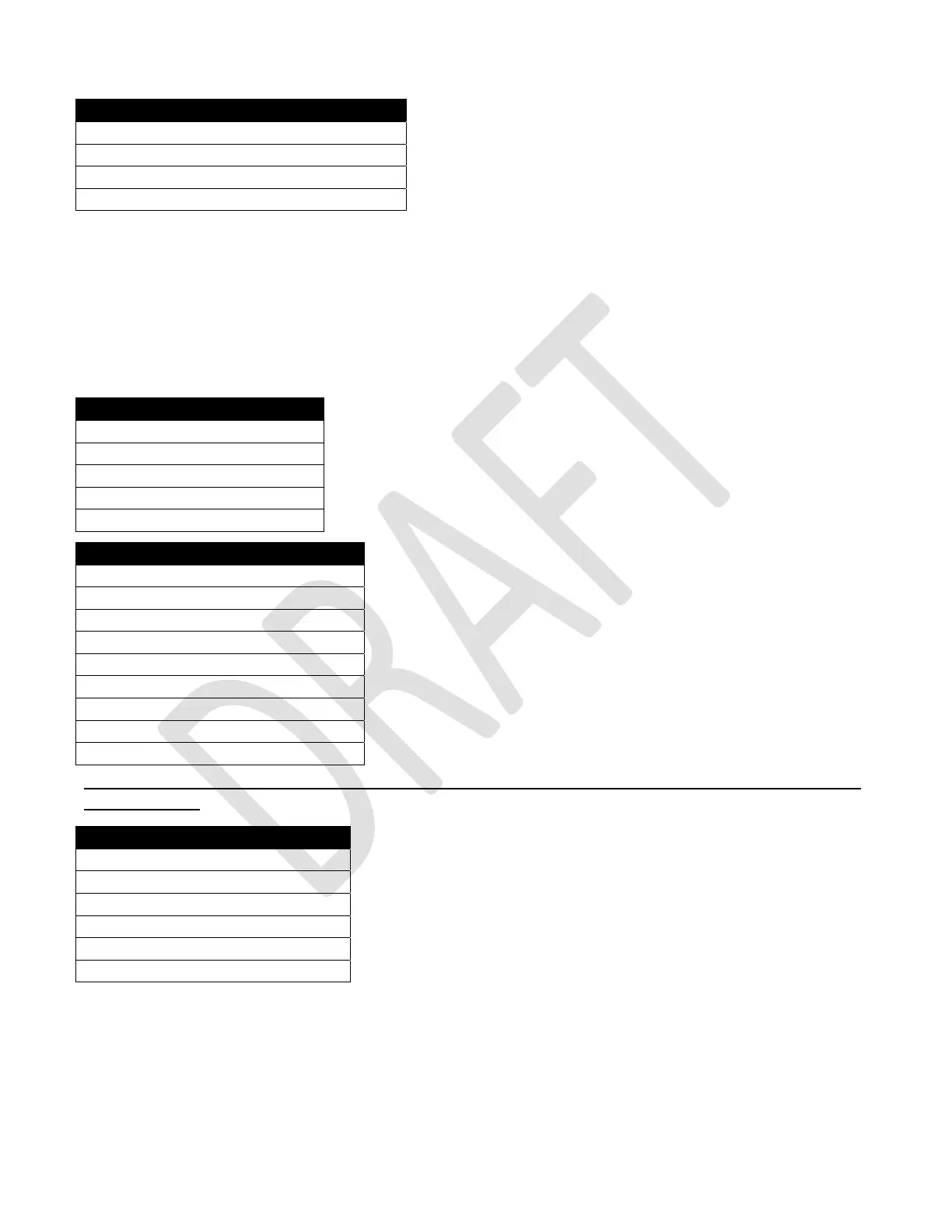
Tray #1 FIFO Selections
1) 106 (repeat) √
2) 107 √
3) 108 √
4) 109 √
FIFO Mappings
1) Tray #1 >
2) Tray #2 >
3) Tray #3 >
4) Tray #4 >
5) Tray #5 >
Tray # 2 FIFO Selections
201 Group #1
202 Group #1
203 Group #1
204 Group #1
205 Group #1
206 Group #1
207 Group #1
208 Group #1
209 Group #1
UPC/EAN Codes
1) Clear all Products >
2) Tray #1 >
3) Tray #2 >
4) Tray #3 >
5) Tray #4 >
6) Tray #5 >



 To Next Page