BevMax_Media_Programming_10_6_10 Page 27 of 106
08/15/2013
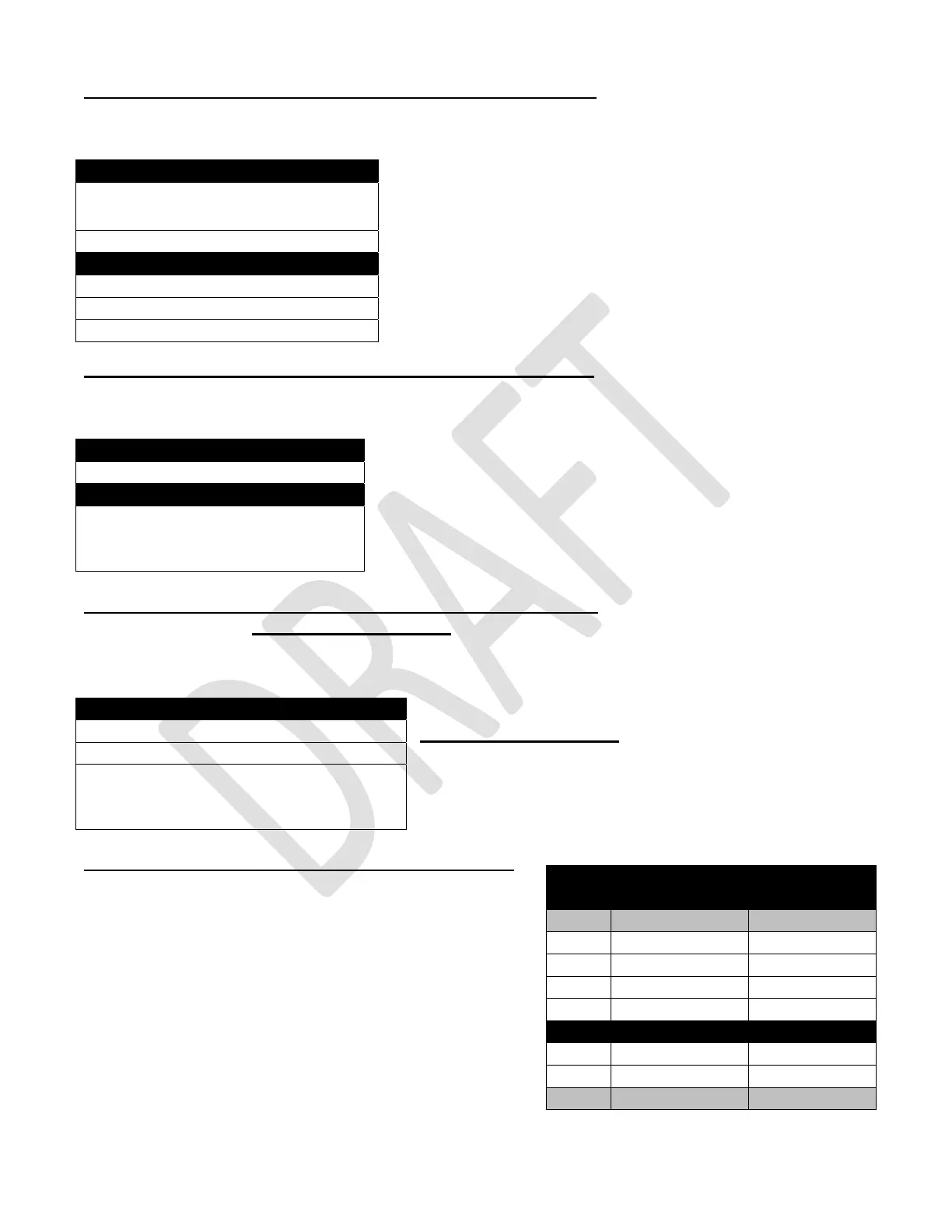
6. MagTeck Head Test – Press the 5 Key to enter the function.
Press the 5 Key will bring up a screen and the top portion is asking you to swipe your card.
Swiping your card will tell you if it was a good or bad swipe
and on which tracks data was detected.
7. Cashless system test – Press the 7 Key to enter the function.
Press the 7 key will bring up a screen and the top portion will read “Please Swipe Card”. The bottom of
the screen will tell you the most recent swipe status.
8. Manufacturing Tests – Press the 8 Key to bring up a screen.
Manufacturing Use Only
Press the 8 Key will bring up a screen allowing you to set test settings.
Use the numeric Keys to set up test settings.
Manufacturing Use Only
This menu if of Manufacturing purposes only and should
not be used in the field.
Do Not Use.
9. Monetary – Press the 9 Key to bring up a screen.
Press the 9 Key will bring up the screen that shows data
about the coin mechanism and the bill validator.
When there are empty columns with no column header, it
simply means we are using a pre-built Flash table. It
provides room for future data to be inserted.
MagTeck Head Test
Please swipe card
Good / Bad Swipes 0 / 0
Last Swipe Information
Track 1 0
Track 2 0
Track 3 0
Cashless system test
Please swipe card
Most recent swipe status
Manufacturing Tests
1) Set Test Price >
2) Set Test Temperature >
Please use default configuration backup
(from System System Settings →
Backups to restore usual configuration
Monetary
Coin Mechanism
Coin
$0.05
$0.10
$0.25
Bill Validator
$1.00
$5.00
Token



 To Next Page