BevMax_Media_Programming_10_6_10 Page 36 of 106
08/15/2013
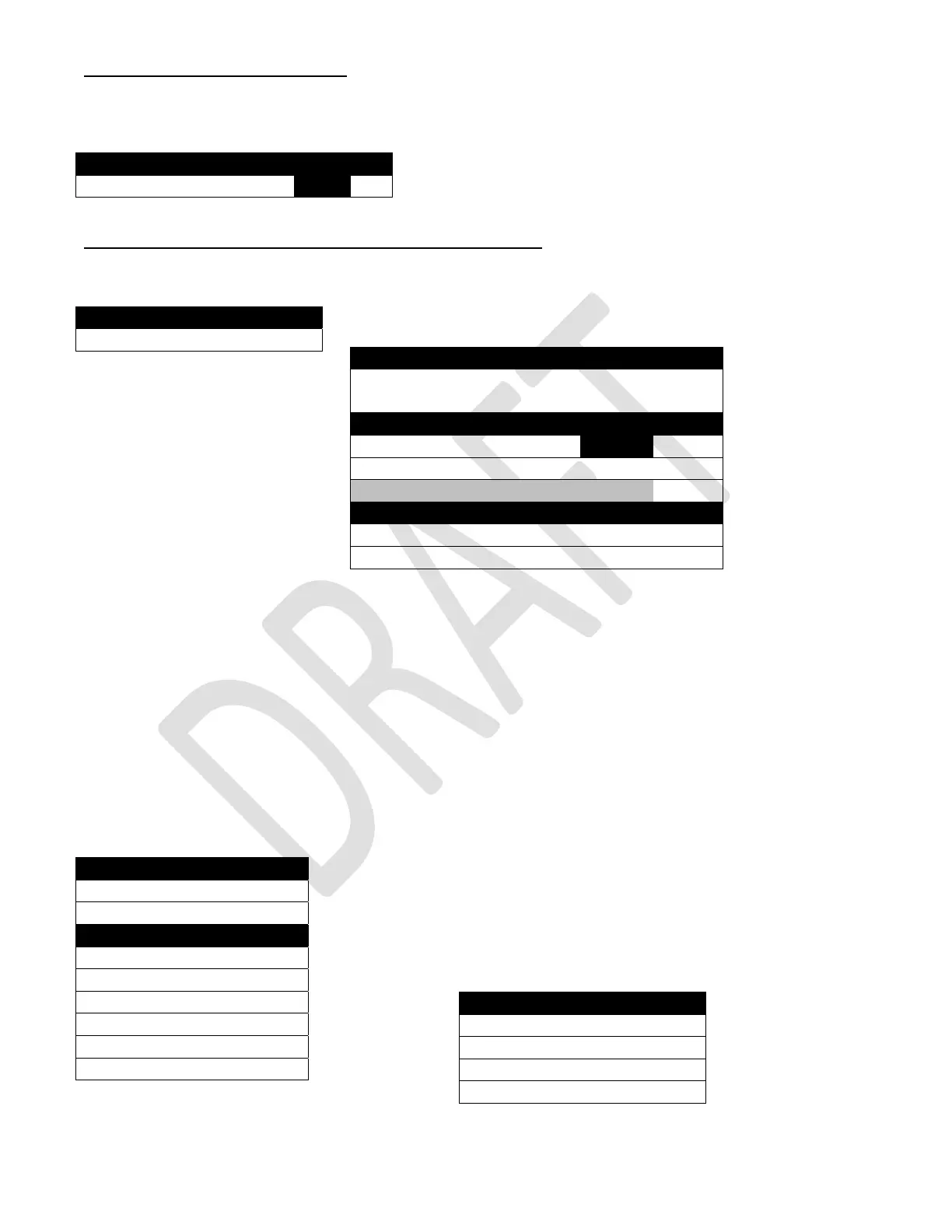
1. Free vend – Press the 1 Key.
Press the 1 Key will toggle an entry in a window on the first screen between On and Off.
2. Winner Mode – Press the 2 Key to bring up a screen.
Press the 2 Key will bring up a screen that will prompt you to press the 1 Key.
This screen has only one option at this point.
Once a group has been created, this screen will
be expanded to include more options for
control and editing of the group.
Press the 1 Key will bring up a screen allowing
you to create a group of selections to
operate in the Winner Mode. It is divided into
multiple sections.
The 1 Key is the Save button for the group
you create. If you fail to save the group you
create, your work will be lost.
Press the 2 Key allows you to toggle the setting between Winner and Prize. If Winner is selected, the
chosen product is given and credit returned. If Prize is selected, the chosen product is given and a
second product (the Prize) is also given.
(continued Second Screen)
Press the 3 Key allows you to determine the frequency or how often a Winner Vend happens, based on
the number of successful vends completed.
This window only appears if the Prize Setting has been chosen with the 2 Key.
Press the 4 Key will open a live window allowing you to enter the selection number for the product that
will be given as a Prize in a winner vend, using the numeric keypad.
The last section of the screen is a tray list. Use a numeric Key to choose
a tray. The Key number will vary depending on your previous choice of
Winner or Prize.
Choosing a tray will bring up a screen that displays the selections on the
chosen tray. There is a second screen.
Special Vend Modes
1) Free vend Off
Winner Mode
1) Add Group >
Add Group
1) Add New Winner Group
nothing selected >
Parameters
2) Mode Prize
3) Frequency 100
4) Prize 101
Trays
6) Tray #1 >
7) Tray #2 >
Tray #2 Winner Selections
1) Set All >
2) Clear All >
3) 201 √
4) 202 √
5) 203 √
6) 204 √
7) 205 √
8) 206 √
Tray # 2 Winner Selections
1) 206 √
2) 207 √
3) 208 √
4) 209 √



 To Next Page