Supplemental Guide – DOC. 8226D TSR-310: Handheld Touch Screen Remote • 13
Manage WAPs
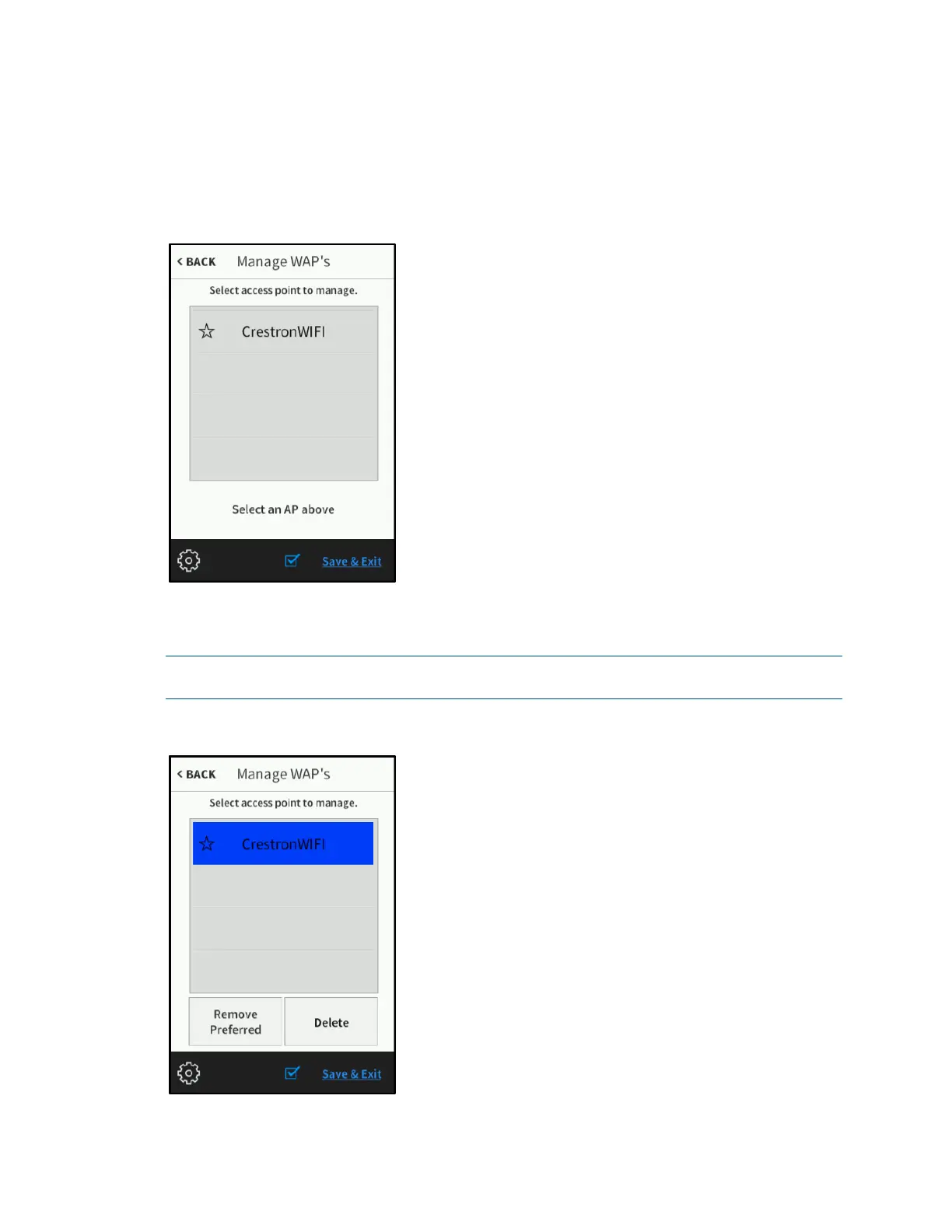
On the Wireless Settings screen, tap Manage WAPs to display the Manage WAPs
screen.
Manage WAPs Screen
Use the Manage WAPs screen to manage settings for up to four saved WAPs. Tap one
of the listed WAPs to display buttons for managing the selected WAP.
NOTE: For most applications, Crestron does not recommend using more than one saved
WAP at any given time.
Manage WAPs Screen - WAP Selected



 To Next Page